
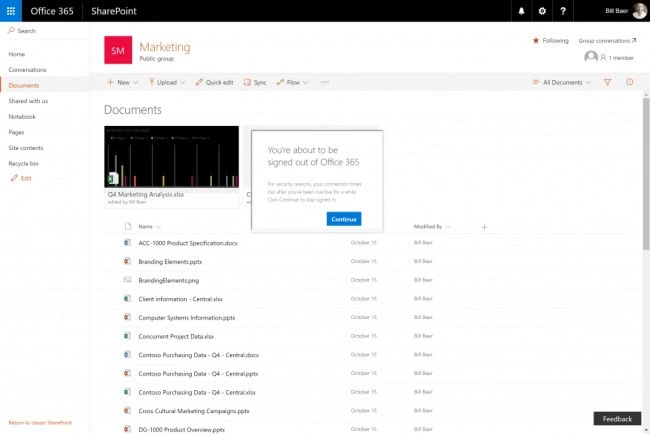
Idle Session Timeout provides administrators to configure a limit on the period of inactivity. Then, the user is warned and signed out of SharePoint or OneDrive. It helps to prevent the overexposure of the information.
Mouse movement or scrolling up and down is not included as an activity.
A layer of protection allows to intelligently hide this prompt if a shared device or a high-risk sign-in are detected.
For federated tenants, this prompt will show after the user successfully authenticates with the federated identity service. It's important to remember that new “Keep me signed in” prompt appears only in case of new sign-in experience.
Muhammad Ahsan JavedPosted Apr 20, 2021, 8:21 AM
Do you know how to get session timeout to display custom message to user to custom page or hosted add-in?