

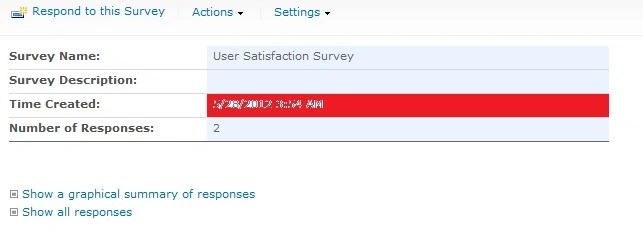
In SharePoint 2010 Environment, we have a requirement to hide the link "Show a Graphical Summary of Responses". This is the list of steps we followed to achieve this.
Steps
1. Edit the Survey's overview.aspx (Site Actions >> Edit Page)
2. In the List view web part, choose "Modify Shared Web Part" and then set the "Selected View" as "Summary View".
3.This will hide the link "Show a graphical summary of response".
Happy Sharepointing :-)
Rebecca MillsPosted Sep 11, 2017, 9:30 AM
After going to Site Actions > Edit Page in the browser, I don't see an option to "Modify Shared Web Part." There's only an option to :"Add a Web Part". How do I find "Modify a Shared Web Part"?