

Windows Service is just the code without the UI, which is always running in the background and triggering the coded task in a particular time interval. Normally, so many default Microsoft Windows Services are running in the background, which we can see by typing the Services.msc and entering,
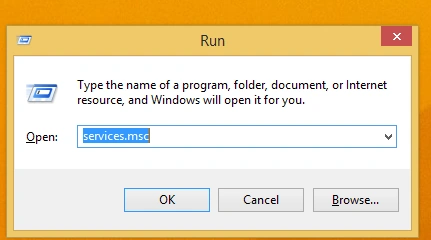
Subsequently, you can view the services, which are all currently running.

Below, I have explained How to Install the Windows Service, using command prompt.
First, we need to locate the InstallUtil.exe, which is used to Install the Windows Service, using Windows system via command prompt.
It comes with Windows internally in the folder, given below..
C:\Windows\Microsoft.NET\Framework\v4.0.30319\InstallUtil.exe
First in the command prompt, we need to change the directory to the folder structure given above, using cd command, as shown below.
cd C:\Windows\Microsoft.NET\Framework\v4.0.30319
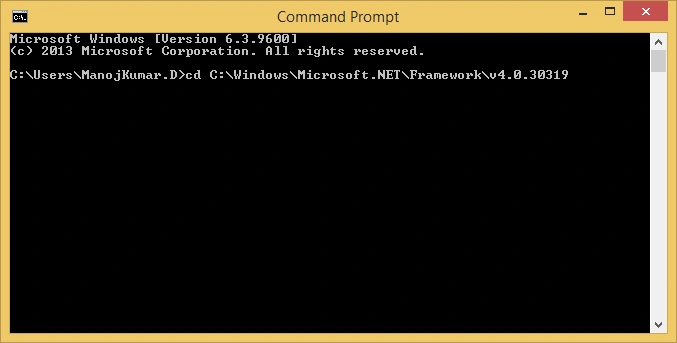
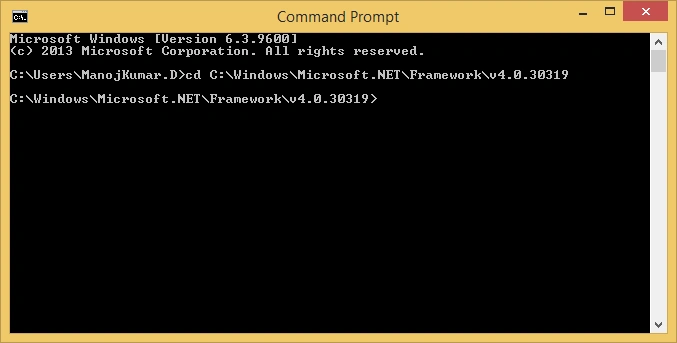
Now, press enter and the directory will be shown below.
To install, you need to give the command, given below.
InstallUtil.exe <Path Of the Windows Service Exe>
For example, InstallUtil.exe E:\MDuraisamy\HOMES_EDI_Service\bin\Debug\Home_EDI_Service.exe
Press enter, due to which all Services will be installed.
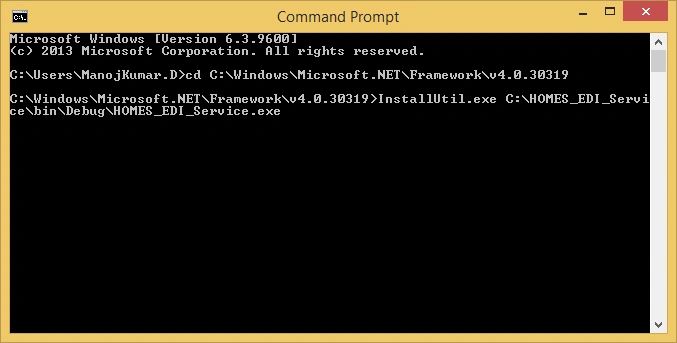
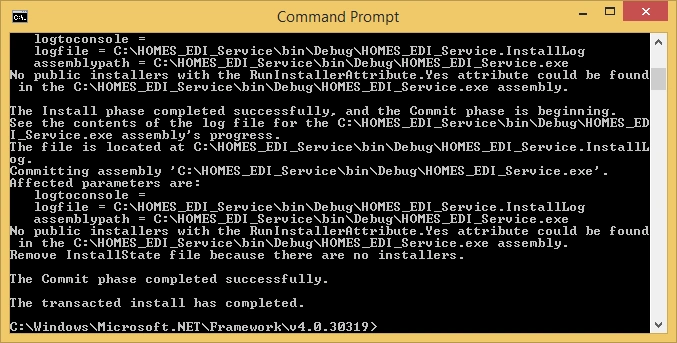
Press enter and it will display Installation Success Message, as shown below.
To uninstall,
If we want to uninstall the Service, we can do it by using the command given below.
If we want to uninstall the Service, we can do it by using the command given below.
InstallUtil.exe /u <Path Of the Windows Service Exe>
for Example, InstallUtil.exe /u E:\MDuraisamy\HOMES_EDI_Service\bin\Debug\Home_EDI_Service.exe
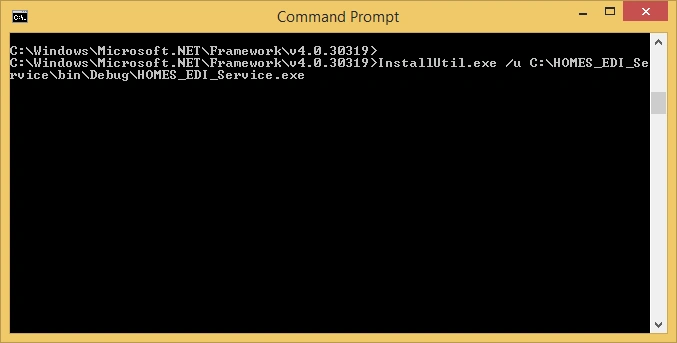
Here, I have given the screenshot below for the uninstall process,
Uninstall Command execution is given below.
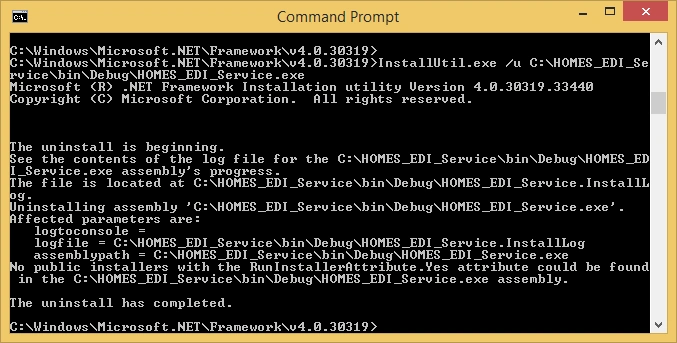
Uninstall success message will be displayed, as shown below.
I hope, it will be useful to the beginners, who have struggled to install Windows Service.
Note
It will be better to log each and every activity of the Service in Notepad or db, else we won'tbe able to debug the issue in the service.
It will be better to log each and every activity of the Service in Notepad or db, else we won'tbe able to debug the issue in the service.
vamsi boppanaPosted Jun 28, 2019, 8:58 AM
You missed one point, command prompt should opened as administrator. I followed your process but failed: access denied, coz of no admin access
SubashPosted Mar 13, 2017, 8:35 PM
Thanks for sharing nice one
Kumaresan SubramanianPosted Dec 28, 2016, 2:41 AM
Good Article. Find it very useful.
svk1974Posted Dec 28, 2016, 2:31 AM
Awesome Article Thanks ! it helped me lot :-) !