

Introduction
This blog is helpful for changing runtime color in Windows Forms for any control.
For Example: textbox, button, panel, label, etc.
Using the control
- Open Visual Studio 2013 and create New Project in Visual C# under Windows.

- One form is already open in your project.
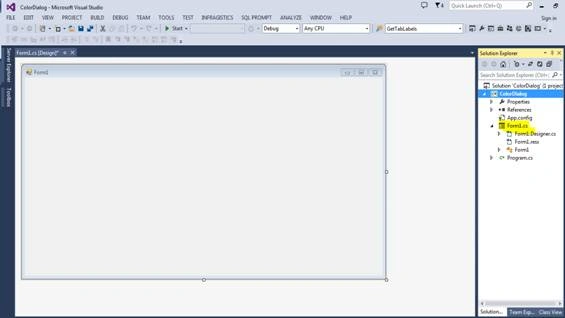
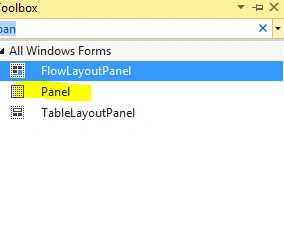
- You should add colordialog control in toolbox (just double click on colordialog).

- Now you add whatever control you need from Toolbox .
- I have added all controls like the following pic,
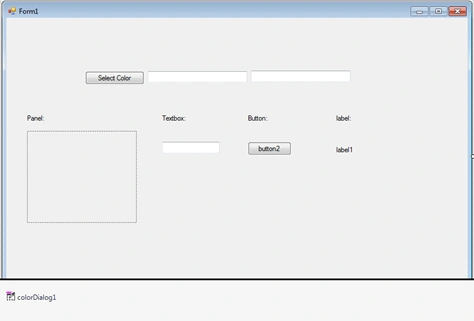
- On double click of select color button, you will jump to code behind.
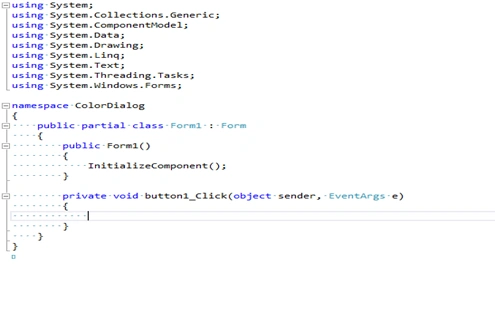
- Write the code,
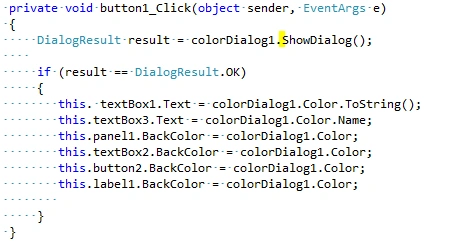
- First you call colordialog1 control when you press button.
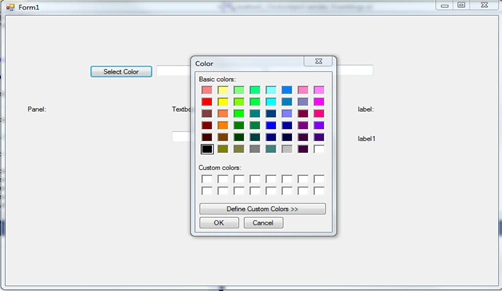
- Run your project.
- Once I click select color button, color window should appear and select any color from the color window.
- Selected color is applied for all the control.
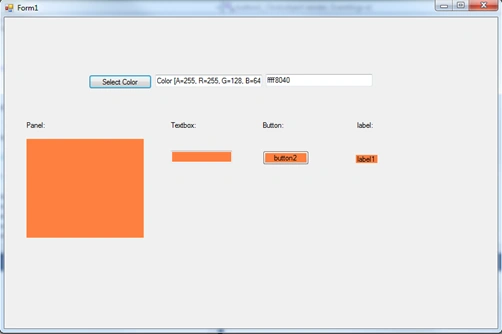
- I have shown the textbox what color you have selected and applied the color.
SubashPosted Sep 9, 2016, 12:41 AM
Very nice
Keerthi VenkatesanPosted Apr 13, 2016, 2:53 AM
great useful.