

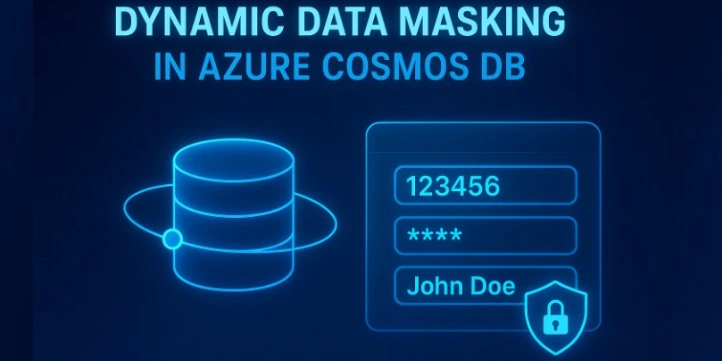
Today marks the public preview release of Dynamic Data Masking (DDM) for Azure Cosmos DB, a significant step forward in data protection for organizations using this globally distributed NoSQL database. This new feature allows companies to safeguard sensitive information effortlessly, without the need to alter application code or database queries.
Understanding Dynamic Data Masking
Dynamic Data Masking is a server-side, policy-driven security mechanism designed to mask sensitive data in real time for users without appropriate privileges. It ensures only authorized users can access the unmasked data, while others see obfuscated or redacted versions. Importantly, the actual data stored in the database remains unchanged, as masking occurs dynamically during data retrieval. This approach is particularly useful for protecting legally sensitive information such as Personally Identifiable Information (PII) and Protected Health Information (PHI), aiding compliance with privacy laws and organizational policies.
Why Dynamic Data Masking Matters for Azure Cosmos DB
Previously, developers had to implement masking logic in the application layer to protect sensitive data when accessed. This approach was complex, error-prone, and difficult to maintain as organizational roles and compliance rules evolved. Azure Cosmos DB lacked a built-in way to mask data dynamically based on user roles, increasing the risk of accidental data exposure and complicating audit processes.
Key Benefits of Azure Cosmos DB Dynamic Data Masking
Enhanced Data Security: Sensitive information is protected by showing masked data to unauthorized users and full details only to privileged ones.
Role-Based Automation: Masking is automatically applied according to roles defined via Azure Cosmos DB’s built-in role-based access control (RBAC).
Compliance Simplification: Helps meet regulatory requirements for sensitive data handling without additional application development efforts.
Preserves Original Data: Data remains intact and unaltered; masking applies only during data access or queries.
How to Configure Dynamic Data Masking in Azure Cosmos DB
Setting up DDM involves a straightforward process within the Azure portal:
Join the conversation! Your thoughts help the community grow.