
Steps:
- Add a RichTextBox to the Form
- Add Contextmenu and set two items as a)Add
Color , b)Set Font
- Set this as the contextmenu for the
RichTextbox(take the property and directly set )
- Add ColorDialog and fontDialog to the form
- Hook the event
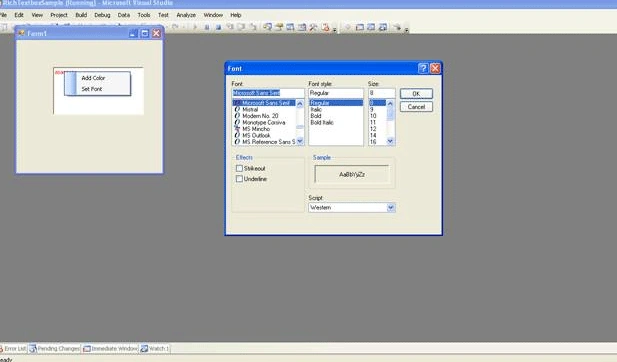
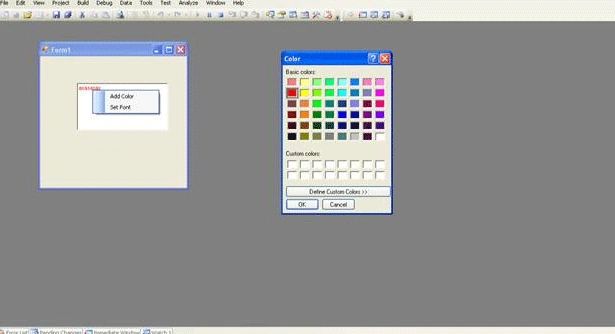
contextMenuStrip1_ItemClicked and use the "SelectionFont" and
"SelectionColor" property of RichTextbox as shown in the below code to set
the color and font
private void contextMenuStrip1_ItemClicked(object sender, ToolStripItemClickedEventArgs e)
{
if (e.ClickedItem.Text == " Add Color ")
{
DialogResult color = colorDialog1.ShowDialog();
// See if user pressed ok.
if (color == DialogResult.OK)
{
// Set Color to the selected text
this.richTextBox1.SelectionColor = colorDialog1.Color;
}
}
if (e.ClickedItem.Text == " Set Font ")
{
DialogResult font = fontDialog1.ShowDialog();
if (font == DialogResult.OK)
{
// Set selection font to the fontDialog1.Font
this.richTextBox1.SelectionFont = fontDialog1.Font;
}
}
}
Join the conversation! Your thoughts help the community grow.