

Introduction
In our last four articles, we learned nearly everything about how to create a MVC application and how to communicate with a database using the same application.
In the third part of Learning MVC, we learned how to communicate between a MVC application and database using the EntityFramework, so referring to the same context, in this article I'll focus on how to implement a Repository Pattern in the same MVC application, therefore moving ahead a step towards an architectural approach of developing an enterprise application.
Our Roadmap
Just as a reminder of our full roadmap towards learning MVC:
- Part1: Introduction to MVCarchitecture and Separation of Concerns.VCarchitecture and Separation of Concerns.
- Part 2: Creating MVC Application fromscratch and connecting it with database using LINQ to SQL.
- Part 3: Connecting the MVC Application with the help of EntityFramework DB-First approach.
- Part 4: Connecting the MVC Application with the help of EntityFramework Code-First approach.
- Part 5: Implementing Repository Pattern in MVC Application with EntityFramework.
- Part 6: Implementing a generic Repository Pattern and Unit Of Work pattern in MVC Application with EntityFramework.
Pre-requisites
There are a few pre-requisites before we start with the article, as in the following:
- We have a running sample application that we created in the third part of the article series.
- We have the EntityFramework 4.1 package or DLL on our local file system.
- We understand how a MVC application is created.
Repository Pattern
Very few authors explain the concept, and instead jump directly to the practical implementation of the pattern. So, let us first understand what the repository pattern is and why we should use it.
In simple terms, a repository basically works as a mediator between our business logic layer and our data access layer of the application. Sometimes it would be troublesome to expose the data access mechanism directly to the business logic layer, it may result in redundant code for accessing data for similar entities or it may result in code that is hard to test or understand. To overcome these kinds of issues, and to write an interface driven and test driven code to access data, we use the Repository Pattern. The repository makes queries to the data source for the data and thereafter maps the data from the data source to a business entity/domain object and finally persists the changes in the business entity to the data source. According to the MSDN, a repository separates the business logic from the interactions with the underlying data source or web service. The separation between the data and business tiers has the following three benefits:
- It centralizes the data logic or web service access logic.
- It provides a substitution point for the unit tests.
- It provides a flexible architecture that can be adapted as the overall design of the application evolves.
When we use the Entity Framework, as we did in our last application created, we were calling the Entity Framework class object in the controller class for accessing the entity classes. Now we can say that that system was somewhat a tightly coupled system. To overcome this situation, as we discussed, we'll implement the Repository Pattern.
In the Repository, we write our entire business logic of CRUD operations using Entity Framework classes, that will not only result in meaningful test driven code but will also reduce our controller code of accessing data.
Creating Repository
The creation of the Repository is not as tough as it sounds, once you implement this on your own, you'll love it.
Step 1: Open our existing MVC3 application in Visual Studio, that we created in the third part to interact with the database using the Entity Framework.
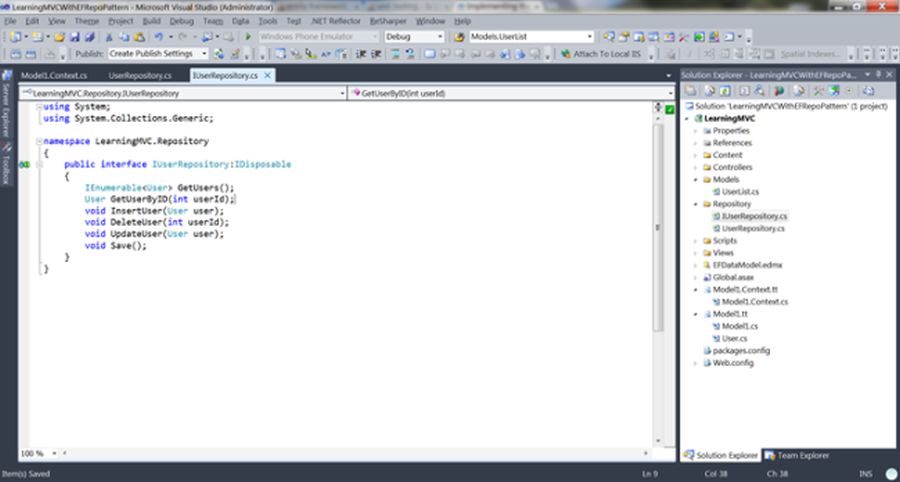
Step 2: Create a folder named Repository and add an interface to that folder named IUserRepository , this interface we derived from the IDisposable type of interface.
We'll declare methods for CRUD operations on the user entity class over here, you can choose the names of the methods as you prefer, but those should be easy to understand and follow.
Like as I used in the following code of my interface:
- using System;
- using System.Collections.Generic;
- namespace LearningMVC.Repository
- {
- public interface IUserRepository:IDisposable
- {
- IEnumerable<User> GetUsers();
- User GetUserByID(int userId);
- void InsertUser(User user);
- void DeleteUser(int userId);
- void UpdateUser(User user);
- void Save();
- }
- }
We can see that each method name signifies a particular CRUD operation on user entity.
User Entity is the same entity we generated in the Model.tt class in Part 3 of learning MVC, remember?
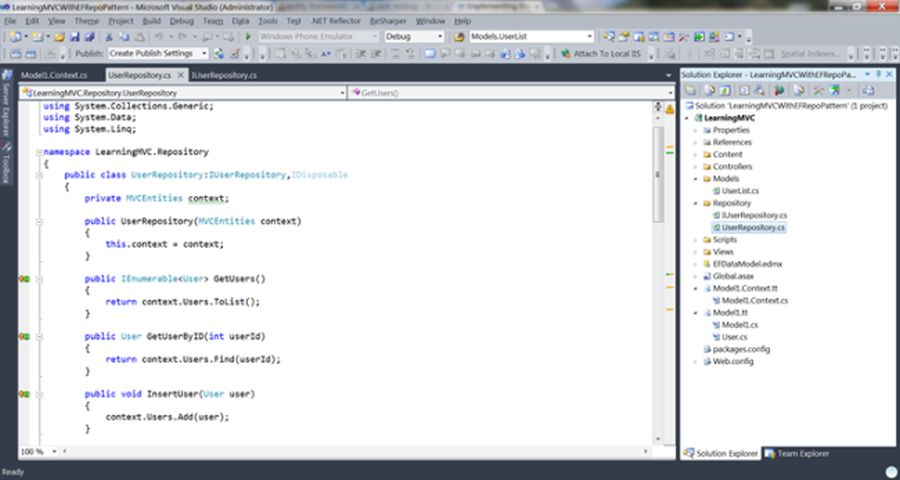
Step 3: Extract a class from that interface and call it "UserRepository". This UserRepository class will implement all the methods of that interface, but using the Entity Framework. Now for the use of our DBContext class MVCEntities, we already have this class in our existing solution, so we don't need to touch this class, instead we simply write our business logic in the interface methods implemented in UserRepository Class.
- using System;
- using System.Collections.Generic;
- using System.Data;
- using System.Linq;
- namespace LearningMVC.Repository
- {
- public class UserRepository:IUserRepository
- {
- private MVCEntities context;
- public UserRepository(MVCEntities context)
- {
- this.context = context;
- }
- public IEnumerable<User> GetUsers()
- {
- return context.Users.ToList();
- }
- public User GetUserByID(int userId)
- {
- return context.Users.Find(userId);
- }
- public void InsertUser(User user)
- {
- context.Users.Add(user);
- }
- public void DeleteUser(int userId)
- {
- User user = context.Users.Find(userId);
- context.Users.Remove(user);
- }
- public void UpdateUser(User user)
- {
- context.Entry(user).State = EntityState.Modified;
- }
- public void Save()
- {
- context.SaveChanges();
- }
- private bool disposed = false;
- protected virtual void Dispose(bool disposing)
- {
- if (!this.disposed)
- {
- if (disposing)
- {
- context.Dispose();
- }
- }
- this.disposed = true;
- }
- public void Dispose()
- {
- Dispose(true);
- GC.SuppressFinalize(this);
- }
- }
- }


Jatinder KaurPosted Nov 19, 2018, 6:38 PM
Very well expained
Chetan GuptaPosted Jan 27, 2017, 5:53 AM
Sir,in my case I have ran Install-Package Unity.WebAPI but I am getting the error. The type or namespace name 'UnitOfWork' could not be found
Rajeev PunhaniPosted Mar 8, 2016, 7:18 AM
Nicely explained especially repository pattern concept.
ad codersPosted Aug 9, 2013, 12:17 PM
Nice Article Series.Part 6???