

In this article I would like to take you through a real-world problem. You are working on a Java Script method that should be deployed to multiple SharePoint servers. The Java Script needs to be included in the MasterPage file.
How to deploy it?
The manual deployment requires going to each SharePoint site, opening the page in SharePoint Designer and editing the MasterPage. This is time consuming and has maintenance overheads.
How to Automate Deployment?
We need to automate the deployment process. We can use the AdditionalPageHead delegate to render our custom code to MasterPage and everything through automated deployment.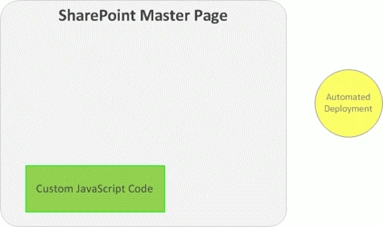
Procedure
Please do the following:
- Deploy the Java Script page to the SharePoint MasterPage
Step 1: Create new project
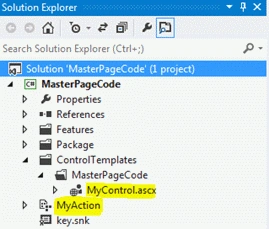
Open Visual Studio and create an empty SharePoint project and name it MasterPageCode. Choose the farm solution option.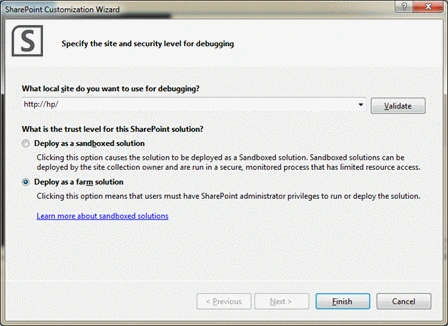
Step 2: Add User Control
Add a User Control item to the project and name it MyControl. We will place our JavaScript code here.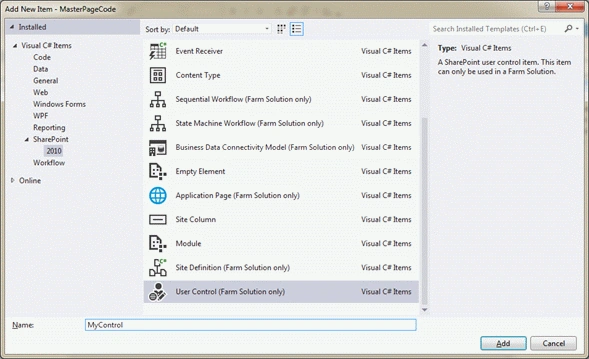
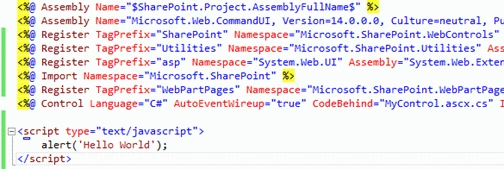
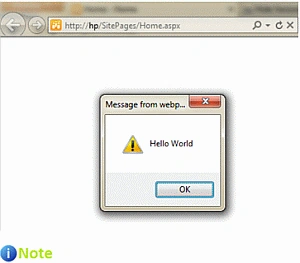
In the appearing user control, place the following code that says "Hello World" using JavaScript.
<script type="text/javascript">
alert('Hello World');

Join the conversation! Your thoughts help the community grow.