
You can now download all of your saved search history to see the list of terms you have search for using your Google account. To get your search history data go to http://www.google.com/history. It will ask for your Gmail account credentials. After entering your credentials you will see a page as shown in image F:1. 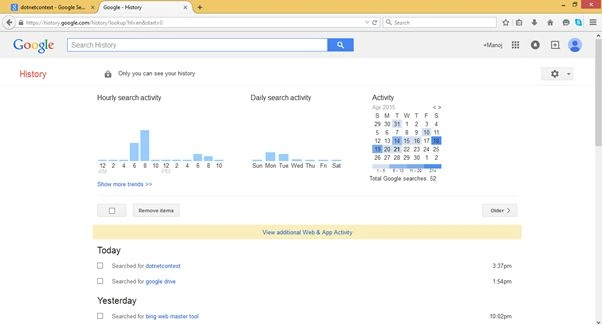
Here you can see the terms you have searched for sorted by date in descending order.
To download the search history, search for the settings icons and click on the download option as shown in the image below (F:2).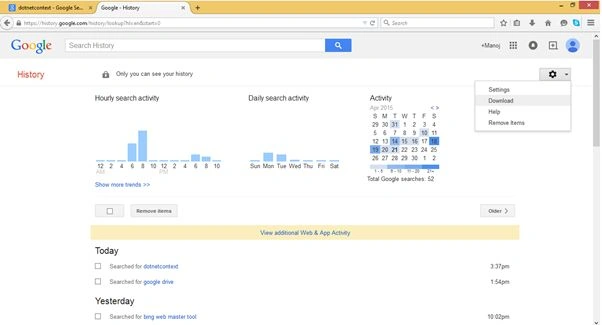
After clicking on the download button, a download dialog will appear as shown below (F:3). 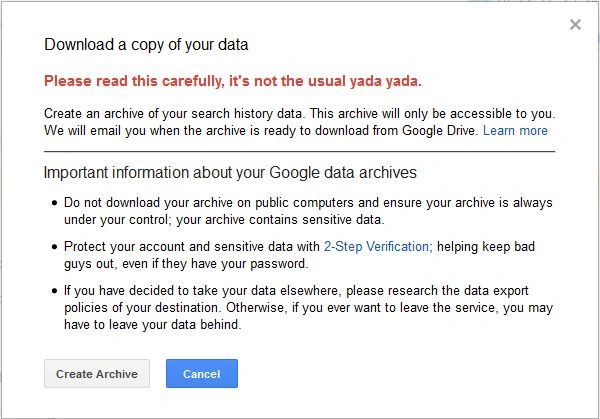
Just click on the Create Archive button and your search history will start downloading to your Google drive account. You will receive an email from Google that your search history is ready for download as shown in the image below (F:4).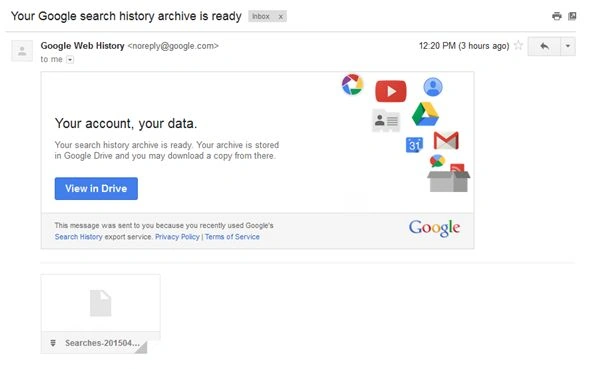
The Downloaded Archive is stored in the Takeout folder of your Google drive account as shown in the image below (F:5).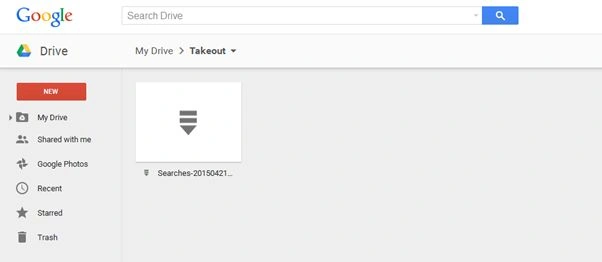
The Archive contains JSON files as shown below (F:6).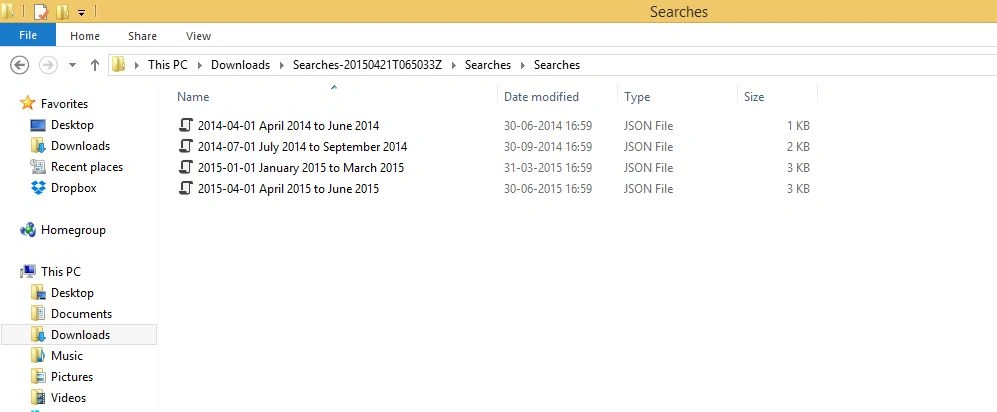
These JSON files contain the data for the search terms along with a timestamp.

How to Download Your Google Search History
Join the conversation! Your thoughts help the community grow.
Sign in to leave a comment
It is the same account you read, post and publish with — and you will come straight back to this page.
Karthik Muthu KaruppanPosted Apr 23, 2015, 11:13 AM
nice
Manoj KulkarniPosted Apr 23, 2015, 12:14 AM
Thank you KHARGESH RAJPUT
Khargesh RajputPosted Apr 23, 2015, 12:13 AM
nice