

The below article was prepared based on the Azure SDK 1.8.
Azure and cloud platforms are about saving money. Instead of buying and operating an entire data center for yourself, you purchase a slice of data center and share in the cost of its operation.
Currently supports:
- .Net
- Java
- Ruby on Rails
- PHP
Migration is not Free
You can't put an existing application on top of Windows Azure. You must first make some changes to your existing application.
Backup is not there
You can't take a backup of your application in the live environment. Backups are still your responsibility.
Logging in and Debugging require some code
Once you host your application in the production environment, you can't get a good view of what is happening in the production environment. But Azure provides standard log and diagnostic data you want. However you must code and configure your application to request and capture the data.
Data Migration
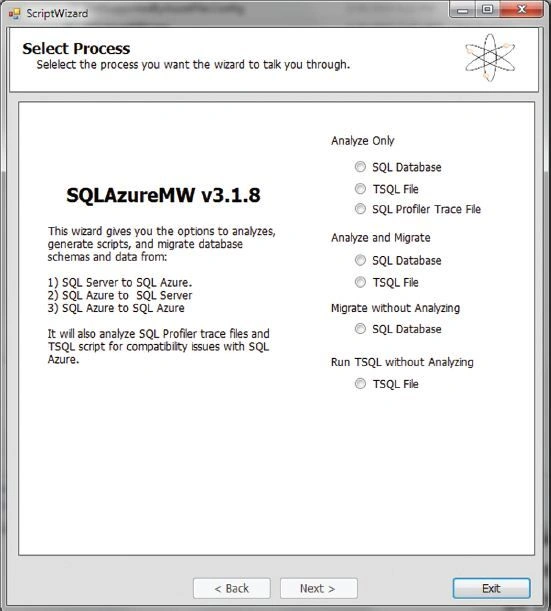
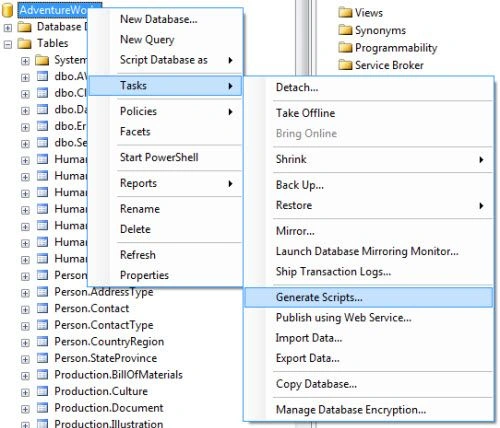
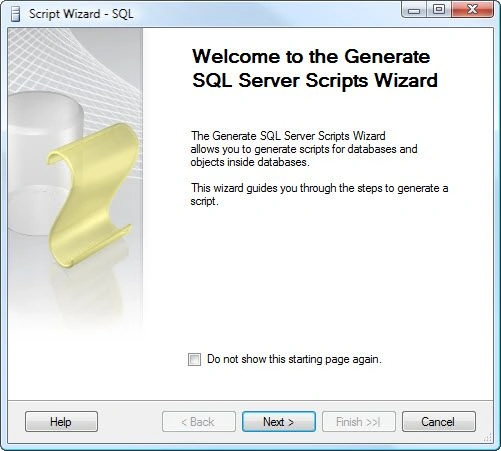
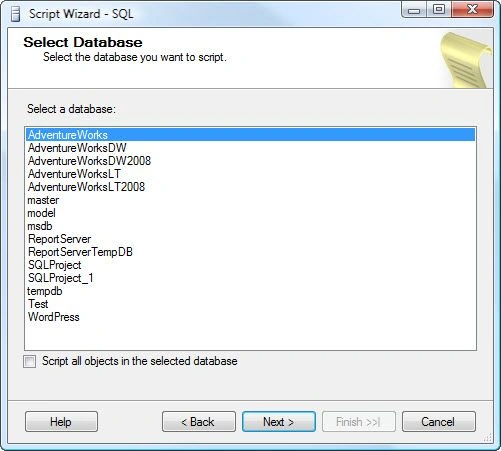
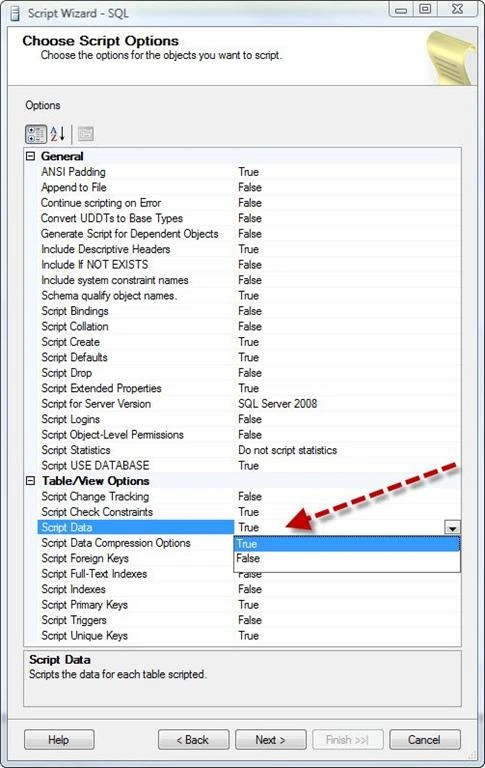
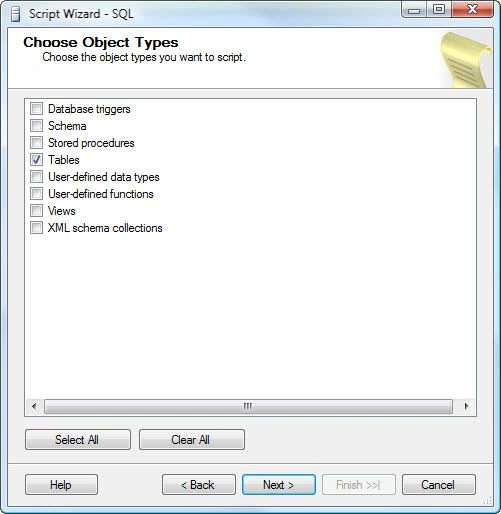
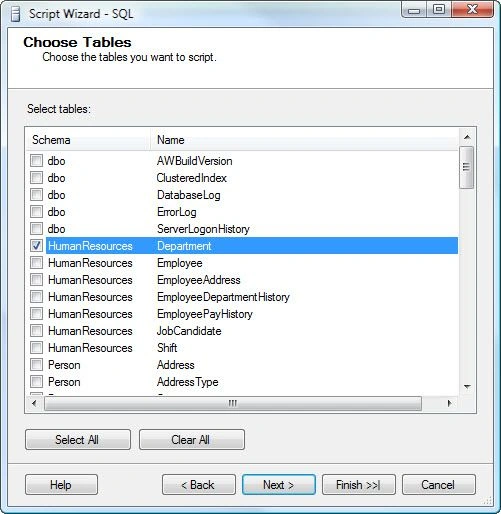
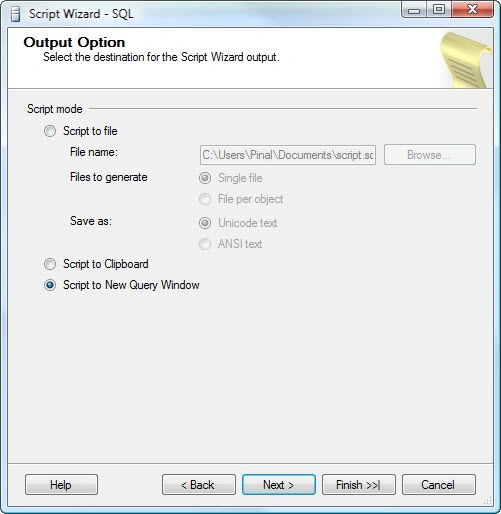
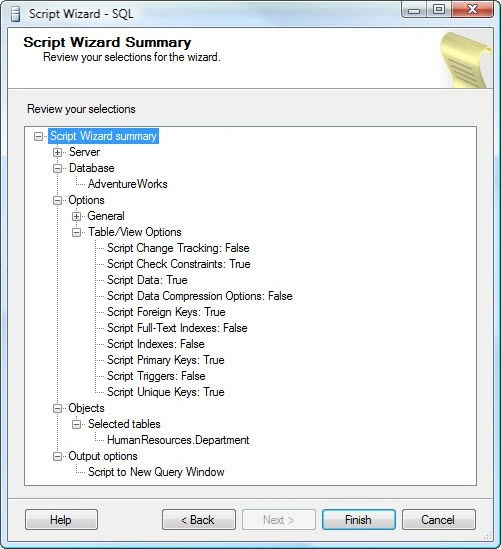
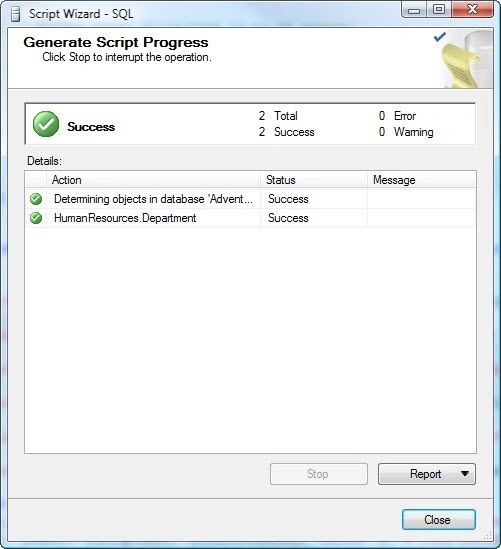
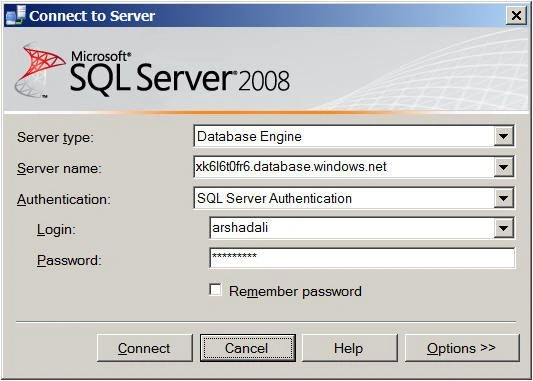
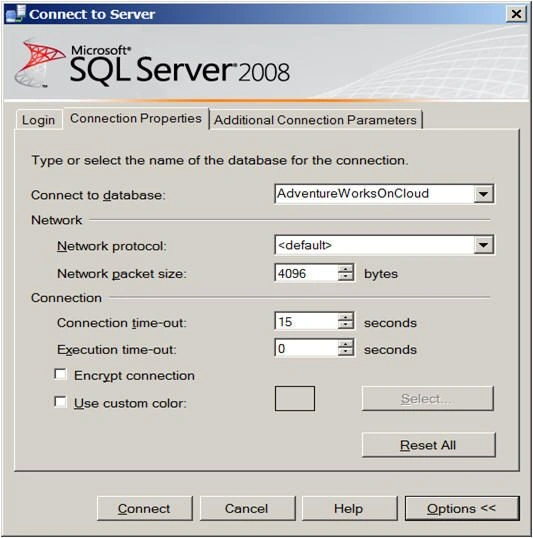
Where and how to retrieve our application data? The best answer is SQL Azure. SQL Azure is a sub-component of Windows Azure. SQL Azure is fully based on SQL Server 2008 R2, whereas migrating existing data from SQL Server 2008 to SQL Azure is not so easy. But CodePlex provides tools to migrate our local data to SQL Azure and vice versa is also possible.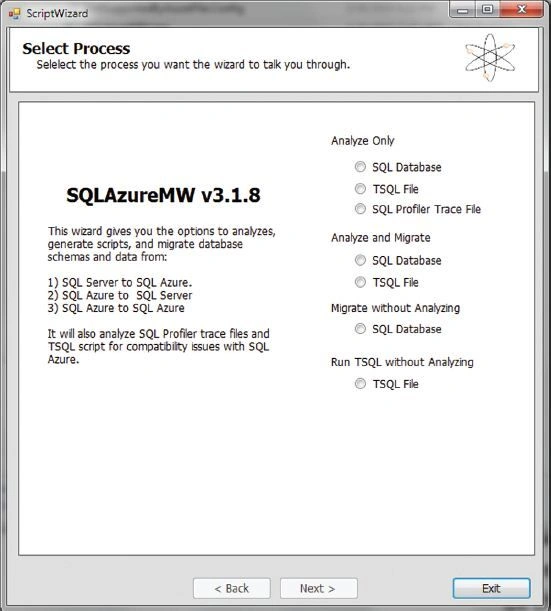
You can find this tool : http://sqlazuremw.codeplex.com/.
ASP.Net Session State
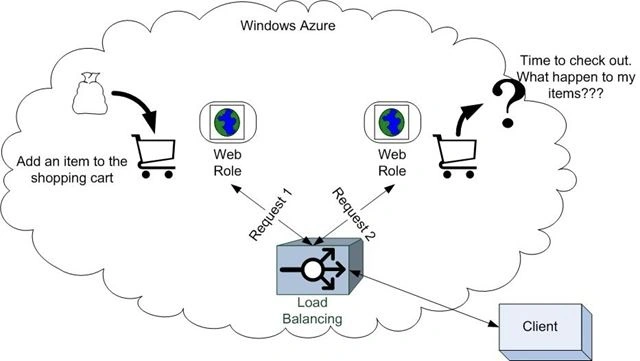
Many ASP.Net applications use session state to track the state of the user's behavior.
Default ASP.Net supports an INProc state or State Server or SQL Server, but Windows Azure doesn't support INProc mode.
Many web applications rely on using the Web.Config to store runtime configuration, this is a handy and secure place to store your configuration details (like database connection strings and so on).
When you deploy your application to Windows Azure your package is deployed to your web role instance as a read only mode, so none of the files can be changed at runtime. If you want to change anything after the deployment then that should be treated as a re-deployment. So you are unable to edit any files in the production environment.
In Windows Azure we have the following two configuration files:
- ServiceConfiguration.cscfg
- ServiceDefinition.csdef
FileSystem Use
Many web applications read and write to the file system. This is a problem in the cloud because your code is running in a stateless environment and could be destroyed and recreated at any time. This is the stateless nature, the local disk is not available for use.
You only use the file system for temporary storage, for that Windows Azure provides a local disk on the server for temporary use. The following are the configuration details to request the local files system for temporary usage. You need to fill in these details in the csdef file.
- <LocalResources>
- <LocalStorage name=”TempStore” sizeinMB=”100” clearonRoleRecycle=”True”/>
- <LocalResources>
- LocalResource localCache = RoleEnvironment.GetLocalResource("TempUploads");
- string localCacheRootDirectory = localCache.RootPath


Nirman DoshiPosted Aug 8, 2017, 9:17 AM
Is SQL Server still supports SQL Server 2008 R2 migrations only? What if we need to migrate our SQL Server 2012/ 2014 db to SQL Azure?
Karthik Muthu KaruppanPosted May 4, 2015, 1:56 PM
good
Manoj KieanPosted May 4, 2015, 1:21 AM
Good One Sathish
Santhakumar MunuswamyPosted May 4, 2015, 12:07 AM
Welcome
Santhakumar MunuswamyPosted May 4, 2015, 12:06 AM
Good Start
Santhakumar MunuswamyPosted May 3, 2015, 11:41 PM
Thanks for nice article
Sathish KumarPosted May 3, 2015, 11:20 PM
Thank you Gowtham
Gowtham RajamanickamPosted May 3, 2015, 10:47 PM
good