

Introduction
We used to utilize SQL Server Management Studio(SSMS) as the most common Graphical User Interface tool for administering our SQL Server instances in our data center or in the cloud. SSMS may also be used to build our database projects, which involves creating or altering database objects as well as viewing and modifying the data stored in these databases. You can simply design database components and view/modify data in database tables with Azure Data Studio. It enables you to execute T-SQL queries, inspect, amend, and export the results to a variety of useful formats, including CSV, Excel, XML, and JSON, which can be processed by your applications or imported by another database engine.
Topics to be Covered?
- What is Azure Data Studio
- Why do we need this Azure Data Studio Tool when we have SSMS
- Azure Data Studio Overview
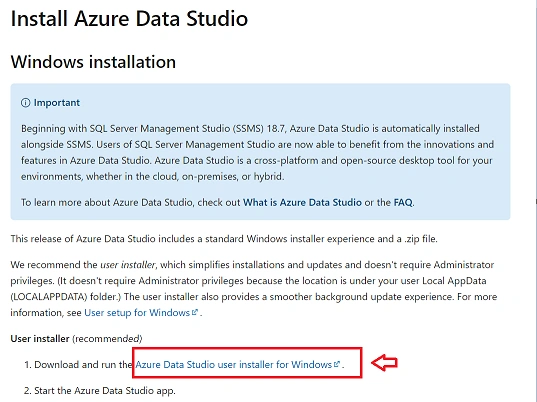
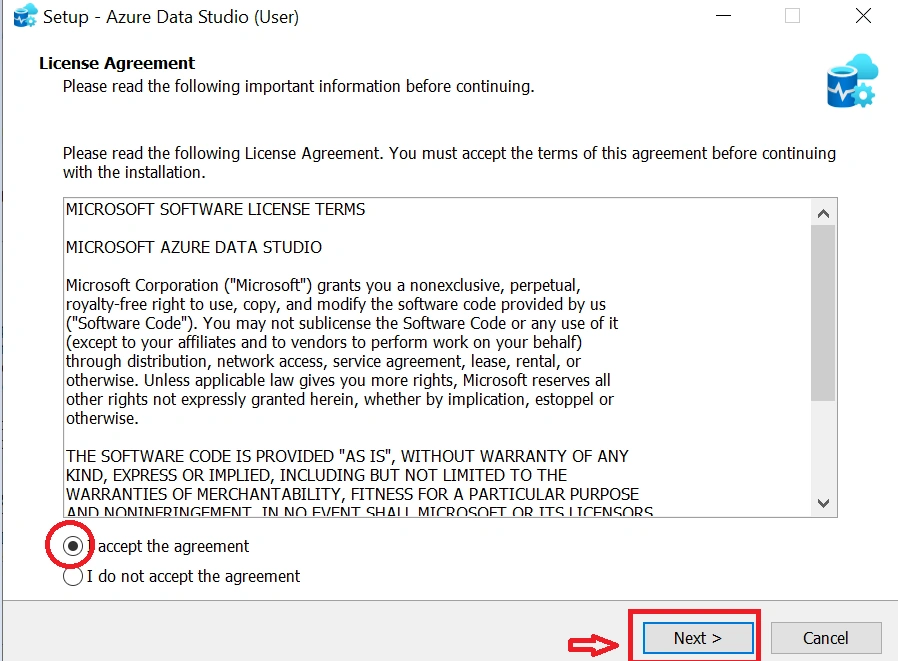
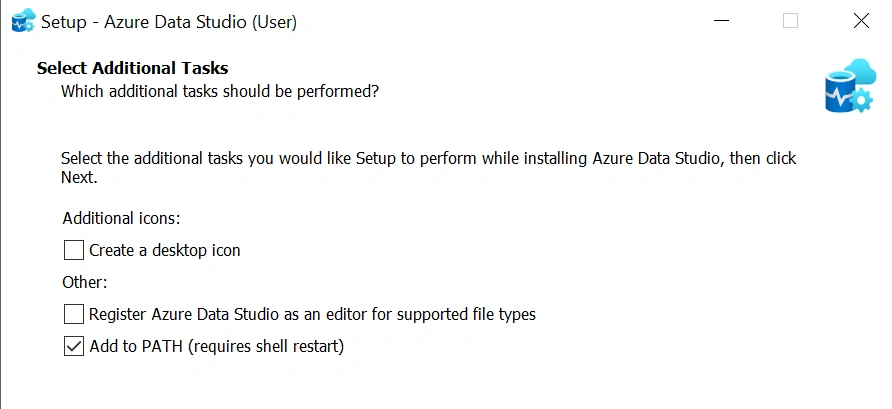
- Installation Setup
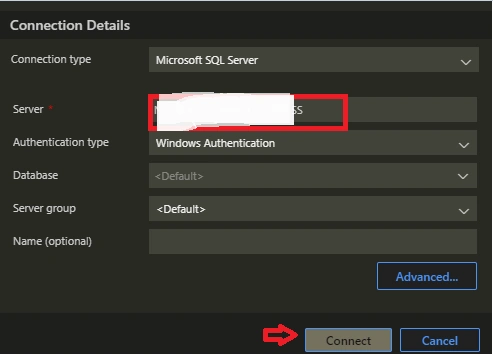
- Work with Azure Data Studio
What is Azure Data Studio?
For database specialists who work with local and cloud platforms on Windows, macOS, and Linux, Azure Data Studio is one of the best-known and most popular options. This software provides a lightweight, modern environment for developing SQL code with a variety of built-in features. Its purpose is to make users' daily work easier and to improve their professional experience over time.
Why do we need this Azure Data Studio Tool when we have SSMS?
Database Plays a major role in any of the enterprise applications in order to work with Databases we need a dedicated tool like SSMS for SQL Database and My SQL Workbench for MySQL Database and so on. Let's take an example if you are an SQL Developer or You need to run a query to check the data you might ask... Why do I need this Azure Data Studio Tool when I have SSMS in my machine... Below is the list of reasons for using Azure Data Studio.
- You're a Mac or Linux user.
- 2019 Big Data Clusters require you to connect and collaborate.
- You'll need something lighter than SSMS.
- Work with JSON, XML, or Excel files more effortlessly.
- The terminal that is integrated. You can use command-line programs like Bash, PowerShell, and others.
Azure Data Studio Overview
- If you're wondering if Azure Data Studio can replace the default SSMS offering, the answer is currently no. SSMS has more features. Despite this, Azure Data Studio, originally known as SQL Operations Studio, is superior in several ways. To be safe, familiarise yourself with a detailed comparison of Azure Data Studio vs SSMS to discover both tools' strengths and limitations.
- The main advantage of Azure Data Studio is that it is cross-platform, meaning it can be used on systems other than Windows OS.
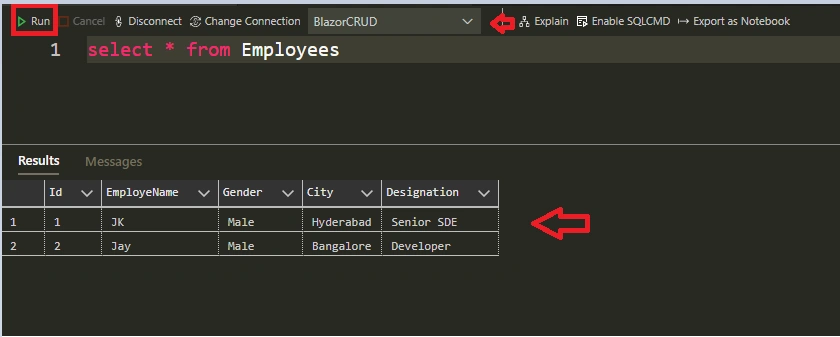
- You'll have access to all of the tools you'll need to write and run SQL queries, as well as analyze their output. To refer to the results later, you can save them in TXT, JSON, or Excel formats.
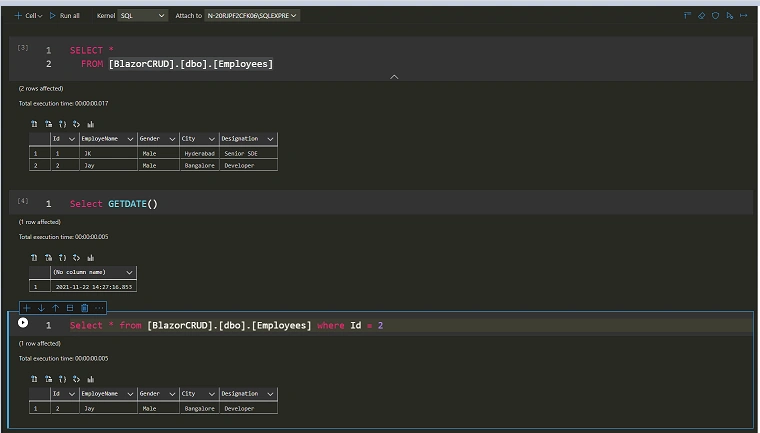
- In addition, you may modify data, manage database connections, and inspect database objects. Another great feature of Azure Data Studio is the ability to create notebooks and use them to write SQL, Spark, Python, and Scala scripts.
- A rich query editor based on IntelliSense is included in the solution (more about it later). SQL code snippets provide a handy backdrop for ensuring valid SQL syntax for databases and objects like tables, views, stored procedures, users, roles, and so on. It also guarantees that all database items are updated.
List of Other helpful Features
- Git Source Control Manager is built-in.
- Insights and a Custom Dashboard
- Database Object Definitions
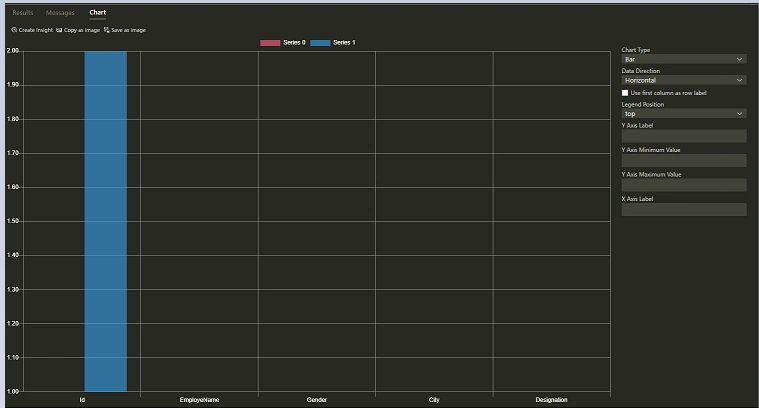
- Visualization of query results in a flash


Join the conversation! Your thoughts help the community grow.