

Introduction
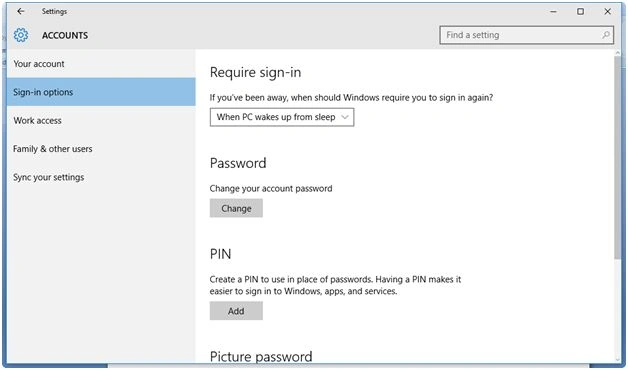
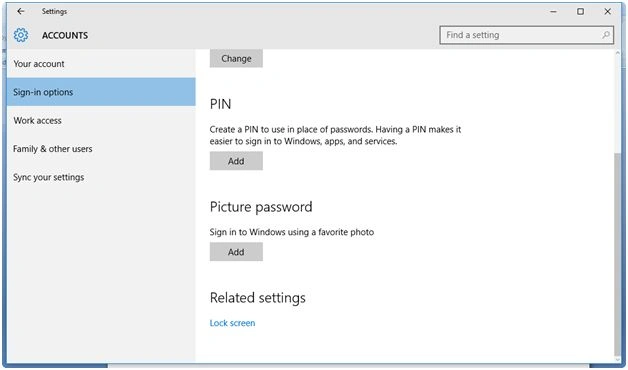
Here are the steps for getting Windows 10 Account Settings. Here you will get options to sync your settings, sign-in settings, etc.
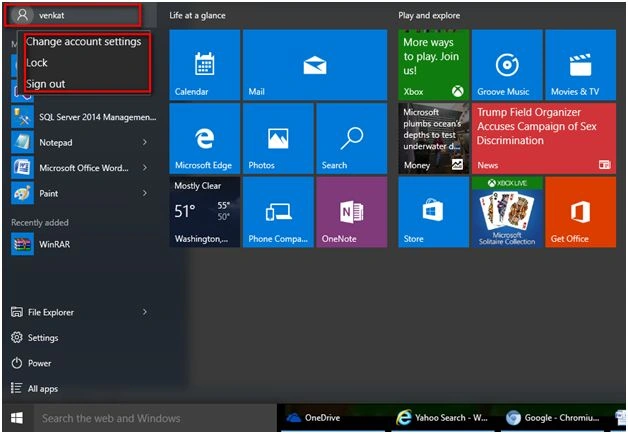
Click the Windows Start button and select the user. Here my username is 'venkat.' Right-click on the user icon and select Change account settings.
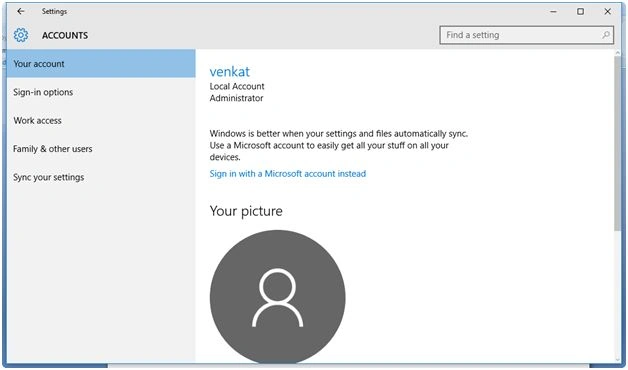
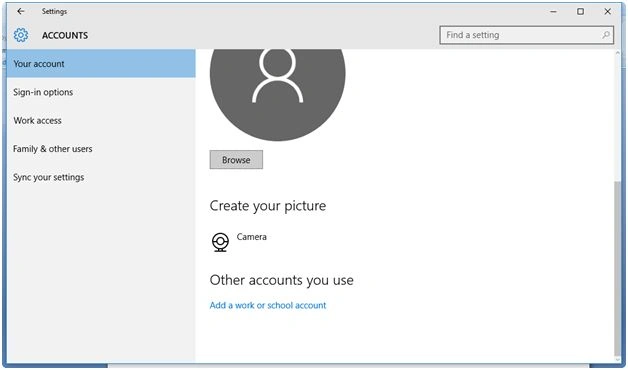
 You are now provided with the option to change between local and Microsoft accounts. Here you can see other options as well:
- Sign-in
- Work access
- Family & other users
- Sync your settings
Read more articles on Windows 10:
Summary
In this article, we learned about Account Settings In Windows 10.
Shubham KumarPosted Feb 11, 2016, 2:39 AM
nice one
Sibeesh VenuPosted Feb 11, 2016, 1:50 AM
Nice Share