

Introduction
In this post, we will see how to create and deploy simple machine learning Applications Adult Dataset.
Requirement
- Machine Learning Account.
Step 1
Login into the Machine Learning account.
Step 2
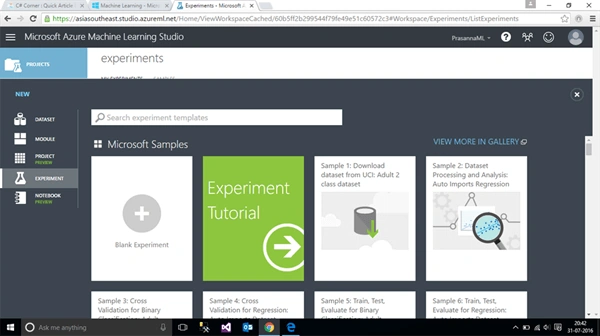
From the Machine Learning dashboard, click New Option, which is present at the bottom of the dashboard, as shown below:
Step 3
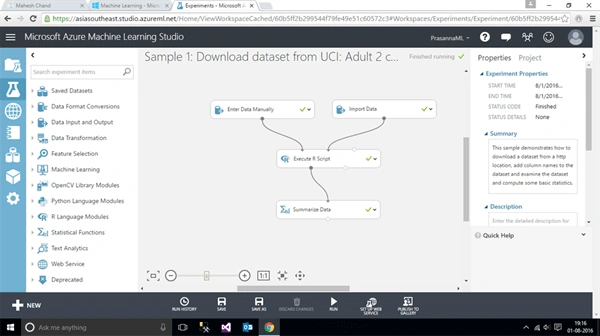
From the Gallery, select "Sample 1:Download dataset from UCI: Adult 2 Class dataset " and click open in ML Studio. Finally, the Window given below appears:
Step 4
The following are the important things you need to do before deploying the Application:
- Understanding the problem.
- Collecting the data.
- Training module.
- Validating and tuning the data.
- Input.
- Output.
Step 5
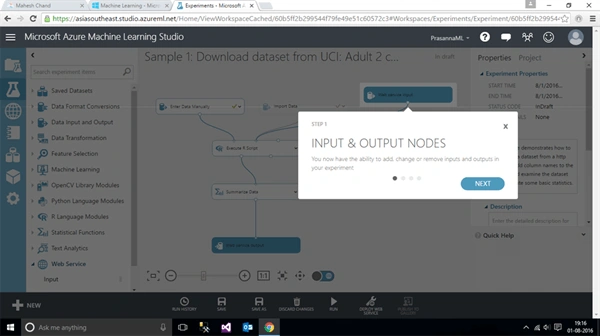
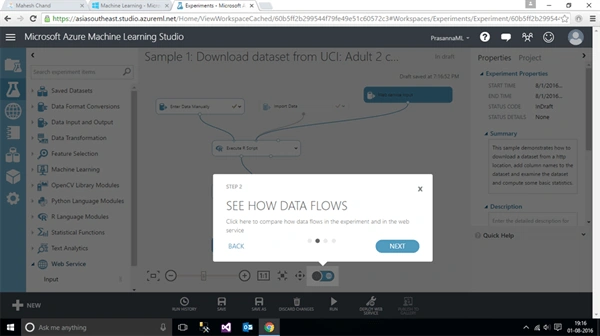
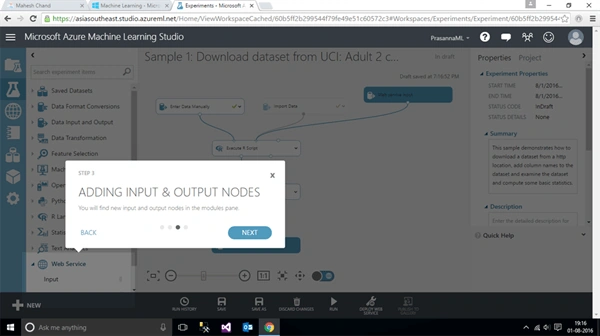
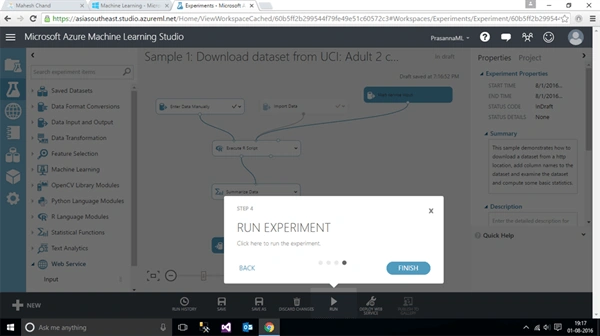
Click the Run button on the dashboard and the following Window will appear:
- Input and Output Nodes and click Next, shown below.
- See how the data flows in the Web Services and click Next.
- Adding Input and Output Nodes and click Next, as shown below.
- Run the Experiment, as shown below.
Step 6
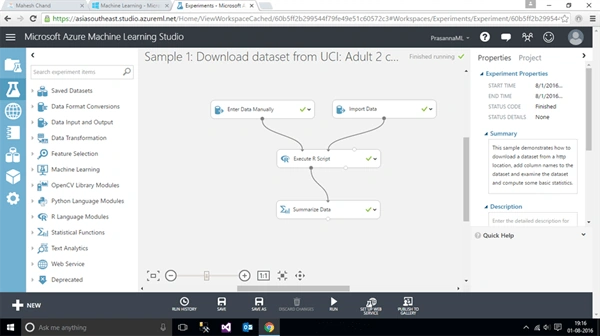
If the deployment is completed without any errors, the deploy Web Service option will be enabled, as shown below:
Step 7
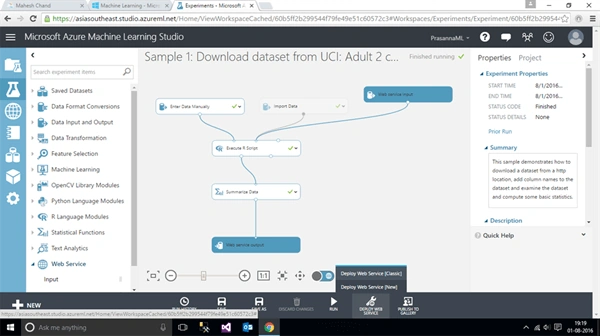
In it, click Deploy Web Service (Classic or New) and click deploy option, as shown below:
Step 8
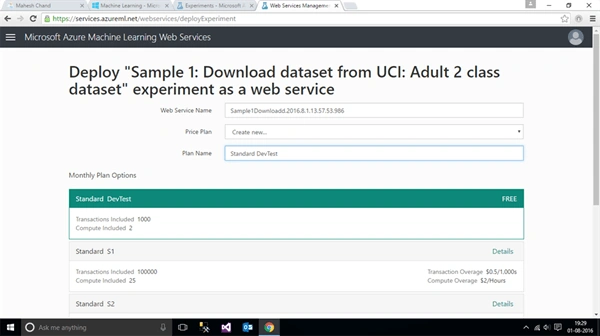
It takes some time and automatically navigates to the Web deployment phase, as shown below, in it. Select price plan, Plan name and click submit.
Step 9
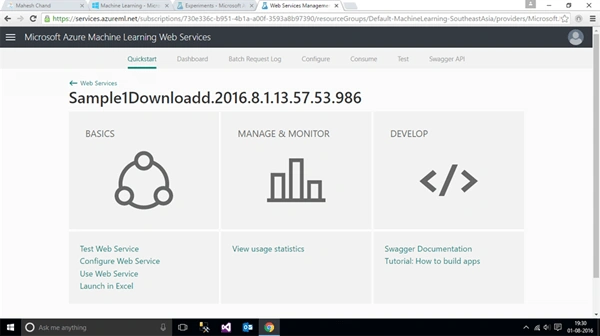
Once the Web deployment is configured, select "test" for testing an Application with the sample data, as shown below:
Step 10
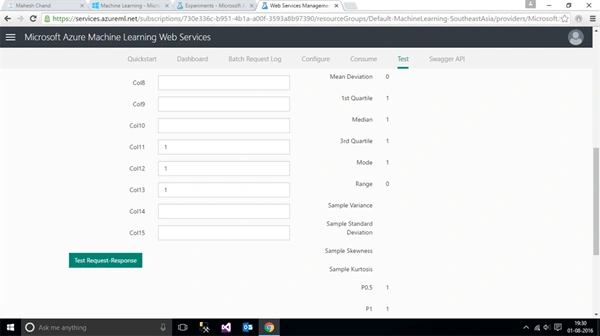
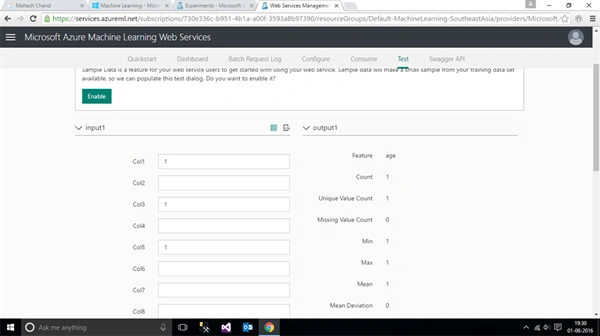
Now, in the test request-response, test with the sample data and the following output will display, as shown below:
Vignesh ManiPosted Aug 4, 2016, 7:32 AM
Nice