

When building automations in n8n, handling data flow between nodes is one of the most important skills. Three commonly used nodes
Aggregate
Merge
Split
often confused because they all deal with how data is structured and passed along in workflows.
In this article, we’ll break down each one in detail with what, when, why, and how to use them, along with real-world examples.
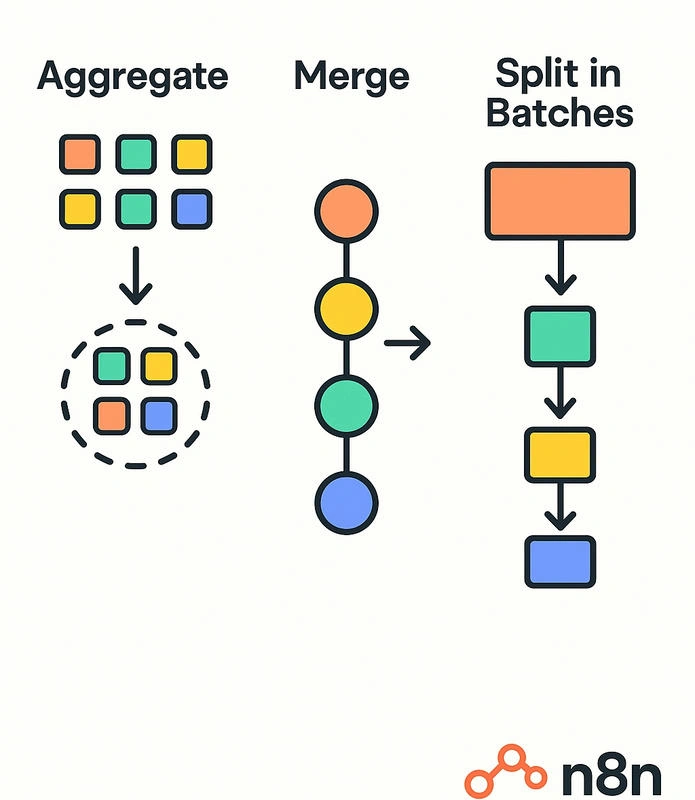
Aggregate Node
What it does
The Aggregate node combines multiple items into one single item. Instead of processing each row separately, you can group them together into one array or object.
When to use
When you want to combine multiple rows into a single record.
When an API expects an array of objects in one request.
When you need to summarize or report data.
How to use
Connect the node after a source that returns multiple items (e.g., Google Sheets).
Choose the mode: Keep All Items, Aggregate Fields, or Count.
Map the fields you want to aggregate.
Example
Google Sheet returns 3 contacts:
[
 { "Name": "A", "Email": "[email protected]" },
 { "Name": "B", "Email": "[email protected]" },
 { "Name": "C", "Email": "[email protected]" }
]
Aggregate → Keep All Items:
{
 "allContacts": [
   { "Name": "A", "Email": "[email protected]" },
   { "Name": "B", "Email": "[email protected]" },
   { "Name": "C", "Email": "[email protected]" }
 ]
}
Use case: Send one email with all contacts listed inside instead of sending multiple emails.
Merge Node
What it does
The Merge node takes two input branches and combines them into one output. You can merge by:
Key (field match) → Join records based on a field (like SQL JOIN).
Index → Match items by order.
Append → Just combine items from both inputs.
When to use
When you have two data sources that need to be combined.
When running parallel branches, you want to bring them back together.
When enriching data (e.g., combining Google Sheet data with API data).
How to use
Build two branches of data.
Connect them to Input 1 and Input 2 of the Merge node.
Select the merge mode (Append, Merge by Key, or Merge by Index).
Example
Branch 1 (Google Sheet):
[
 { "ID": 1, "Name": "A" },
 { "ID": 2, "Name": "B" }
]
Branch 2 (API):
[
 { "ID": 1, "Email": "[email protected]" },
 { "ID": 2, "Email": "[email protected]" }
]
Merge by Key (ID):
[
 { "ID": 1, "Name": "A", "Email": "[email protected]" },
 { "ID": 2, "Name": "B", "Email": "[email protected]" }
]
Use case: Enrich Google Sheet data with email details from an external API.
Join the conversation! Your thoughts help the community grow.