Introduction
Angular route service reload () method is useful when you want to reload just the current route instead of reloading or refreshing the entire application. Let’s understand this with an example.
As of now, our output for /students is.
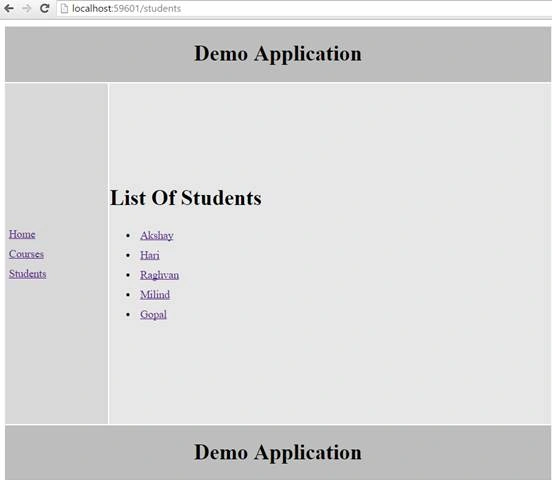
When I navigate to /students, I do get this output and when I click on the students link, I do get the detail list of each student respectively. These lists are coming from database tables. At the moment these records are inserted, it will insert 2 more records as below,
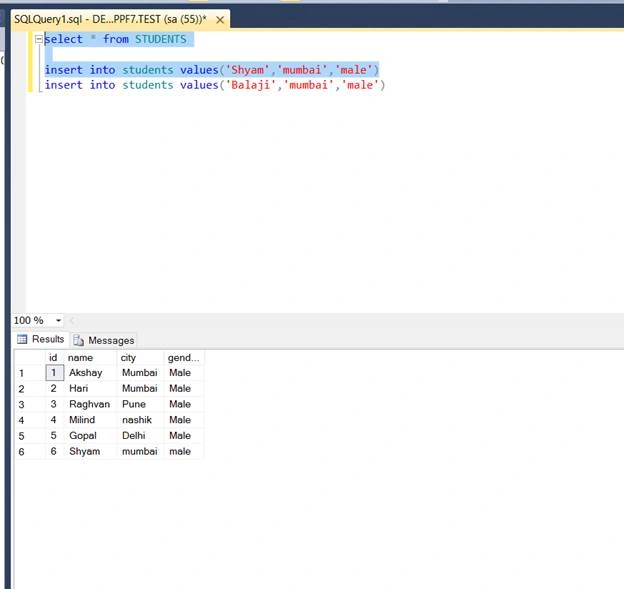
Here, I have inserted Shyam value. Now, go back to your application and click on students link. Check if the new inserted value appears in the list or not.
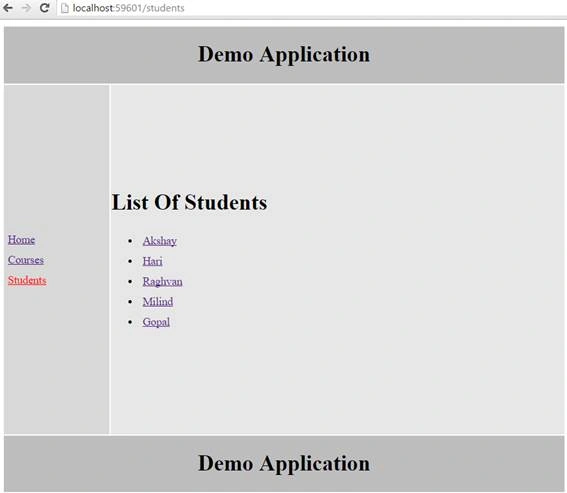
As you can see from the above output, I clicked students link (highlighted in Red) but the new inserted entry didn’t appear. As the new record does not show up, to reload this page on method is to click on reload button -- to do that we have to Reload the Page as,

When I click on reload.
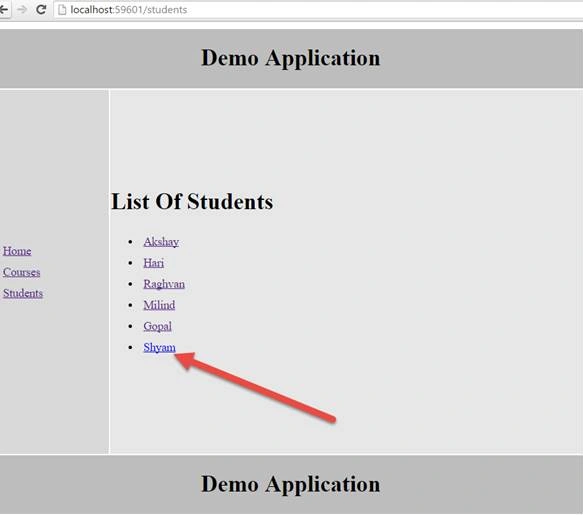
You can see the new inserted entry. Why is that? So, I had reloaded the entire application but I don’t want to reload the entire Application here, I want to reload only /students route.
When you reload the page the entire application is reloaded, which means, the resources required to build this application are reloaded again and again. Now, let's see how resources are reloaded by launching browser developer tools.
When you launch browser developer tools, click on the Network tab. Initially, you will see nothing there because our application is reloaded.
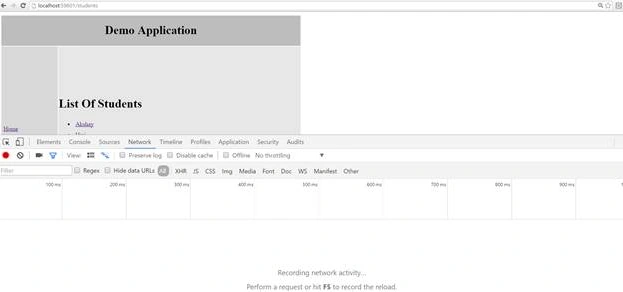
Now, click on the reload button at the top and observer network tab section.
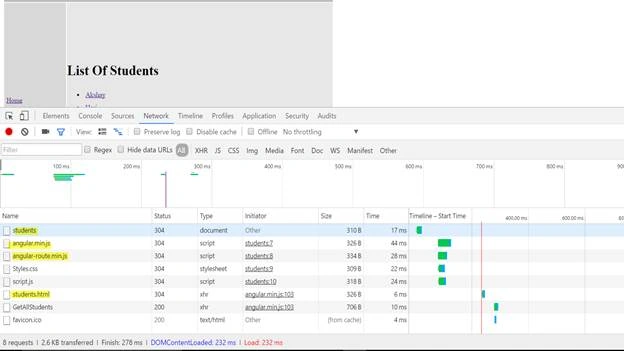
When you look at the picture above, you can see there are 8 requests issued, almost 3 KB of data transferred, and the pages such as students.html the js; i.e., each Angular file is reloaded, our file script.js is reloaded the css file is getting reloaded. All the resources which are required to run this application are reloaded. So now let’s implement the reload service of route method.
So on Students Controller I am using $route service and in that will use reloadData method as,
- .controller("studentsController", function ($http,$route) {
- var vm = this;
- vm.reloadData = function () {
- $route.reload();
- }
So in the students controller we had done $route and in that we had used .reloadData and used a function .Now in our View we need a Reload Button.
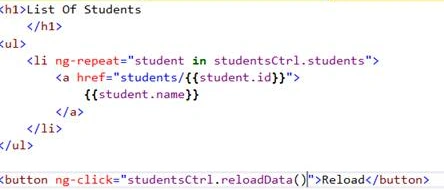
As we use a button and will use ng-click directive and in that we will use StudnetsCtrl Object and ReloadData function which we had written in our script file, save the changes, and reload the page.
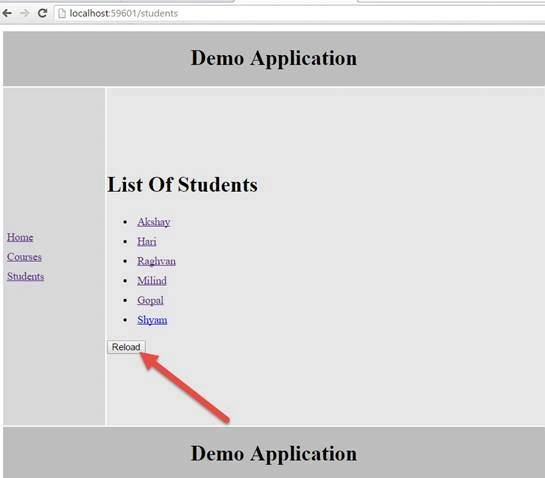
Reload button has appeared . Now launch your browser developer tools again and insert a new record from database as,
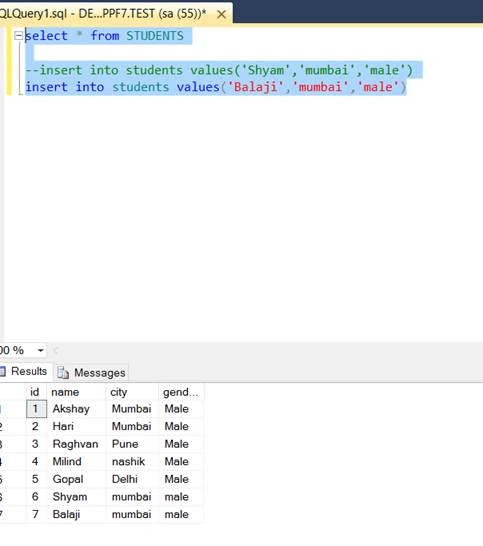
I had inserted a new value balaji . Now let’s click on Reload and launch browser developer tools.
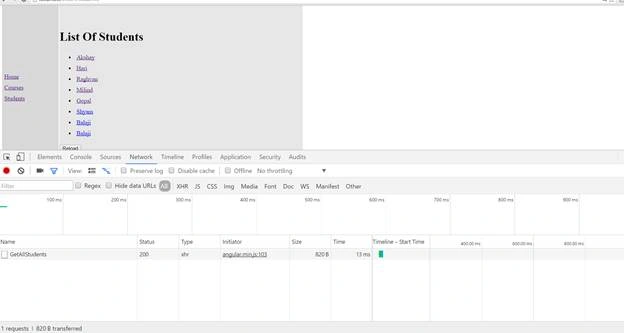
Look at that screenshot abov --- it didn’t reload the entire application, there is only 1 request issued and only almost 900B data is transferred.
Conclusion
This was about AngularJS route Reload. Hope this article was helpful!!


Vignesh ManiPosted Sep 15, 2016, 4:02 PM
Nice