

Overview
In this article, we will see AngularJS Route Resolve and its various problems, with an example. We will work with the same example which we were working with in earlier articles' demo applications.
For more articles on AngularJS, refer these links.
- Overview Of AngularJS
- Modules And Controller In AngularJS
- Controllers in AngularJS
- AngularJS ng src Directive
- AngularJS ng-Repeat Directive
- Handling Events In AngularJS
- How To Use Two-Way Data Binding In AngularJS
- Filters In AngularJS
- Sorting Data In AngularJS
- Sorting Rows By Table Header In AngularJS
- Creating Custom Filters In AngularJS
- ng-Hide And ng-Show In AngularJS
- ng-init Directive In AngularJS
- Search And MultiSearch In AngularJS
- ngInclude Directive In AngularJS
- $http Service In AngularJS
- Consuming ASP.NET WebService In AngularJS
- AnchorScroll Service In AngularJS
- AngularJS Page Refresh Problems
- RouteParams In AngularJS
- Angular AnchorScroll With Database Part
- AngularJS Routing Using WebService
- AngularJS Controller As Syntax
- AngularJS Nested Scopes And Controllers As Syntax
- AngularJS CaseSensitive And Inline Templates
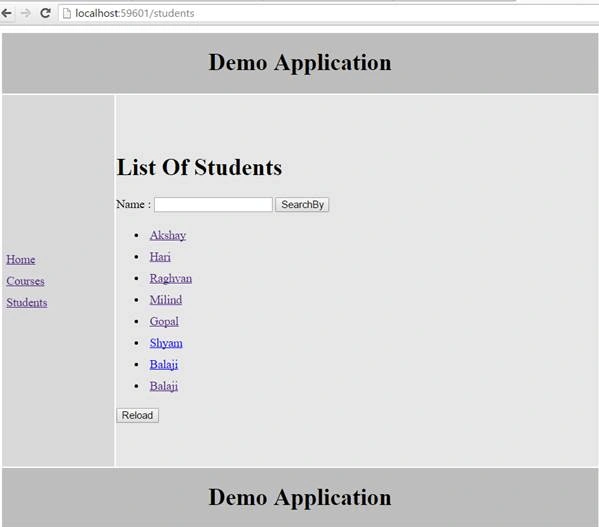
As we are continuing with the same example, here is the list of students.
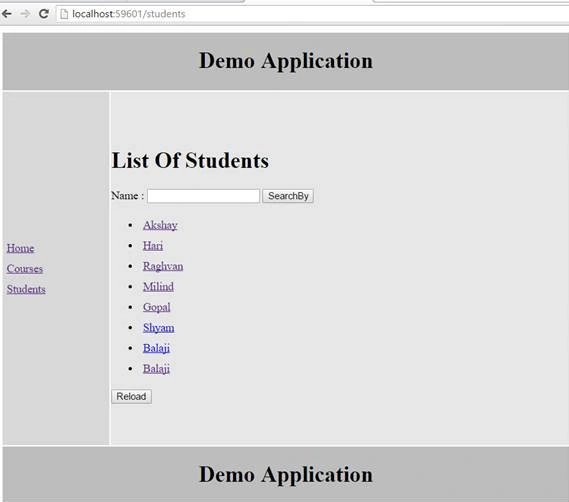
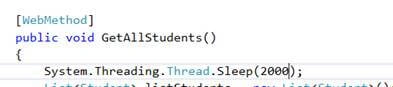
Here, the database and application are on same machine. So, the data fetched from our web service is very fast. What if these are residing on different servers ? We will check the data transfer rate. Here, we will use some network latency to do that, using thread. Sleep in your web service as,
Let’s run the Solution.
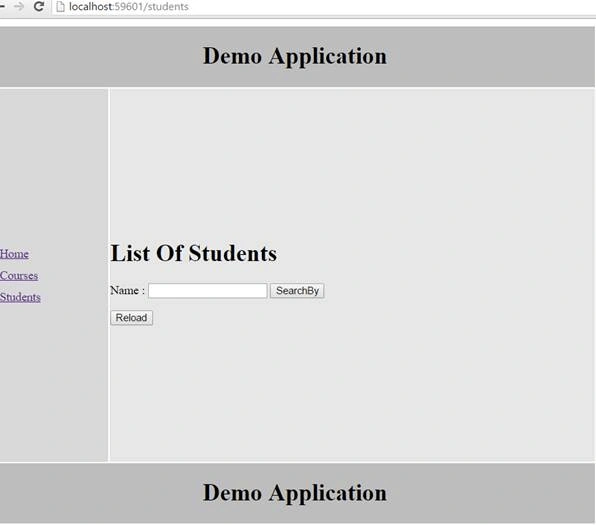
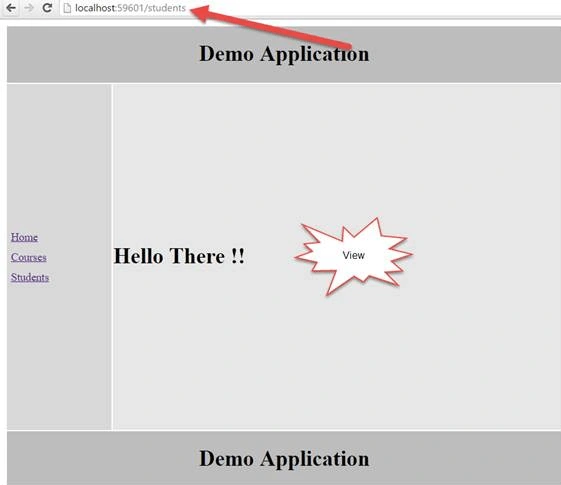
Initially, when I clicked on Student Controller, the data didn’t appear because we have written thread.sleep in our web method. Also, you can look at the Controller where we have written a promise function. When that promise is resolved, it will load the data.

After a certain interval, we get the list of students.
Why? Because it has resolved the promise function and displayed the list of students.
Now, as our data is fetched asynchronously, we will write a resolve in our student’s Controller, and will write a function that will have a promise.
- .when("/students", {
- templateUrl: "Templates/students.html",
- controller: "studentsController as studentsCtrl",
- resolve: {
- studentsList: function ($http) {
- return $http.get("StudentService.asmx/GetAllStudents")
- .then(function (response) {
- return response.data;
- })
Now, look at the studentsController. Here, we have used a resolve and assigned the resolve to students List. The function had a promise. So, when that promise is resolved by the route, it will load the data.
So, we removed that variable vm which we did use earlier. Here, when the promise is resolved, it will respond to that data which is coming from the web service method we used in our web service.
Now, let's move to the next change. As this is coming from studentsController, we need to assign those in the parameter which we used in studentsList, and remove $http too as we are resolving those requests.
- .controller("studentsController", function (studentsList, $route, $location) {
- vm.students = studentsList;
Nikhil SanganiPosted Sep 16, 2016, 12:05 AM
Nice