

Before reading this article, please go through this article on How To Create And Use XAML Content Page In Xamarin Forms Application For Android And Universal Windows Platform.
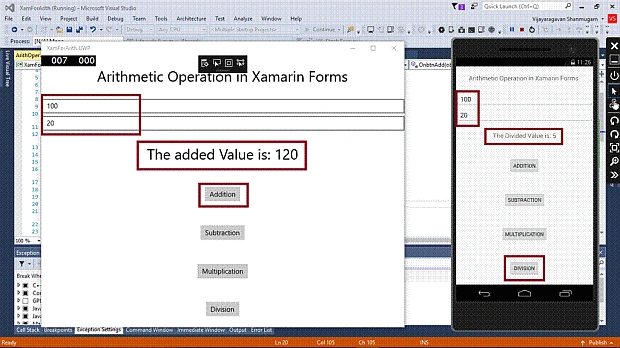
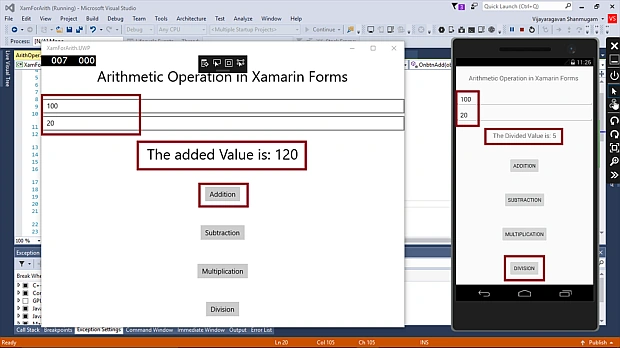
By reading this article, you can learn how to perform arithmetic operations in the Xamarin Forms application for Android and Universal Windows Platform with XAML and Visual C# in cross platform application development. Also, you will be able to learn Button control, Label control and Entry control in the Xamarin Forms environment.
The important tools given below are required to develop UWP.
- Windows 10 (Recommended).
- Visual Studio 2015 Community Edition (it is a free software available online).
- Using Visual Studio 2015 Installer, enable Xamarin (Cross Platform Mobile development and C#/.NET while installing/modifying Visual Studio 2015.
Now, we can discuss step-by-step app development.
Step 1
Open Visual Studio 2015 -> Start -> New Project-> select Cross-Platform (under Visual C#-> Blank app (Xamarin.Forms Portable)-> Give the suitable name for your app (XamForArith) -> OK.
Step 2
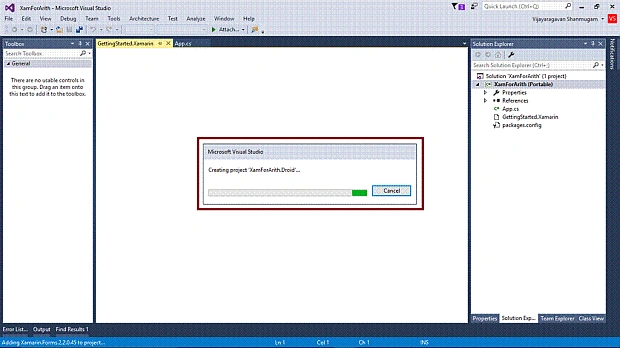
Now, create project “XamForArith_Droid” …
Step 3
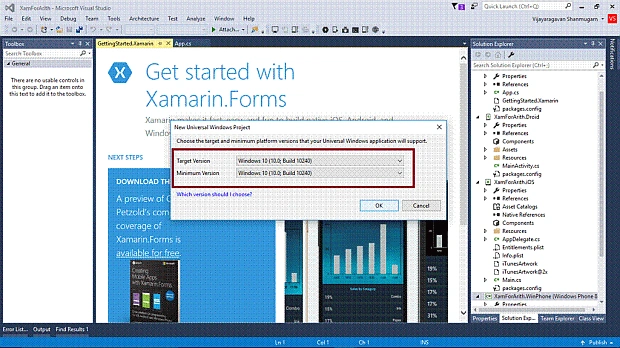
Choose the Target and minimum platform version for your Universal Windows Project and create project “XamForArith_UWP” ….
Step 4
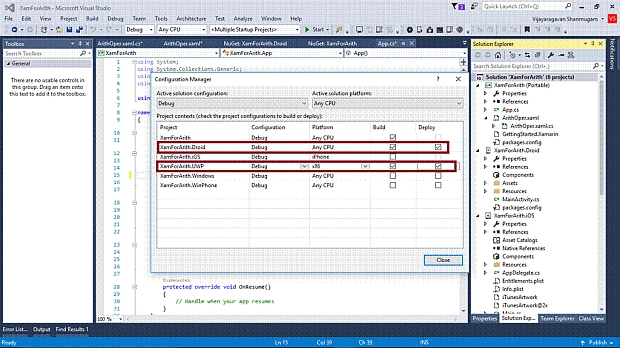
Afterwards, Visual Studio creates 6 projects and displays getting started with XamarinPage. Now, we have to update the Xamarin Forms Reference for Portable Project and XamForArith_Droid project.
(Please refer How To Create And Use XAML Content Page In Xamarin Forms Application For Android And Universal Windows Platform)
Step 5
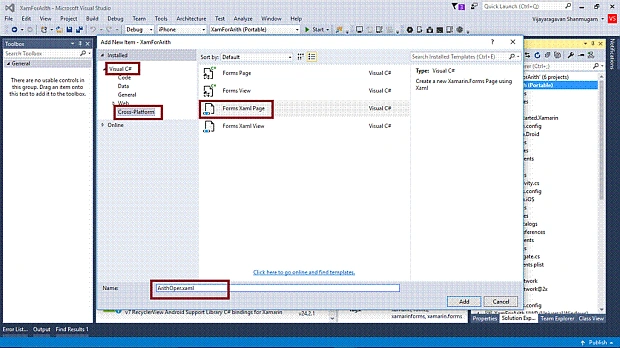
Add Xaml page for Arithmetic operations demo. Right click on XamForArith (Portable) project, select ADD-> NewItem and select ->CrossPlatform-> FormXamlPage-> give the relevant name.
Step 6
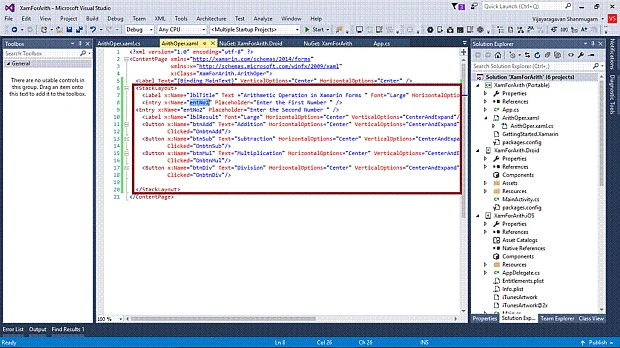
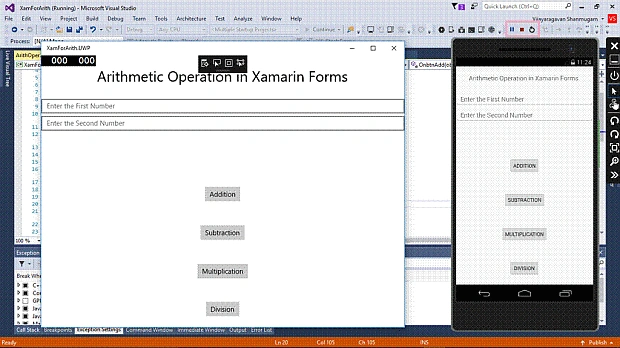
To perform arithmetic operations, add 2 Entries, 4 Buttons and 2 Labels in ArithOper.xaml.
- <StackLayout>
- <Label x:Name="lblTitle" Text="Arithmetic Operation in Xamarin Forms " Font="Large" HorizontalOptions="Center" VerticalOptions="CenterAndExpand" />
- <Entry x:Name="entNo1" Placeholder="Enter the First Number " />
- <Entry x:Name="entNo2" Placeholder="Enter the Second Number " />
- <Label x:Name="lblResult" Font="Large" HorizontalOptions="Center" VerticalOptions="CenterAndExpand" />
- <Button x:Name="btnAdd" Text="Addition" HorizontalOptions="Center" VerticalOptions="CenterAndExpand" Clicked="OnbtnAdd" />
- <Button x:Name="btnSub" Text="Subtraction" HorizontalOptions="Center" VerticalOptions="CenterAndExpand" Clicked="OnbtnSub" />
- <Button x:Name="btnMul" Text="Multiplication" HorizontalOptions="Center" VerticalOptions="CenterAndExpand" Clicked="OnbtnMul" />
- <Button x:Name="btnDiv" Text="Division" HorizontalOptions="Center" VerticalOptions="CenterAndExpand" Clicked="OnbtnDiv" />
- </StackLayout>
Join the conversation! Your thoughts help the community grow.