
Change CSS Example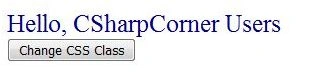
Above image default CLASS attached is LabelBlue On Button Change CSS Class click event changed CLASS is LabelGrey.
Command: Check code for detail,
lblMessage.CssClass = "LabelGrey";
Result After Clicked Button
Change Style Example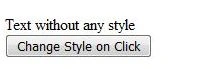
Above image by default there is no CLASS and STYLE attached with text On Button Change Style On Click on click event changed.
Command: Check code for detail,
lblWithoutStyle.Style.Add("font-size", "50px");
Result After Clicked Button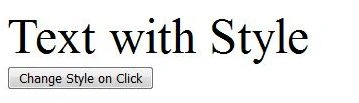
Attached CSS Example
Above image default no CLASS is attached On Button Class Attached on Click click event attached CLASS ClassJoined.
Command: Check code for detail,
lblWithoutClass.Attributes.Add("class", "ClassJoined");
Result After Clicked Button
ASPX Page Code:

Join the conversation! Your thoughts help the community grow.