As a beginner like me, you will be very keen to take screenshots of a specific page. Here is a simple script for taking a screenshot of any URL. I have used "http://www.flipkart.com/" as my URL.
- package login;
- import java.io.File;
- import java.io.IOException;
- import java.util.concurrent.TimeUnit;
- import org.apache.commons.io.FileUtils;
- import org.openqa.selenium.OutputType;
- import org.openqa.selenium.TakesScreenshot;
- import org.openqa.selenium.WebDriver;
- import org.openqa.selenium.firefox.FirefoxDriver;
-
- public class Screen_shot
- {
-
- public static void main(String[] args) throws IOException
- {
-
-
-
- WebDriver driver = new FirefoxDriver();
-
-
- driver.manage().timeouts().implicitlyWait(60, TimeUnit.SECONDS);
-
- driver.get("http://www.flipkart.com/");
-
- driver.manage().window().maximize();
-
- File scrFile = ((TakesScreenshot) driver).getScreenshotAs(OutputType.FILE);
- FileUtils.copyFile(scrFile, new File("D:\\selenium\\screenshot1.png"), true);
-
- driver.quit();
- }
- }
The following are a few points with images.
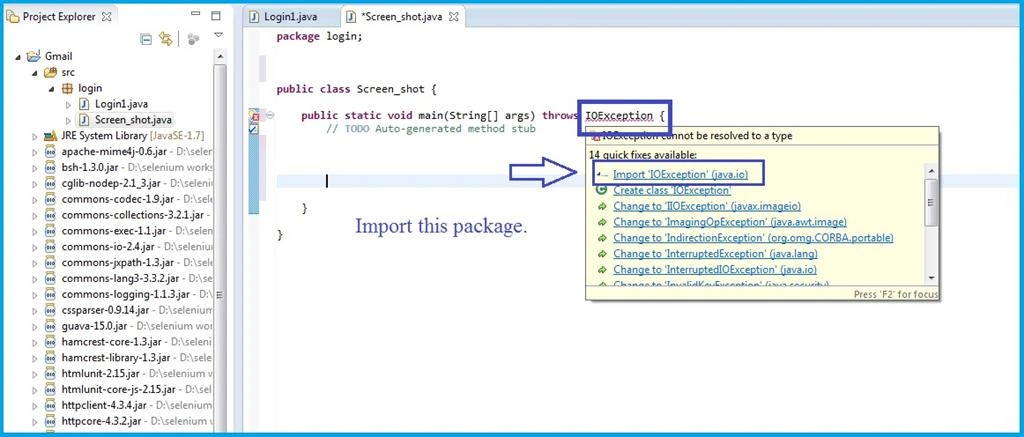
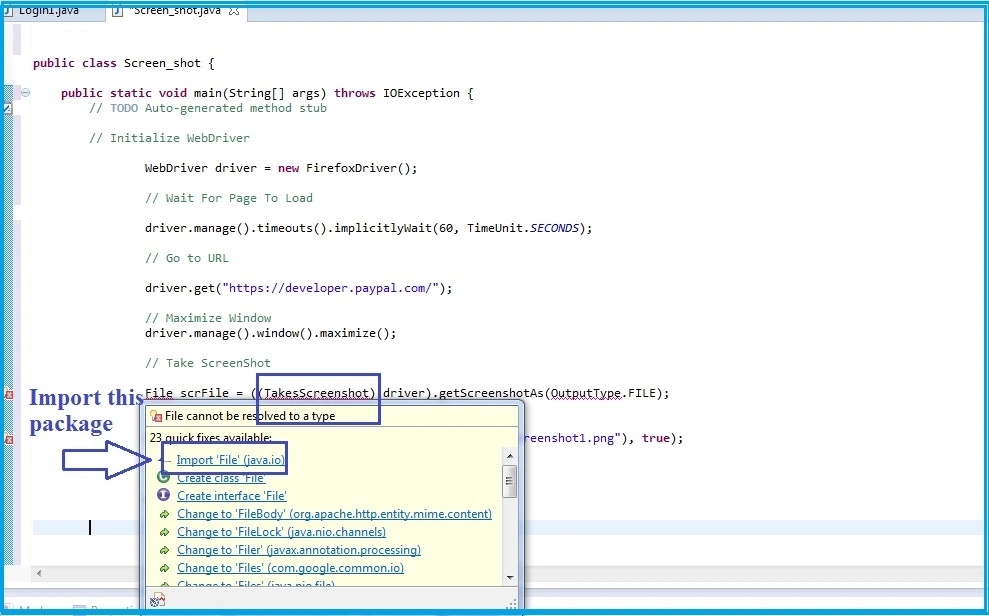
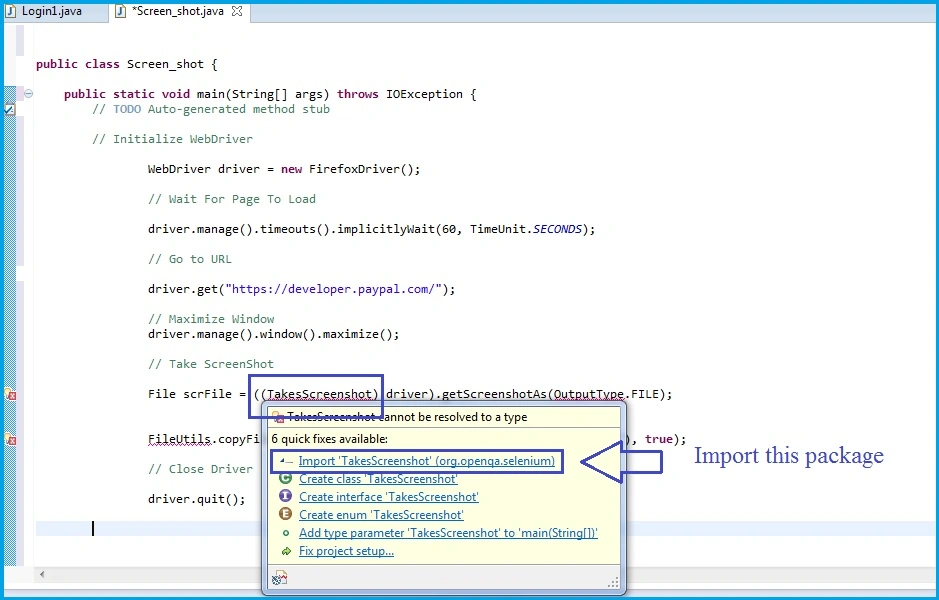
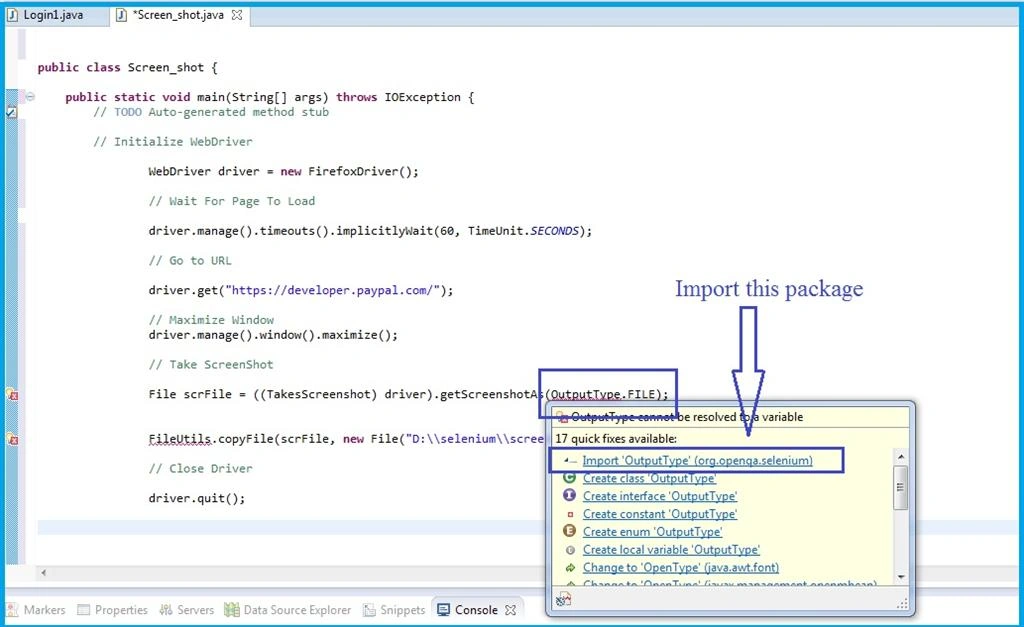
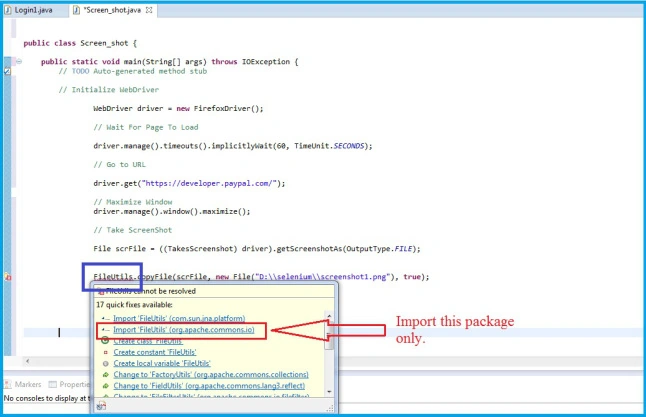
- For the preceding image you need to Import this package only [ 'FileUtlis' (org.apache.commons.io) ]
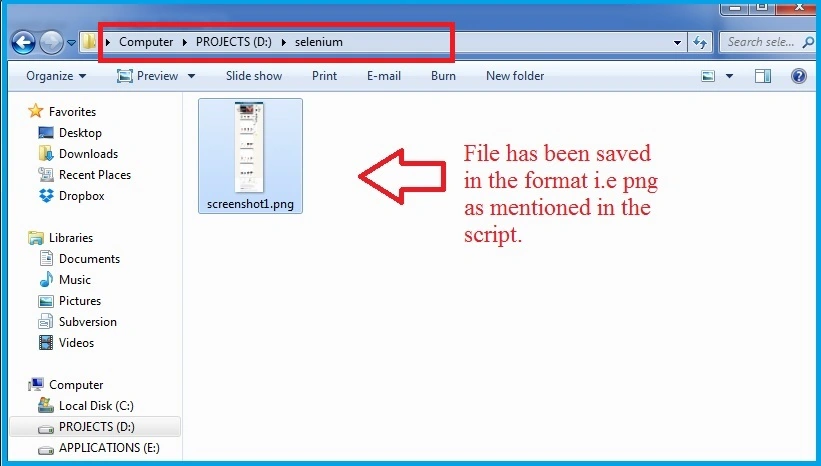
- After completion of the script, the PNG file will be stored in your given location. I have given [ "D:\\selenium\\screenshot1.png" ]. Here is the screen shot below.
- The file has been saved in the "png" format as specified in the script. We can save the image in various other file types, like PNG, JPEG, GIF or BMP.
I hope this helps Beginners like me. :)


Santhakumar MunuswamyPosted Apr 11, 2015, 2:29 PM
Good
Karthik Muthu KaruppanPosted Apr 10, 2015, 2:07 PM
Good start