

Open the team site.
Create a sample list “Employee”.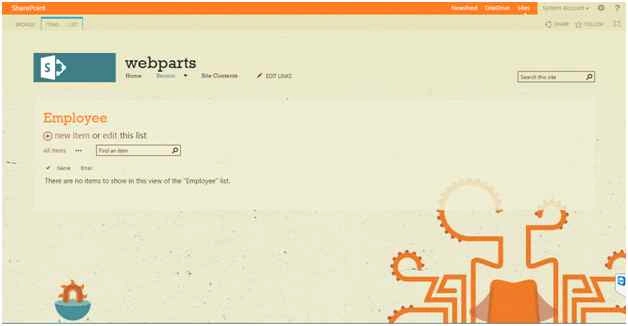
Add some values into the list.
Open Visual Studio then create a new Visual Webpart.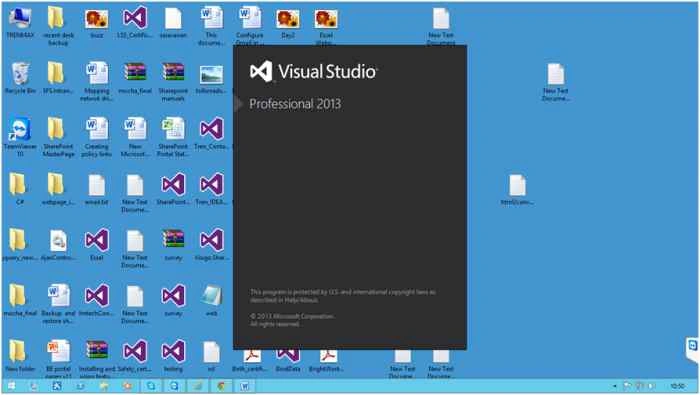
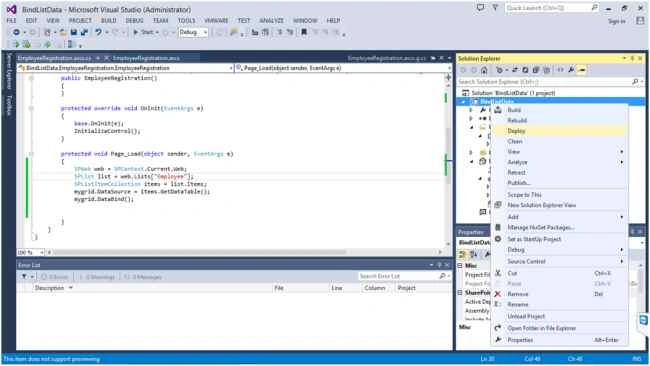
Enter a valid site URL then select Deploy as a Farm solution.
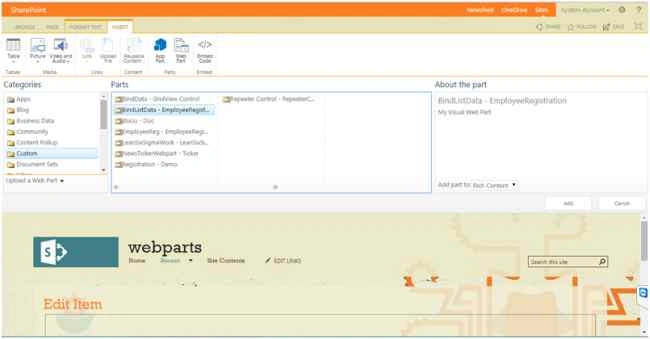
Create a new Visual Webpart in the project.
Now open EmployeeRegistration.ascx.
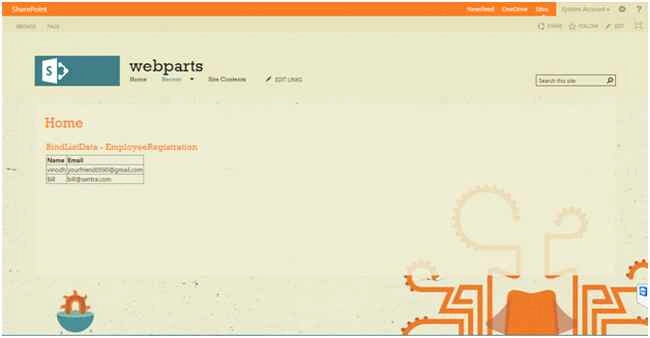
Create a GridView.
Code
- <asp:GridView ID="mygrid" runat="server" AutoGenerateColumns="false">
- <Columns>
- <asp:BoundField DataField="Name" HeaderText="
- Name" />
- <asp:BoundField DataField="Email" HeaderText="Email" />
- </Columns>
- </asp:GridView>

Mahipal ReddyPosted May 25, 2018, 12:29 AM
Simple and good one
venkat KotaiahPosted Dec 8, 2017, 2:19 AM
Thanks a lot it helped me lot
Vinodh NarayananPosted Aug 25, 2015, 1:57 AM
Vaikesh K P Thanks a lot
Vaikesh K PPosted Aug 25, 2015, 1:39 AM
Nice
Vinodh NarayananPosted Aug 24, 2015, 7:44 AM
Gowtham Rajamanickam Thanks a lot
Gowtham RajamanickamPosted Aug 24, 2015, 7:25 AM
good one...
Vinodh NarayananPosted Aug 24, 2015, 12:23 AM
Karthikeyan K Thank u
Karthikeyan KPosted Aug 23, 2015, 11:26 PM
Thanks for share sir..
Vinodh NarayananPosted Aug 23, 2015, 11:14 PM
Gopi Chand thank you
Gopi ChandPosted Aug 23, 2015, 1:51 PM
Very nice
Vinodh NarayananPosted Aug 23, 2015, 12:51 PM
Santhakumar Munuswamy Thanks sir
Santhakumar MunuswamyPosted Aug 23, 2015, 11:34 AM
Thanks for Nice article
Vinodh NarayananPosted Aug 23, 2015, 9:59 AM
Thank you guys
Mohammed IbrahimPosted Aug 23, 2015, 9:48 AM
nice....
Sibeesh VenuPosted Aug 23, 2015, 3:47 AM
Nice Share
Vinodh NarayananPosted Aug 23, 2015, 2:46 AM
Thanks a lot friends
Rajeesh MenothPosted Aug 23, 2015, 2:41 AM
Nice One
RakeshPosted Aug 23, 2015, 1:28 AM
Good one