

Today, we are going to talk about Bing News Search API of Cognitive Toolkit on Universal Windows Platform, using Apache Cordova cross platform technology.
First, we need to get LUIS API for Bing News Search.
Go to this site and create an account. Use your Azure subscription account.
https://www.microsoft.com/cognitive-services/en-US/subscriptions
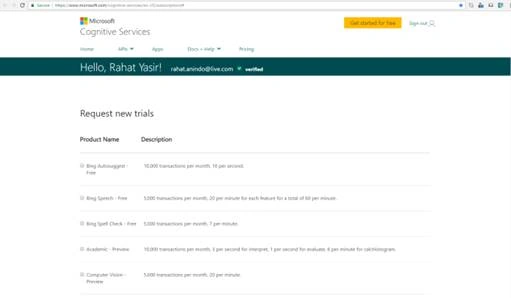
Figure: 1
Now, select Bing News from the list given above and get API for Bing News Search API. Afterwards, you can see your Free Bing Search API information from the list given below.
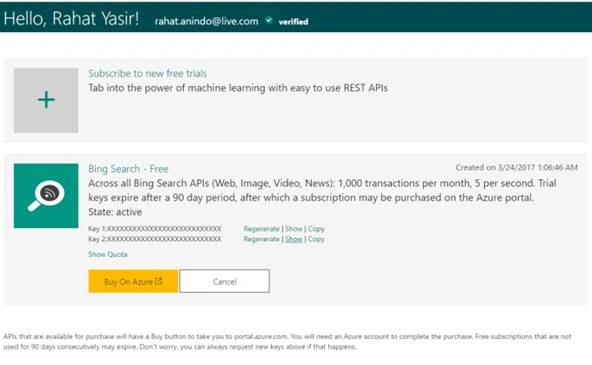
Figure: 2
You can select any Cognitive toolkit API from the link given below.
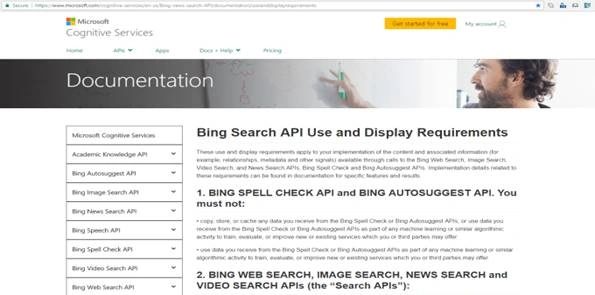
Figure: 3
There is a tool to test different API's of Cognitive toolkit. You can see the tool at the link given below.
https://dev.cognitive.microsoft.com/docs/services/56b43f72cf5ff8098cef380a/operations/56f02400dbe2d91900c68553/console
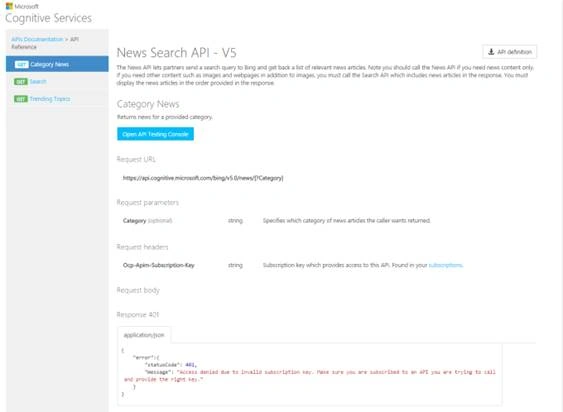
Figure: 4
Here, on this tool, you need to select Category and Ocp-Apim-Subscription-Key. You can get the subscription key from Cognitive toolkit API site.
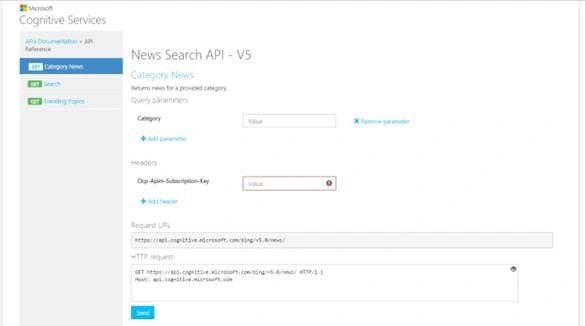
Figure: 5
Here, you can see after selecting Category and entering Ocp Subscription Key. You can try to access API and see the response.
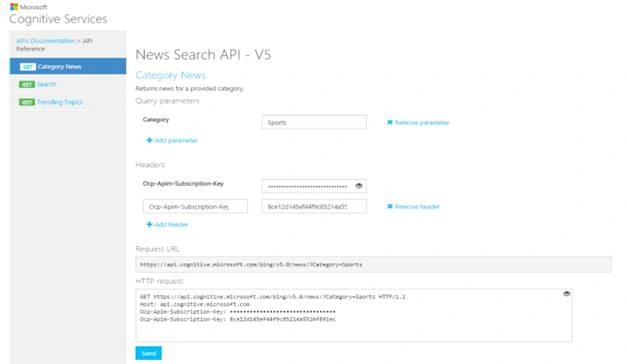
Figure: 6
From the response, you can see Response status: 200 OK and you can see JSON object of the response.
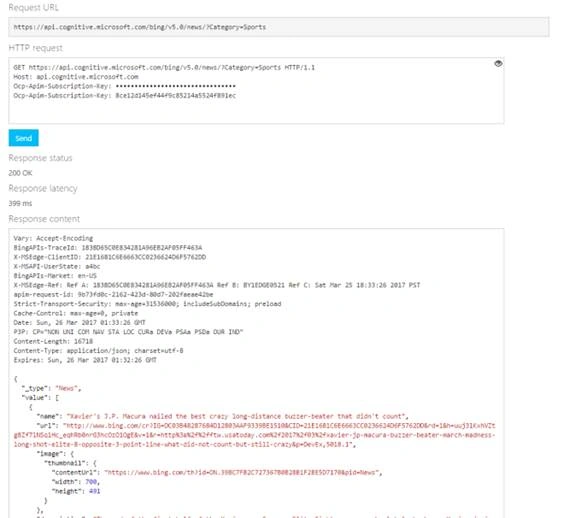
Figure: 7
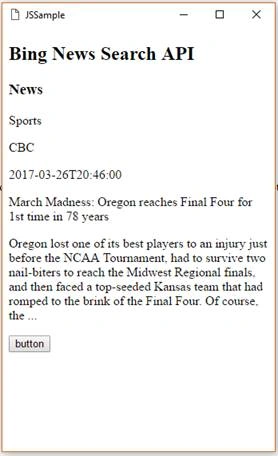
Now, create a Universal Windows Platform app, using Apache Cordova toolkit.
Replace the code of an index page with the code given below.
Join the conversation! Your thoughts help the community grow.