

Introduction
In this article, we learned about BOM (Browser Object Model) Location and Navigator Object in JavaScript. In my previous article, I explained about Windows object methods and properties. To read this article, click the link.
The BOM (Browser model objects) are:
-
Windows Object
-
Navigator Object
-
Location Object
-
Screen Object
-
Storage Object
The Location Object
The Location object window in JavaScript enables it to save the information about the current page location or address (URL), and redirect the browser to a new page.
A location object is part of the window object, it accesses through the windows.location. There is no general standard for the location object, but all major browsers support the location object.
The location object has two features:
- Methods and Properties
- Methods in Location Object
The following table contains the methods of location objects in JavaScript.
|
Methods
|
Description
|
|
assign ()
|
It Loads a new document on a web page.
|
|
reload ()
|
Using location.href property, reload the current document.
|
|
replace ()
|
This replaces the current document with the specified new document. Not possible to go back to the previous document using your browser ‘back’ button.
|
Examples of Location object Methods
We can see the examples of location methods one by one:
The assign () Method
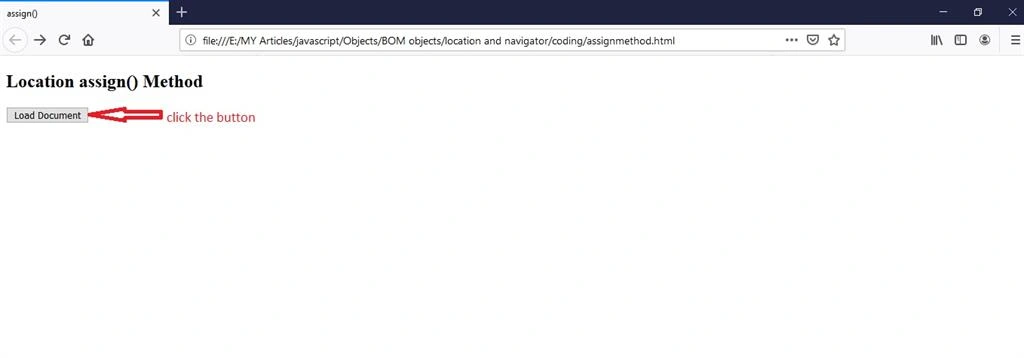
The location assign () method is used for loading a new document in a new page. It is not possible to go back to the previous document using your browser ‘back’ button.
Syntax
- location.assign (URL)
Example
The following programs illustrate the location assign () method in HTML.
- <!DOCTYPE html>
- <html>
- <head>
- <meta charset="utf-8">
- <title>assign()</title>
- </head>
- <body>
- <h2>Location assign() Method</h2>
- <button ondblclick="assign()"></button>
- <script>
- function assign() {
- location.assign("www.c-sharpcorner.com"); //loads a new page
- }
- </script>
- </body>
- </html>
Output
The reload () Method
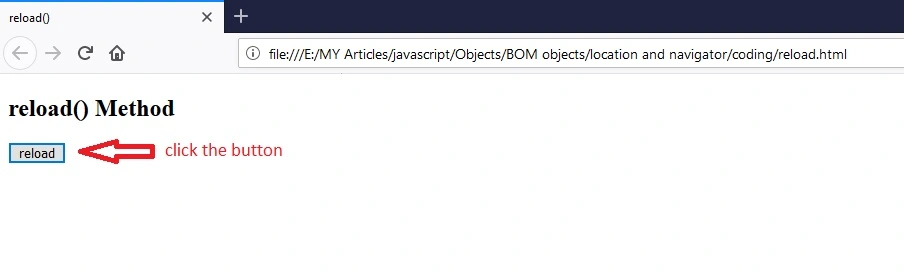
This method reloads the current document, used in the location.href property. It's like the refresh button in the browser.
Syntax
- location.reload(URL)
Example
The following programs illustrate the location reload () method in HTML.
- <!DOCTYPE html>
- <html>
- <head>
- <meta charset="utf-8">
- <title>reload()</title>
- </head>
- <body>
- <h2>reload() Method</h2>
- <button onlclick="reload()">reload</button>
- <script>
- function reload() {
- location.reload(); //reload a page
- }
- </script>
- </body>
- </html>
Output
The replace () Method
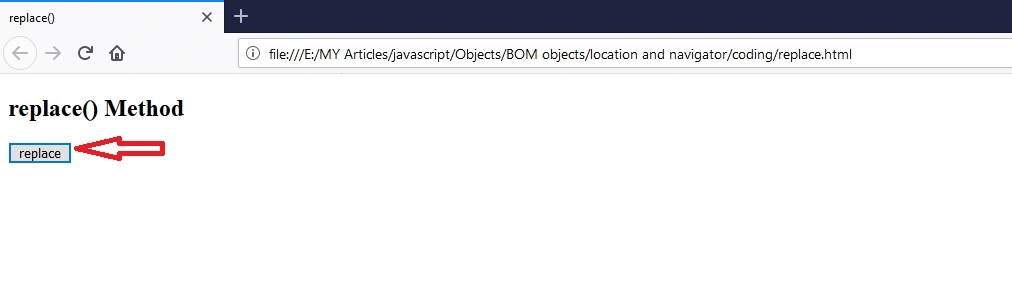
This replaces the current document with the specified new document. The replace () method in the location object is used to replace the current page with another page.
Syntax
- location.replace(URL)
Example
The following programs illustrate the location replace () method in HTML.
- <!DOCTYPE html>
- <html>
- <head>
- <meta charset="utf-8">
- <title>replace()</title>
- </head>
- <body>
- <h2>replace() Method</h2>
- <button onlclick="replace()">replace</button>
- <script>
- function replace() {
- location.replace("https://www.c-sharpcorner.com"); //replace the current page to new page
- }
- </script>
- </body>
- </html>
Output
Property in Location Object
The following table contains the properties of location objects in JavaScript.
|
Properties
|
Description
|
|
herf
|
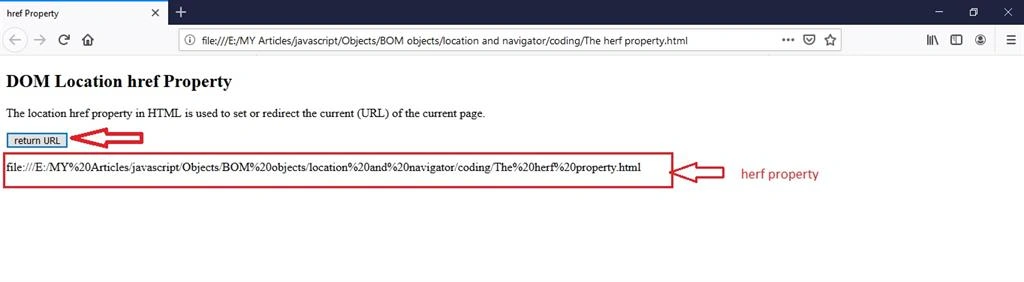
The location href property in HTML is used to set or redirect the current (URL) of the current page.
|
|
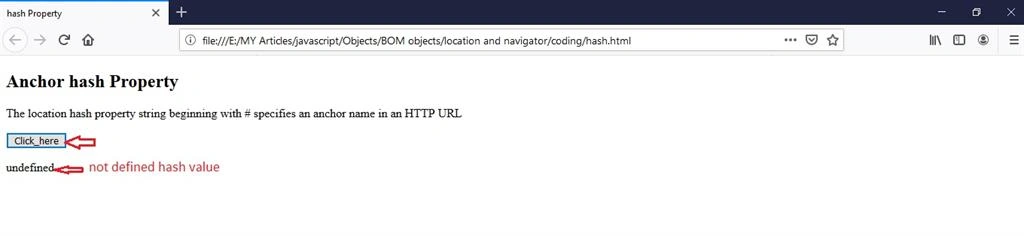
hash
|
The string beginning with # specifies an anchor name in an HTTP URL.
|
|
host
|
It refers to a string that includes the hostname and port strings
|
|
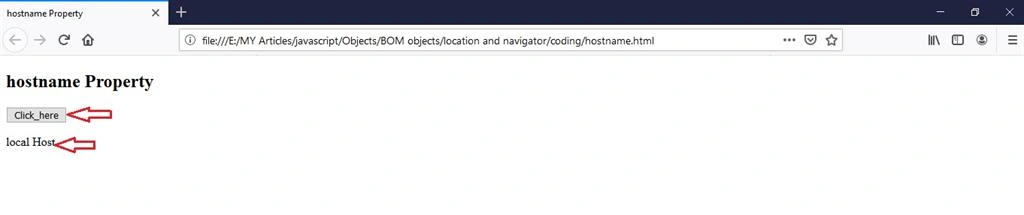
hostname
|
It Provides the domain name, sub-domain name and server name of the web host.
|
|
search
|
It specifies the search area of the URL.
|
|
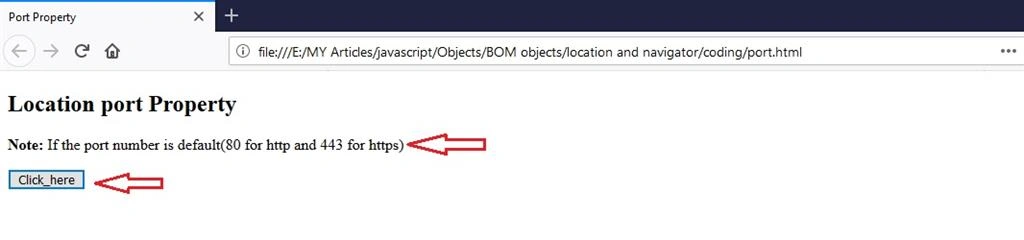
port
|
It returns the port number of the current page.
|
|
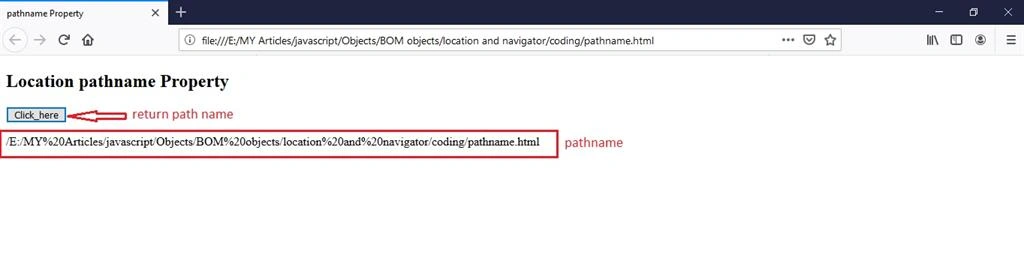
pathname
|
It returns the pathname (URL) and file name (URL) of the current page.
|
Join the conversation! Your thoughts help the community grow.