

Boxing and Unboxing in TypeScript
Boxing
- var x: number=100;
- var obj: Object=x; //Boxing
Unboxing
- var a: number=100;
- var obj: Object=x; //Boxing
- var y: number=parseInt(obj.toString()); // unboxing
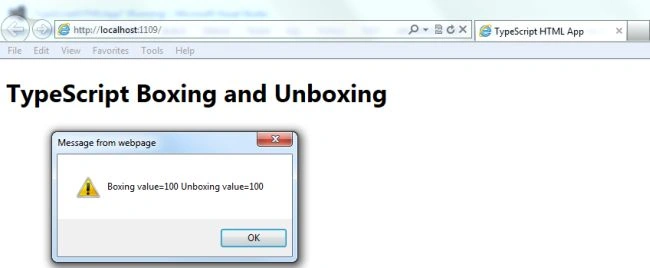
The following example tells you, how to use Boxing and Unboxing in TypeScript. Use the following to create a program using Boxing and Unboxing.
Step 1
Open Visual Studio 2012 and click on "File" menu -> "New" -> "Project". A window will be opened; provide the name of your application, like "BoxingAndUnBoxing", then click on the Ok button.
Step 2
After Step 1 your project has been created. The Solution Explorer, which is at the right side of Visual Studio, contains the js file, ts file, CSS file, and HTML files.
Step 3
The code of the Boxing and Unboxing program:
BoxingAndUnBoxing.ts
- class BoxingAndUnBoxing {
- MyFunction() {
- var a: number = 100;
- var b: number;
- var obj: Object;
- obj = a;
- b = parseInt(obj.toString());
- alert("Boxing value=" + obj + " Unboxing value=" + a);
- }
- }
- window.onload = () => {
- var data = new BoxingAndUnBoxing();
- data.MyFunction();
- }
Join the conversation! Your thoughts help the community grow.