

For the past 2 weeks I've been testing the Windows Phone Device in depth. There were nice things I liked such as the Welcome Screen.
But the Windows Phone SDK doesn't support Welcome Screen customization so my options were:
-
Wait for WP8 SDK (maybe there you can find something useful about customizing the welcome screen if available)
-
Or let the Windows Phone Design Team know about my interest.
I already did the second thing, but there was no response:

Anyway, now I am going to talk about where this idea came from.
I like trips (especially small ones where you can take photos to share when returning home).
While I was hanging around a local town hereabouts I saw a newly-built house in a corner where I was turning. I saw this and took the photo, edited later on a design application:
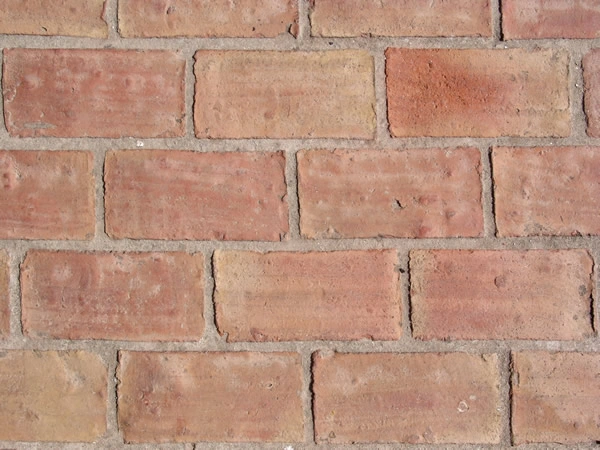
So, I decided if I can arrange WP Tiles just like that then I'd make it!
So the story of my "Brick" theme comes from a photo I recently took.
So afterwards I've designed a 780X480 sized image file to determine if I can arrange them according to the reference image.
Not much similar but close to it:
So, I got the feeling that I've arranged 3X6=18 tiles (120X120 sizes for each) in a Grid successfully.
Now my vision of a Bricks theme was successfully implemented.
Join the conversation! Your thoughts help the community grow.