

Introduction
As we discussed in a previous article, we focused on how to create a login page, and navigate from one form to another. In this article we will focus on the menu Bar.This sample is Cross Platform so it will work on Andriod,IOS and Windows Phone.If you didnt Read my previous article Kindly check below link.
As we discussed in a previous article, we focused on how to create a login page, and navigate from one form to another. In this article we will focus on the menu Bar.This sample is Cross Platform so it will work on Andriod,IOS and Windows Phone.If you didnt Read my previous article Kindly check below link.
Step 1
Create menu, right click in Menu folder and Select Add-->New Item. Select Class under Visual C# , add a name and click OK.
This Class will help us to define Menu name and Page name for navigation.
Create menu, right click in Menu folder and Select Add-->New Item. Select Class under Visual C# , add a name and click OK.
This Class will help us to define Menu name and Page name for navigation.
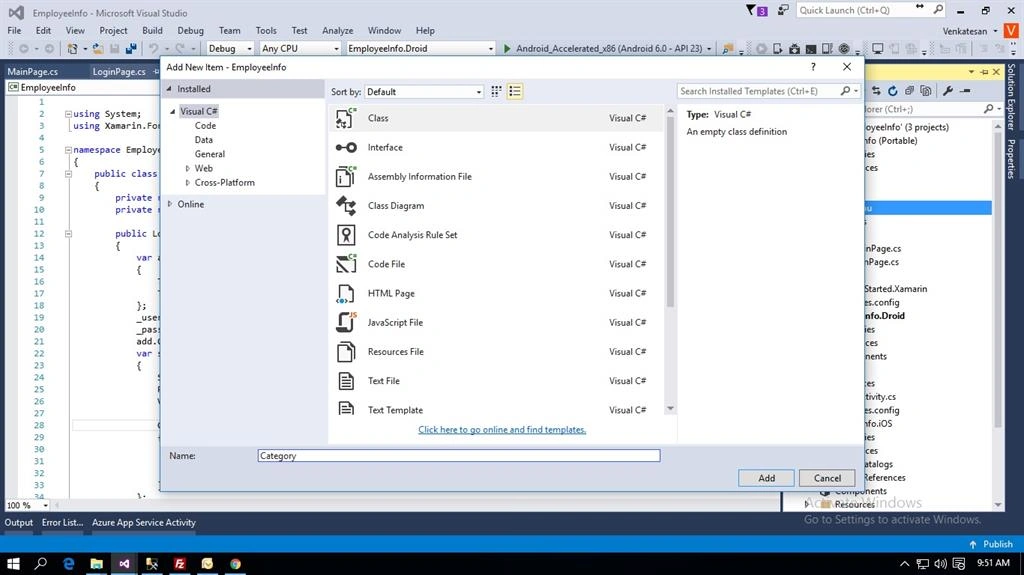
Add the menu name and Page Fn (ContentPage information will be stored).
Category.cs
- public class Category
- {
- public string Name
- {
- get;
- set;
- }
- public Func<dynamic> PageFn
- {
- get;
- set;
- }
- public Category(string name, Func<dynamic> pageFn)
- {
- Name = name;
- PageFn = pageFn;
- }
- }
Step 2
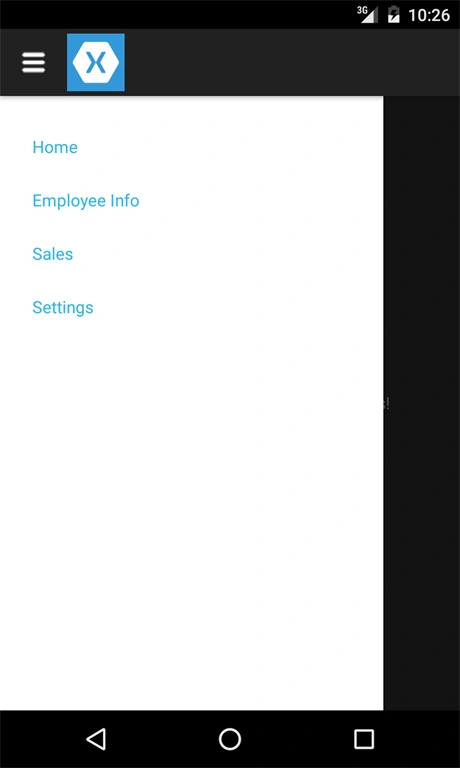
Create menu page, right click in Menu folder and Select Add-->New Item. Select Cross-Platform under Forms ContentPage , add a name MenuPage and click OK. Now,create an objects for the category to add menu details ,pass it to ListView and create Itemseleted event so that when user touch MenuItem corresponding page will load.
Create menu page, right click in Menu folder and Select Add-->New Item. Select Cross-Platform under Forms ContentPage , add a name MenuPage and click OK. Now,create an objects for the category to add menu details ,pass it to ListView and create Itemseleted event so that when user touch MenuItem corresponding page will load.
Step 3
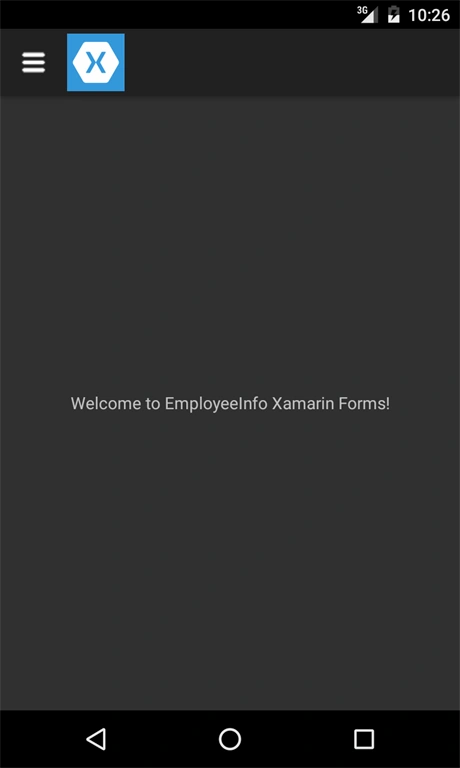
We need Menu Icon so that user can click the menu icon and see the Menulist for that We have to add Menu icon, add both project IOS (under Resources) and Android (under Resources->Drawable) and add some sample pages for menu like Settings.cs, Sales.cs, EmpInfo.cs pages.
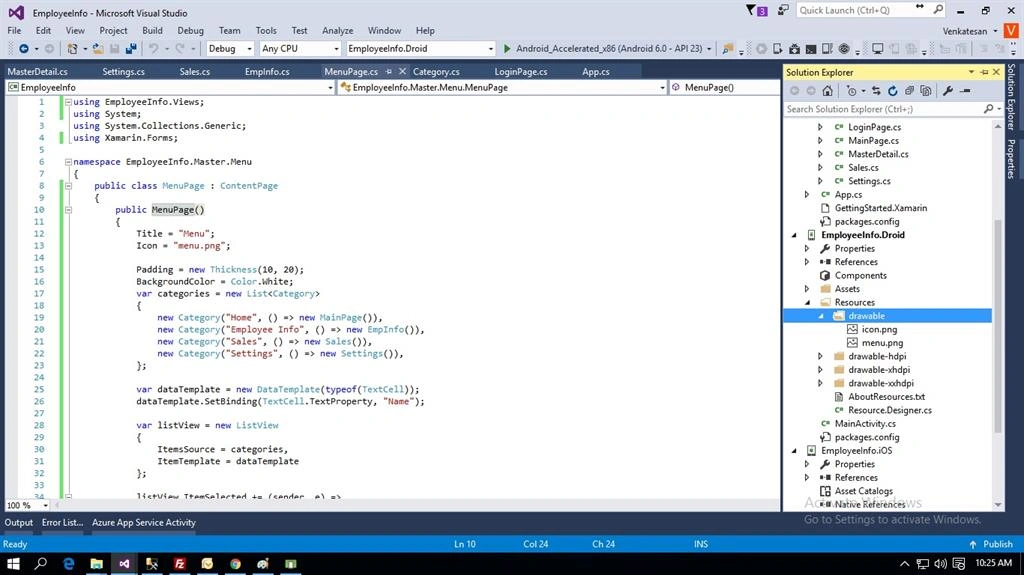
MenuPage.cs
 /
/
svingking leePosted Oct 12, 2017, 1:41 PM
Please share link download code :D thanks
VenkatPosted Jul 20, 2016, 10:33 PM
Tq :)
Bhavik PatelPosted Jul 20, 2016, 10:12 PM
Nice
Asfend YarPosted Jul 20, 2016, 11:38 AM
Nice start Dude
kalu singh raoPosted Jul 20, 2016, 1:54 AM
Great resource for learning app development. Keep it