

Background
This is an overview of developing and deploying across platforms of ASP.Net web apps. Really exciting things are coming with vNext. One can develop and deploy on any platform they want. I tried to create a picture representing the idea of cross-platform development and deployment. 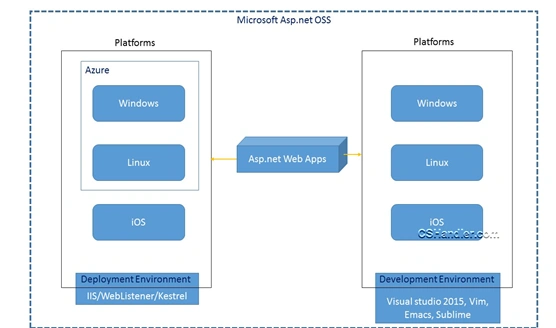
In the preceding picture the interesting part is Azure gives you an opportunity to create a Linux based Virtual Machine. And Visual Studio enables the deployment and hosting of your ASP.Net Web app directly from new Visual Studio 2015. Isn't it interesting?
Get started
Let us start with instructions of how to create/run ASP.Net on a Mac machine. Though the entire procedure is already specified in the ASP.Net Github page, providing you a clearer picture of the procedure with screenshots should definitely help you to step ahead with a hands on experience.
To install KVM (Kruntime** Version Manager) and the correct version of Mono on OS X using Homebrew use the following procedure.
**Note: Kruntime is code that bootstraps and runs an ASP.Net vNext application. This includes things like the compilation system, SDK tools and the native CLR hosts.
Step 1
Install Homebrew if it is not already installed.
Run the following command on the terminal to install Brew via terminal:
ruby -e "$(curl -fsSL https://raw.githubusercontent.com/homebrew/install/master/install)"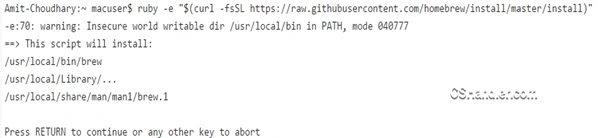
Here you need to press the Return key. You'll see the following output: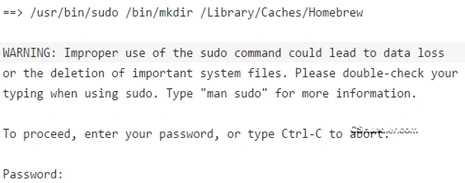
Here you need to insert the password of the user you logged-in with. (Be sure the user has Administrative rights). Also the cursor will not show you anything when you type the password so just type and press the Return key and the homebrew will be installed on your machine. 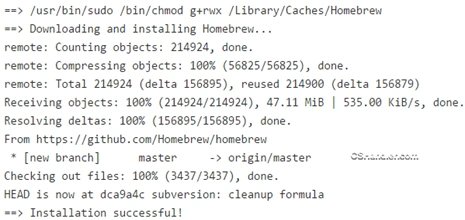
Step 2
Run the command brew tap aspnet/k to tap the ASP.Net vNext related git repositories. If you had already tapped the repo for previous releases, run brew untap aspnet/k to delete the old commands and tap again to get the updated brew scripts.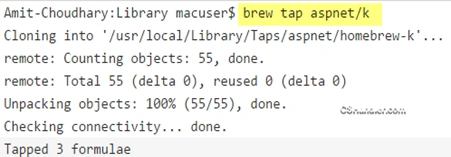
Step 3
Run the command brew install kvm to install KVM. This will also automatically install the latest KRE package from the https://www.nuget.org/api/v2 feed.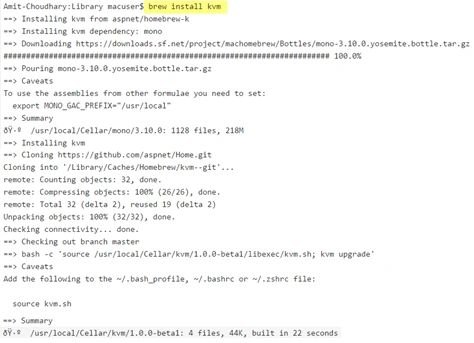
Step 4
Run the command source kvm.sh on your terminal if your terminal cannot understand kvm.
Step 5
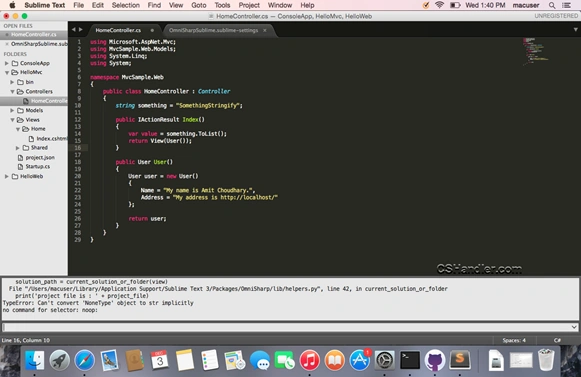
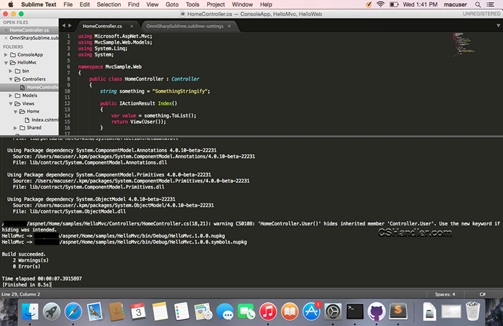
Run the command kvm upgrade. This will install the latest version of Kruntime. Now you're ready with your Kruntime to host and run ASP.Net vNext apps. Now to start creating applications you need an Editor. In this tutorial I'm going to use the Sublime Text 3. Download and install it if it's not already installed on your Macbook.
Step 6
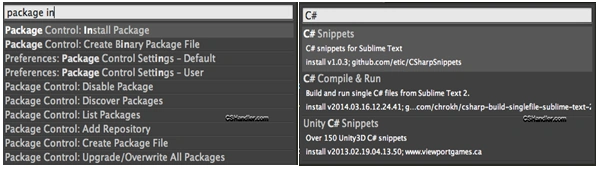
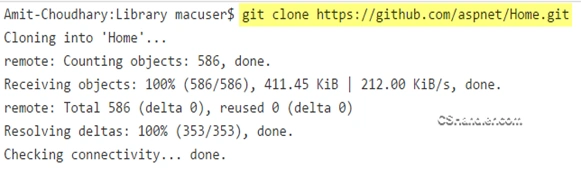

Michal HabalcikPosted Dec 11, 2014, 3:52 AM
new "crossplatform times" ahead of us
Manish Kumar ChoudharyPosted Dec 11, 2014, 3:00 AM
Nice one Amit Choudhary sir..
Vithal WadjePosted Dec 11, 2014, 1:23 AM
good work,thanks for sharing
Dinesh BeniwalPosted Dec 11, 2014, 12:52 AM
Good work Amit.