

Introduction
When a custom application code is complete and is tested well and final step is to check in to code repository. There are n number of ways to check in the code. I felt using git commands is a simple process and can check in to master branch with less no. of steps. In this article, let's see the steps to have the custom application codes check in to Azure DevOps repository. The steps are outlined for PS script project. The same steps can be used for any custom projects using .Net projects, SPFx projects, etc.
Pre-requisites
- First, you need to install Git. Please find the references section to install the Git on to your machine.
- You need to have access to the repository with minimum contribute permissions.
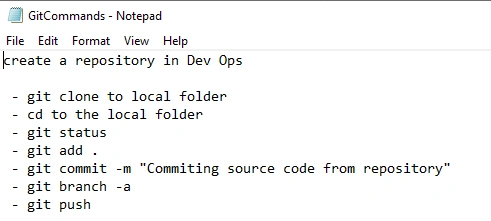
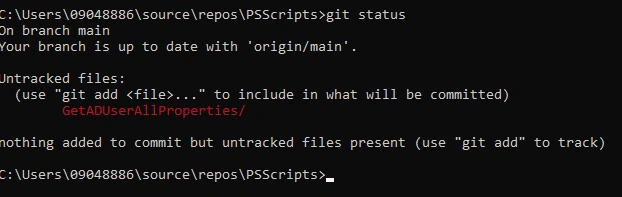
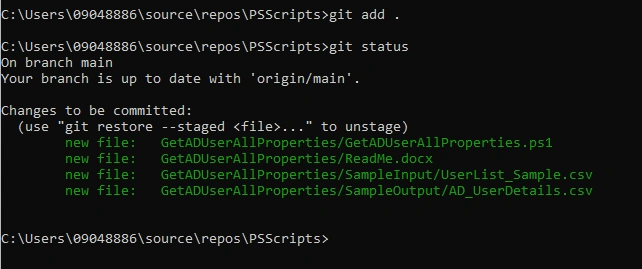
The idea here is not to focus on the PS code, but to get the steps to have the local code pushed to your version control systems, in this is case push to code repo in Azure DevOps. Below are the steps that will be done at a glance.
Accessing the Repo
When given access to Azure DevOps, you should be able to access the repository by following steps
Step 1 - Login to Azure Dev Ops https://dev.azure.com and login with your corporate credentials.
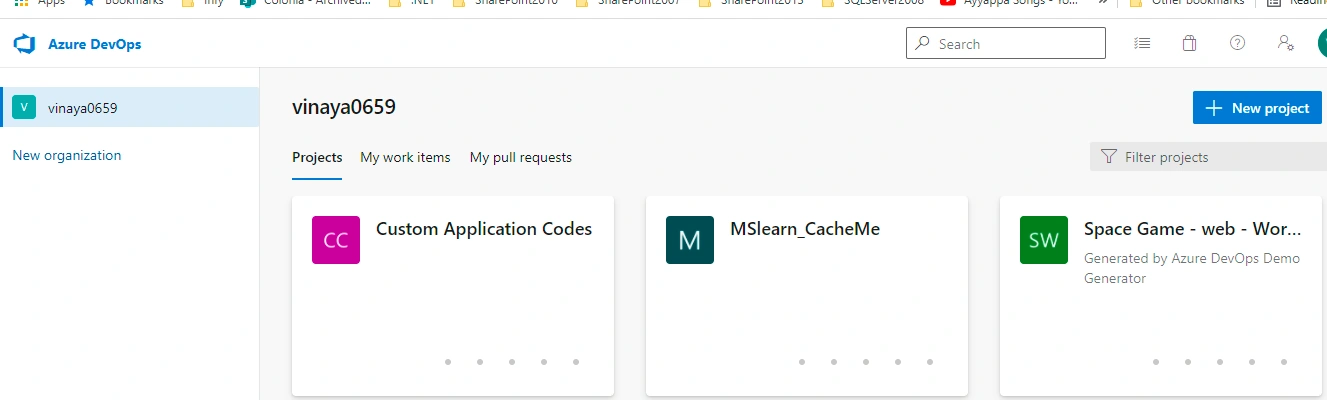
Step 2 - Access the workspace, in my case it is ‘Custom Application Codes’
Step 3 - Click on the ‘Repos’ from the quick launch menu.
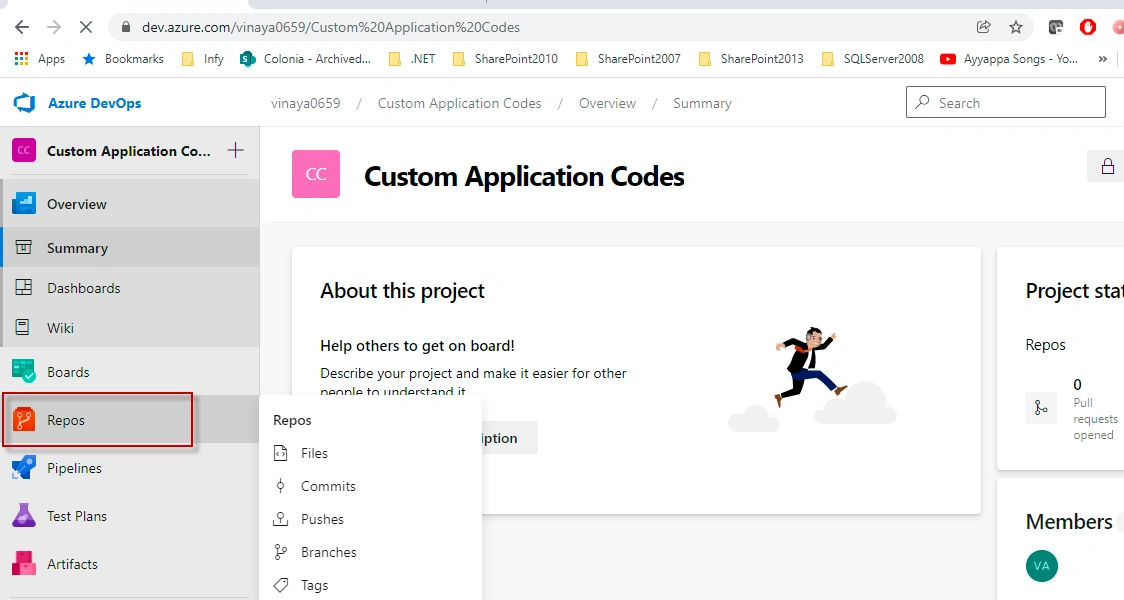
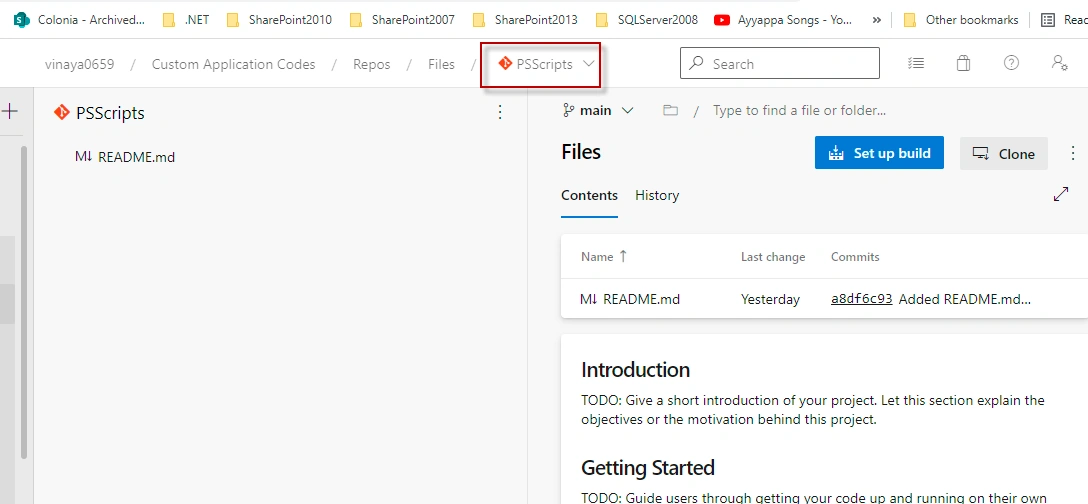
Step 4 - I would like to push my Power Shell Code to this repository. If you observed it there is nothing there in the ‘PSScripts’ repo.
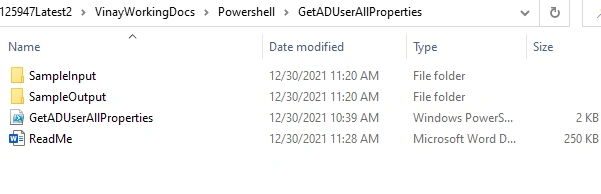
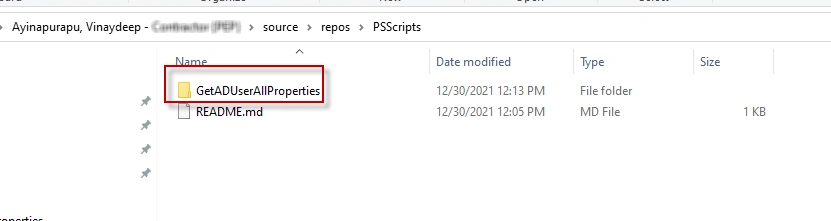
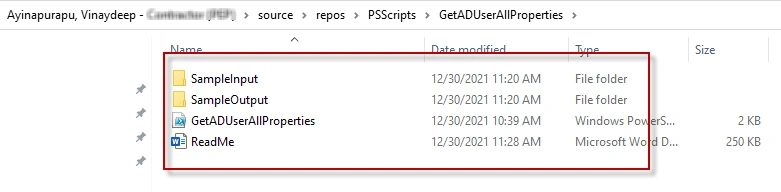
From the local folder I have the following file structure which needs to be pushed to Azure Dev Ops Repo
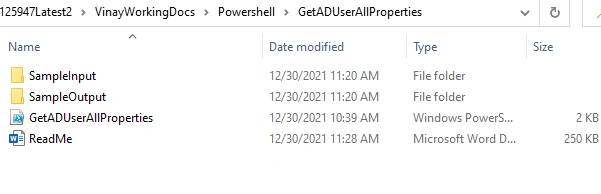
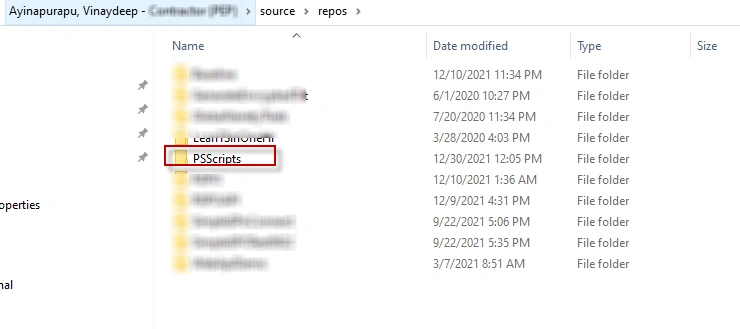
Step 5 - Before you would like to push the code, you need to have local repo folder setup which will sync your code files to DevOps repo. I have selected the default repos which is at C:\Users\[UserPRofile]\source\repos
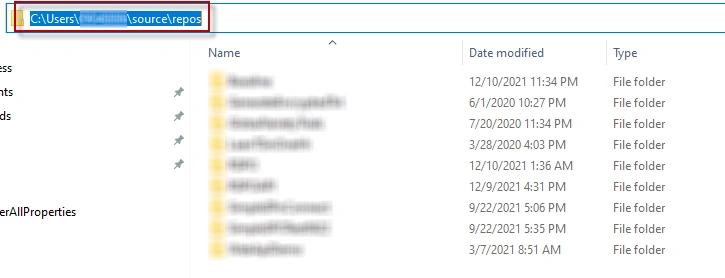
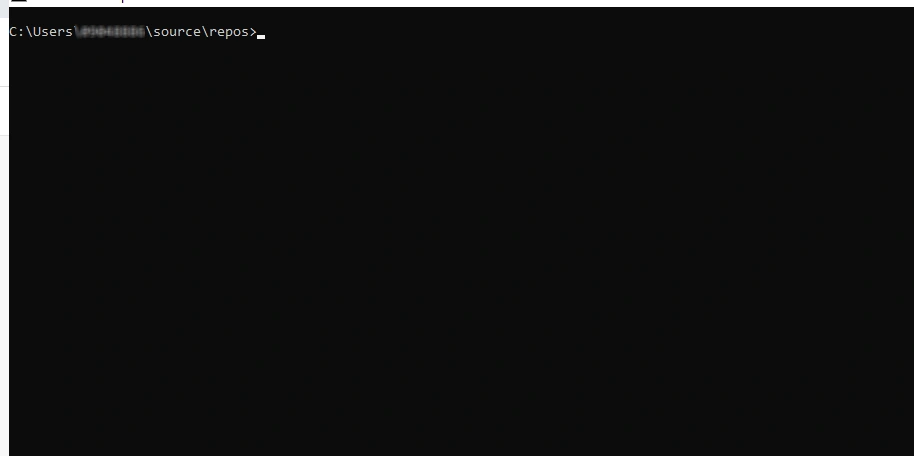
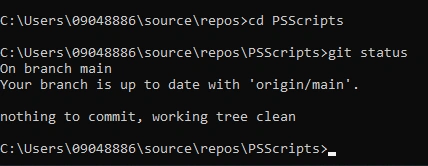
Step 6 - Clone the devops repo to this folder using the git commands. For this login to command prompt and change directory to this folder.
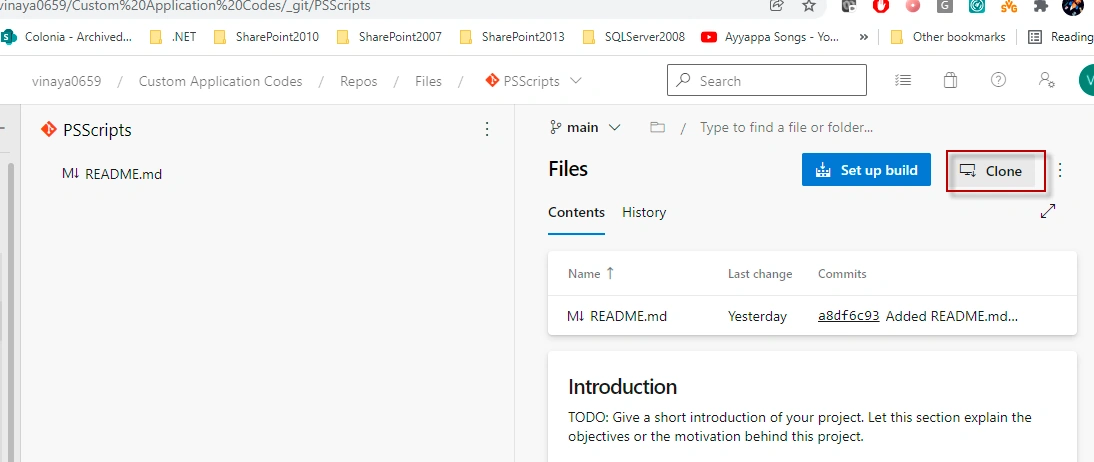
Step 7 - In the Azure Repos folder, click on the ‘Clone’ and copy the URL.
Step 8 - Enter the following command in command prompt
git clone https://[email protected]/vinaya0659/Custom%20Application%20Codes/_git/PSScripts

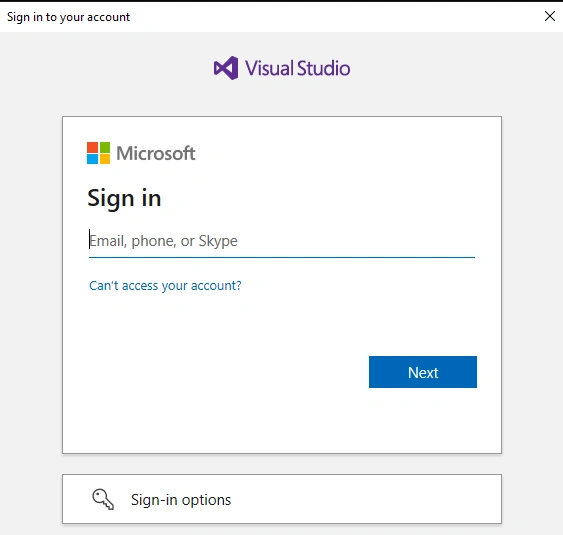
It should ask for authentication in Pop-up




Join the conversation! Your thoughts help the community grow.