

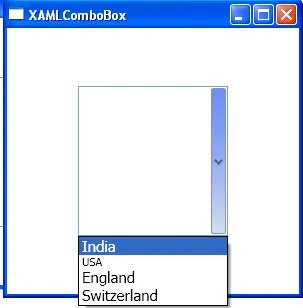
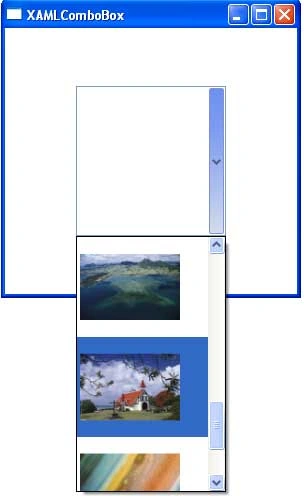
The element represents a ComboBox in XAML. A ComboBox is a collection of ComboBoxItems represented by element in XAML. Here in this article I am going to show that how we can create ComboBox and how we can add item in the ComboBox. By default, the ComboBox height and width is full screen. In a ComboBox we can use CheckBox item, Images etc.
The following window1.Xaml code is showing that how we can create the ComboBox and add item in that ComboBox.
<Window x:Class="XAMLComboBox.Window1"
xmlns="http://schemas.microsoft.com/winfx/2006/xaml/presentation"
xmlns:x="http://schemas.microsoft.com/winfx/2006/xaml"
Title="XAMLComboBox" Height="300" Width="300"
>
<!--Here in ComboBox we find a property IsEditable if we set it as True the we can write anything inside the ComboBox-->
<!--By Default the height and width of ComboBox is same as OPage Size So here we can set the height and width Property -->
<ComboBox IsEditable="False" Width="150" Height="150">
<!--From here I am adding the Item in ComboBox-->
<ComboBoxItem FontSize="15">
<ComboBoxItem >
<ComboBoxItem FontSize="15">
<ComboBoxItem FontSize="15">
Join the conversation! Your thoughts help the community grow.