

This article explains:
- How to configure SSRS application in SharePoint 2013.
- Deploying reports into SharePoint 2013 document repositories.
Use these two cmdlets to activate a SSRS sevice application in SharePoint 2013.
Open a SharePoint 2013 Management Shell using “Run with elevated privilleges”.
Install-SPRSService and Install-SPRSServiceProxy
Open SharePoint 2013 Central Administration.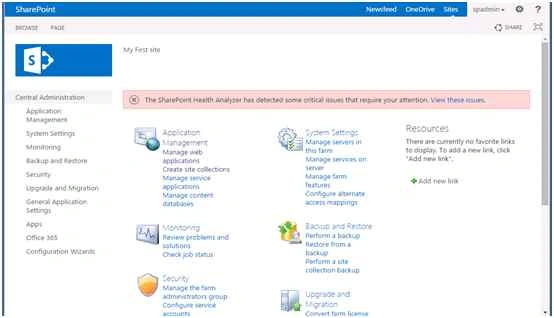
Go to Application Management then under Service application click Manage Service Application.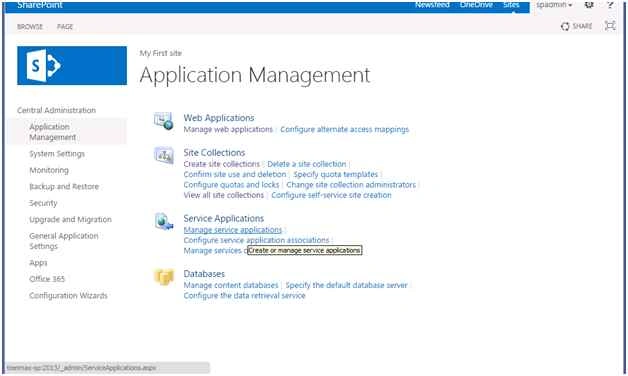
On that page click New then click SQL Server Reporting Service Application.
Provide the unique name of the service application.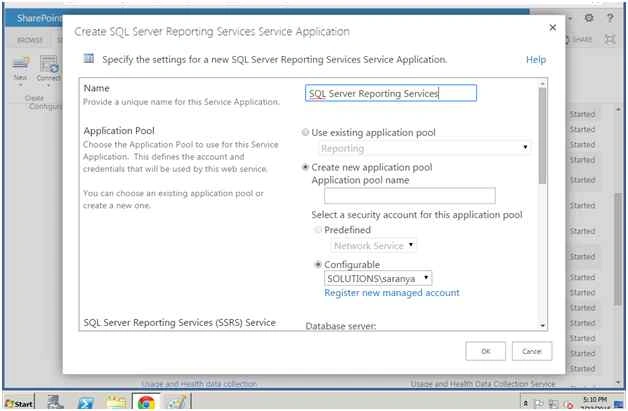
Select Create new application pool.
Provide the Managed account.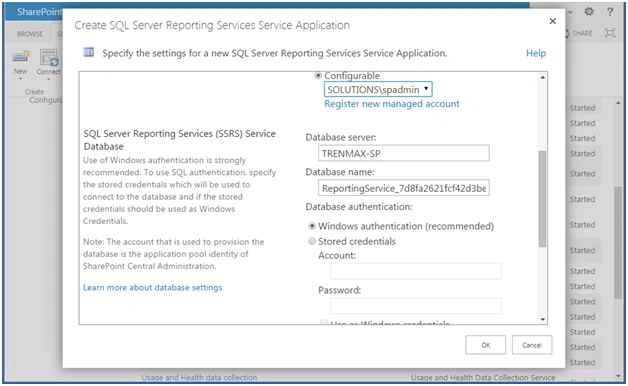
Then click OK.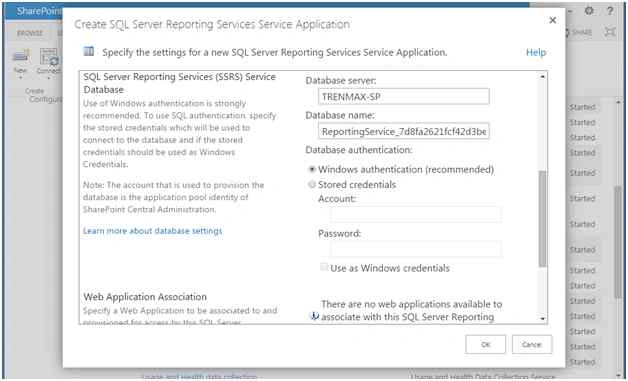
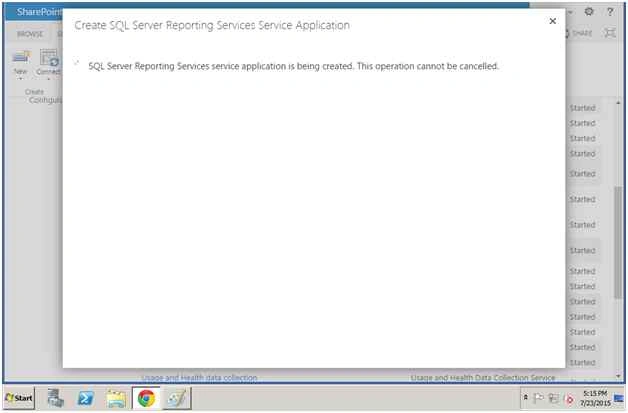
So now the New SSRS Service application has been created.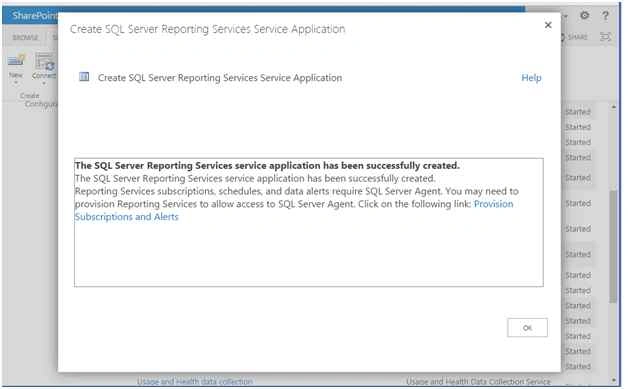
So now you are able to see the SSRS Service Application in that page.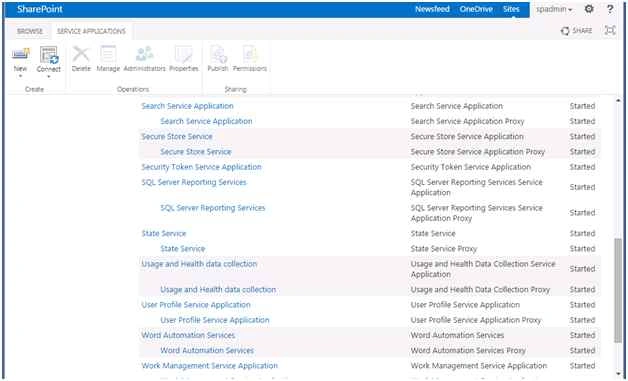
Now I will create and deploy the reports into the SharePoint site.
Create a Team Site in SharePoint 2013.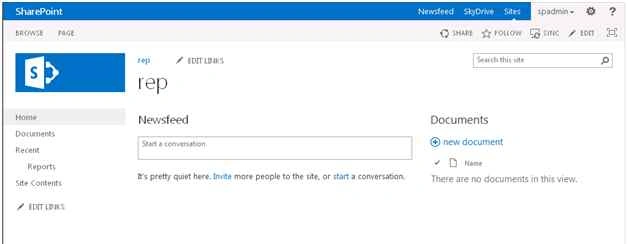
Inside I am creating the Document Library named "Reports".
Open SQL Server Data tools from the Start menu.
Here I am creating a new report server project with simple report.
The configure the datasource and datasets.
Right-click on the project properties then select Set the Path to deploy.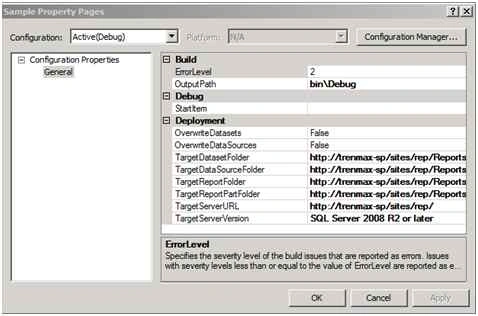
Now right-click on the project then select Click Deploy.
So now the report has been deployed successfully.
Now let's see in the SharePoint.
So now the report has been deployed into the SharePoint document repository.
Now I will add a SSRS Report viewer into the page.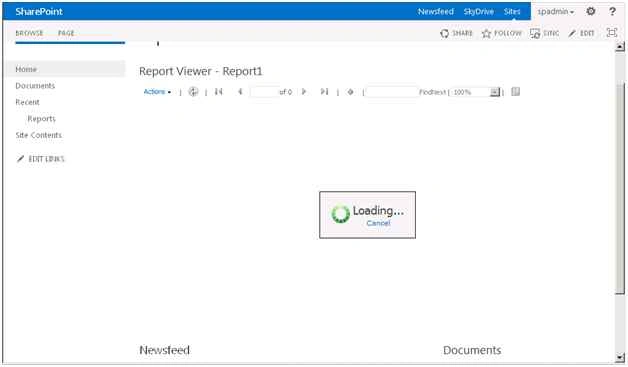
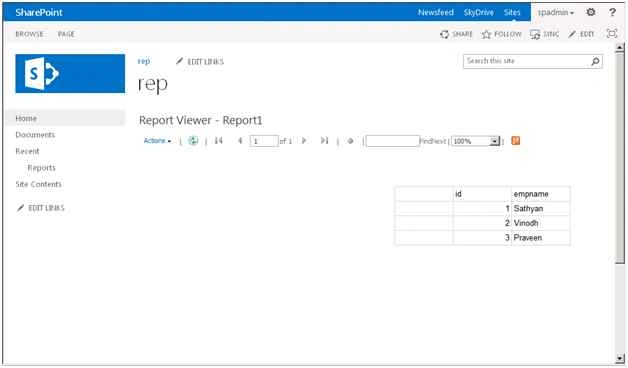
You can directly click on the report and it is also viewed in the browser.
Regards: Vinodh.N (SharePoint Developer/Administrator).
Happy SharePoint!
RakeshPosted Jul 30, 2015, 12:46 PM
Good one
Vinodh NarayananPosted Jul 30, 2015, 6:35 AM
Thanks friends
Vinodh NarayananPosted Jul 30, 2015, 6:35 AM
Santhakumar Munuswamy Thanks sir
Sibeesh VenuPosted Jul 30, 2015, 5:03 AM
Nice Share
Santhakumar MunuswamyPosted Jul 30, 2015, 3:00 AM
Good. Thanks for sharing
Vinodh NarayananPosted Jul 30, 2015, 12:35 AM
Thank you guys
Nilesh JadavPosted Jul 30, 2015, 12:03 AM
Nice one sir
Gopi ChandPosted Jul 29, 2015, 10:31 PM
Good
Abhay ShankerPosted Jul 29, 2015, 10:14 PM
Nice One...