
Introduction
SQL connectivity is more important to access data in wide applications. It provides the best solution for data access in a class. It enables the development of high performance applications in various widely applications.
Use the following procedure to create a sample of connectivity of SQL Server.
Step 1: Open the QlikView application
It is the first step, in this step you need to open the QlikView application then go to File-> New then this window will be opened.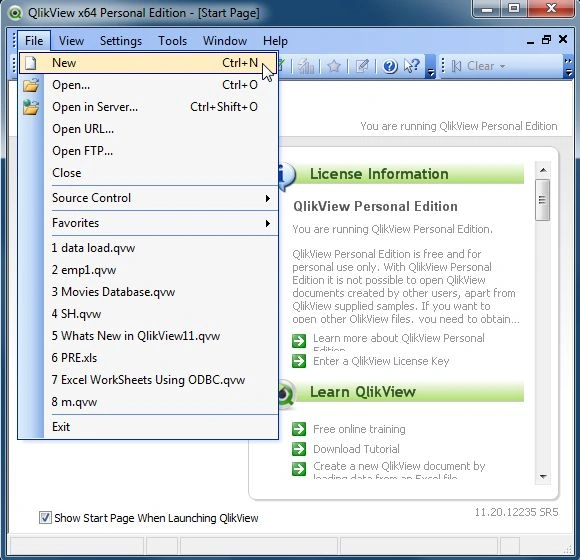
Step 2: Open Edit Script
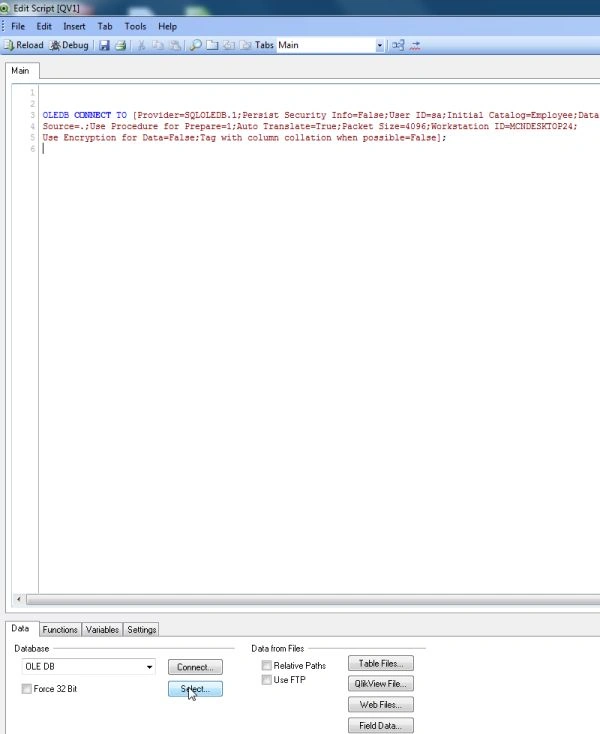
The second step is to open the edit script window from:
File-> Edit Script.
Then this window will be opened.
Step 3: Select Database
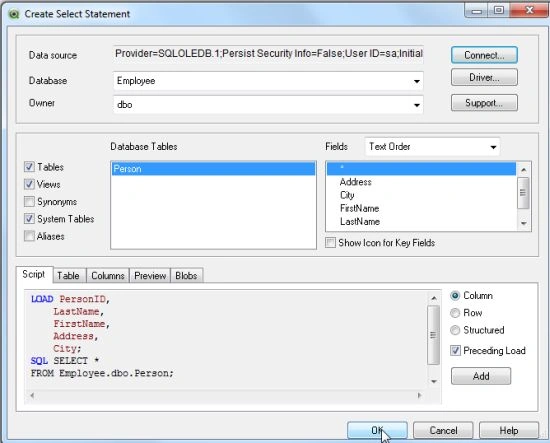
The third step is to select the database from the data tab and click on the Connect Button.
Step 4: Data link property window: In this window we select the SQL Server and click on the Next Button.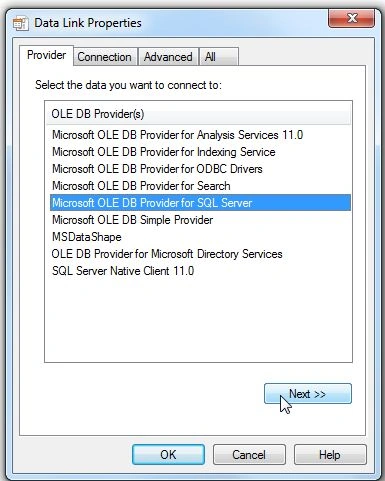
Step 5: Connection tab
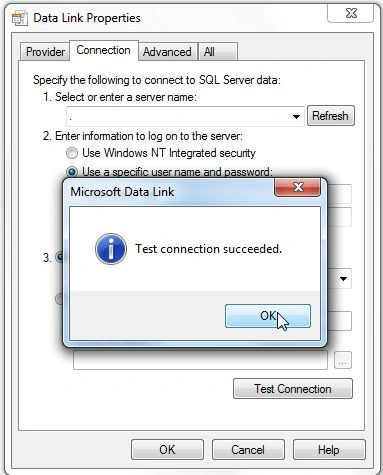
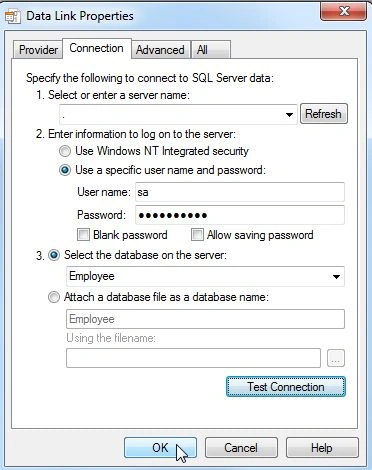
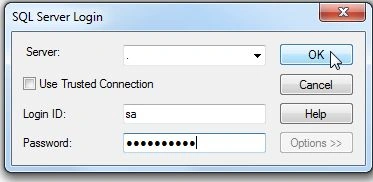
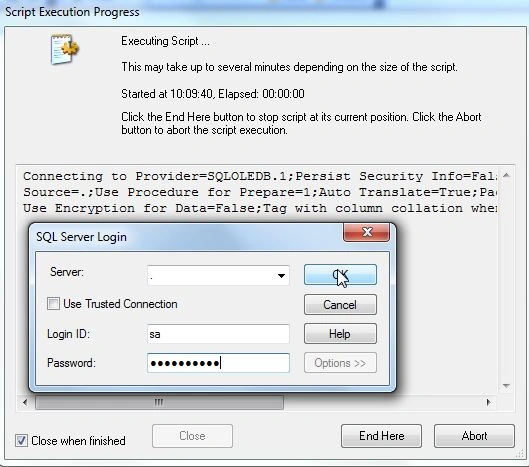
In the connection tab, you enter the server name and user name and password and select the database from your server and click on Test Connection.






Join the conversation! Your thoughts help the community grow.