

In this article, you will see how to consume Web API in .Net core 3.1 MVC. This article will help beginners who are new to API concepts. Let's explore consuming web API in .Net core 3.1 MVC using a simple example.
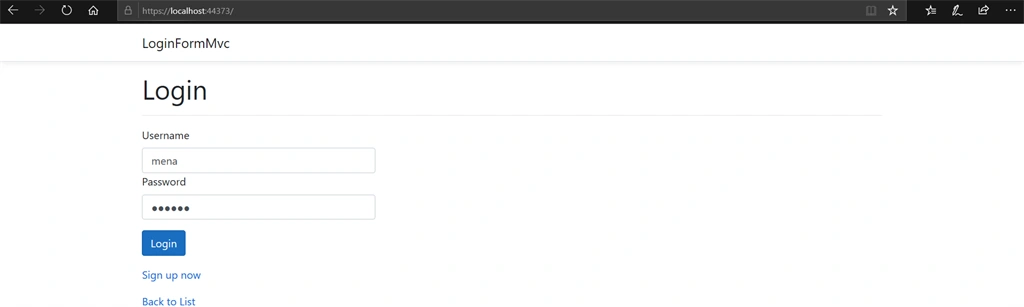
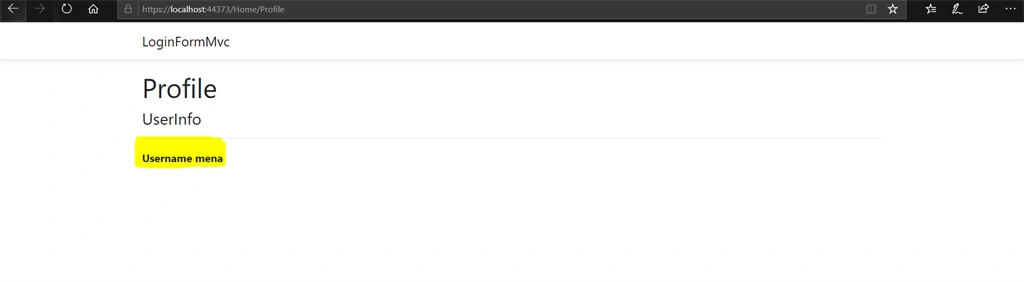
To make the concept easier to understand, I created a real world scenario. In this demo project, a simple login application is created using web API and it is consumed on .Net core MVC.
Why do we need API's and what's the use of using API's in the project?
API stands for Application Programming Interface -- just like the online web services that are used by the apps at the client-side to retrieve information. An API will hold the central logic of an application irrespective to the number of client applications utilizing it.
In order to understand better, let's consider an example, where there are a number of apps that support different platforms. Each client application will have its own business logic which would enable it to connect directly to the database in order to manipulate the data. Hence, implementing any change to the client application will be tough. In case of any update, it will be required to make changes to each and every app individually. To avoid this conflict, it's better to use a central API to manipulate the data. It will be easy to maintain and changes can be done in one place.
Let's begin the project.
In this demo project, a simple login application is created using web API and it is consumed on .Net core MVC.
Create Web API Project
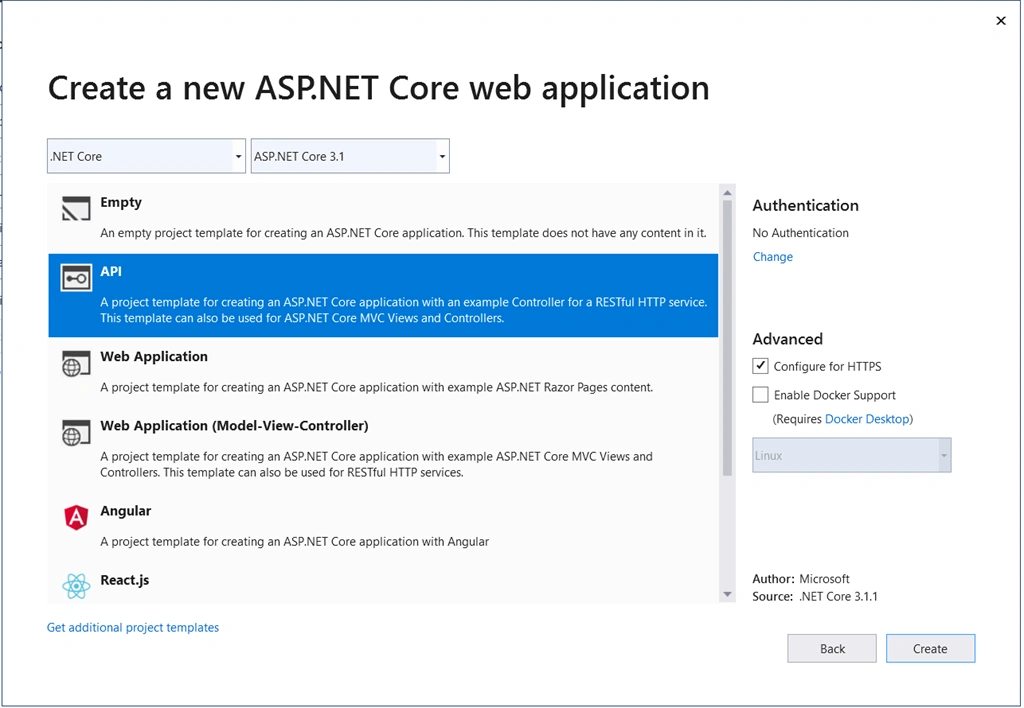
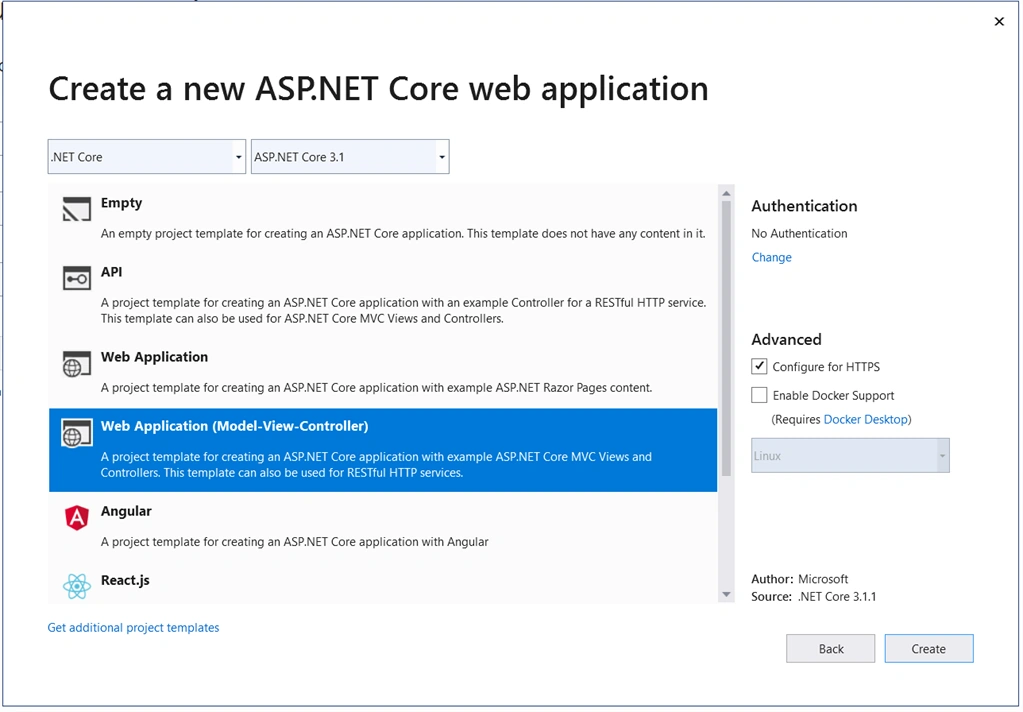
Create new web API project, New project--> Choose ASP.Net Core Web Application--> Choose API--> Click Create.
Create Login and Signup Tables in Database
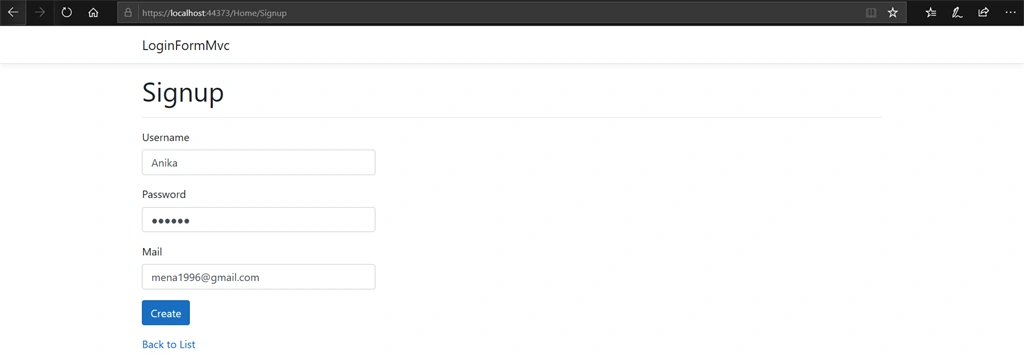
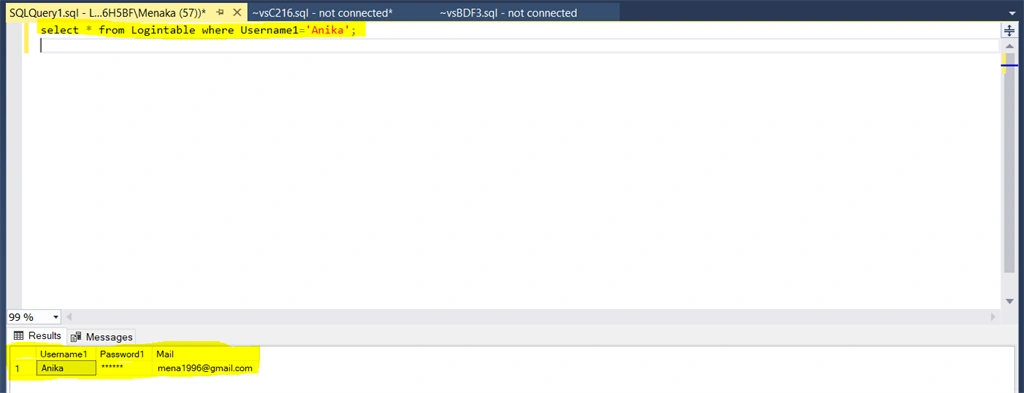
In this project the stored procedure approach is used to manipulate the data in the database. Create procedure for login and signup as "SpLogin" and "SpSignup". Login procedure returns count, when the user exists in the login table. Signup procedure allows new users to create a new account or allows the user to register.
Create a Database class
Usually connection string values should be given in appsettings.json. In this project, a separate dataclass is used to help beginners understand.
public class DataClass
{
    public static string Connection = "Server=*******;Database=WebApiDemo;Trusted_Connection=True;";
    public static string Conn { get => Connection; }
}
Create a model class for userinfo
In this project, users are allowed to login and signup. So I need basic user info like username, password and mail as userinfo in my user model class.
public class UserInfo
{
    public string UserName { get; set; }
    public string Password { get; set; }
    public string Mail { get; set; }
}
Create a Data access class
In this project users are allowed to login or signup, hence creating a class for data access contains methods like login and signup as given below in the code. For an existing user, true is returned by the checklogin method. For a new user, Userinfo is added to the signup table by the signup method. Both the methods return bool.
public class Dataaccess
{
    string conn = DataClass.Connection;

    //Method for Login
    public bool CheckLogin(UserInfo user)
    {
        using (SqlConnection connection = new SqlConnection(conn))
        {
            if ( string.IsNullOrWhiteSpace(user.UserName) || string.IsNullOrWhiteSpace(user.Password))
            {
                return false;
            }
            SqlCommand cmd = new SqlCommand("loginForm", connection);
            cmd.CommandType = CommandType.StoredProcedure;
            connection.Open();
            cmd.Parameters.AddWithValue("@Username1", user.UserName);
            cmd.Parameters.AddWithValue("@Password1", user.Password);
            object read = cmd.ExecuteScalar();
            int Var = Convert.ToInt32(read);
            connection.Close();
             return Var==1;
        }

    }
    // Method for SignUp
    public bool Signup(UserInfo User)
    {
        using (SqlConnection connection= new SqlConnection(conn))
        {
            SqlCommand cmd = new SqlCommand("Signinform", connection);
            cmd.CommandType = CommandType.StoredProcedure;
             connection.Open();
            cmd.Parameters.AddWithValue("@Username1", User.UserName);
            cmd.Parameters.AddWithValue("@Password1", User.Password);
            cmd.Parameters.AddWithValue("@Mail", User.Mail);
            int  read= cmd.ExecuteNonQuery();
            connection.Close();
            return read == 1;
        }
    }
}
Controller actions
In the code given below, both login and signup are performing post operation. It returns OK or Unauthorized status for login method and OK or conflict for signup method based on the dataaccess class returned. In this project demo, Post operation is performed multiple times in the same controller. In such a case we need to specify routes clearly as given below in the code, based on actions.
[ApiController]
[Route("[controller]")]
public class WeatherForecastController : ControllerBase
{
    [HttpPost("Login")]
    public ActionResult get(UserInfo user)
    {
        Dataaccess db = new Dataaccess();
        if (db.CheckLogin(user))
            return Ok();
            return Unauthorized();
    }
    [HttpPost("SignUp")]
    public ActionResult Post(UserInfo user)
    {
        Database db = new Database();
         if (db.Signup(user))
            return Ok();

        return Conflict();
    }
}
Rolando PunoPosted May 30, 2023, 8:05 AM
_logger _Configure apiBaseUrl (these 3 variables where are thse comming from?)
Rolando PunoPosted May 30, 2023, 7:59 AM
// Dependency Injectionpublic HomeController(ILogger<HomeController> logger, IConfiguration configuration) { _logger = logger; _Configure = configuration; apiBaseUrl = _Configure.GetValue<string>("WebAPIBaseUrl"); } // Please how did you come up with this?
narayanarao pPosted Dec 9, 2021, 11:09 AM
Did someone manage to finish this tutorial? if so, can share the source code plz?
narayanarao pPosted Sep 23, 2021, 4:22 AM
Could you please share the git link at least
SURESH PALPosted Jul 12, 2021, 11:09 AM
Can you share the code of database scripts ,please
Kdivya SwarnkarPosted Feb 25, 2021, 12:27 PM
Please give a source code for db
Kashif RezaPosted Dec 25, 2020, 8:47 PM
TempData["Profile"] = JsonConvert.SerializeObject(user); here you simple put the input(user) into tepdata.... how to get the object from response other than api result...for example if api is returning complete user object or it id then how can we get that
Rafael Felicioni de AlmeidaPosted Dec 16, 2020, 8:58 PM
Did someone manage to finish this tutorial? if so, can share the source code plz?
sergio pazPosted Dec 3, 2020, 11:27 PM
You did not upload the complete source code, could you please share with us the .zip? thanks.
Jon JohnPosted Nov 1, 2020, 11:37 PM
Pls share source code
Sajith G HPosted Aug 18, 2020, 12:52 AM
Could you please share the git link
Menaka Priyadharshini BPosted Jul 28, 2020, 8:27 PM
Hi Macros, thanks for a command. I will add my git link as source code
Marcos CasasPosted Jul 28, 2020, 2:11 PM
Hi Menaka, can you upload db scripts please? I want to try this example. Nice article, regards.
Menaka Priyadharshini BPosted Jul 15, 2020, 1:23 AM
Yes sure I will add my source code
Sagar ChowdhuryPosted Jul 14, 2020, 2:32 PM
Can you show us what is the stored procedure you have written for "loginForm" and "Signupform" inside sql server