

Introduction
In this article, I am going to explain how to create a conversational bot with zero lines of coding using QnA Maker- Azure Cognitive Service.
What is Bot?
Bot stands for Build OperateTransfer. It is used to interact with humans conversationally. They automate the process of interacting with people on websites and social media.
QnA Maker
QnA maker is a cloud-based API that is used to create a conversational bot using the data you provided in your knowledge base. It will extract the questions along with all possible answers from the data provided so that the chatbot manages the question from the user by giving them a correct answer.
Let's get started.
Step 1
Create a new resource on the Azure portal as QnA maker.
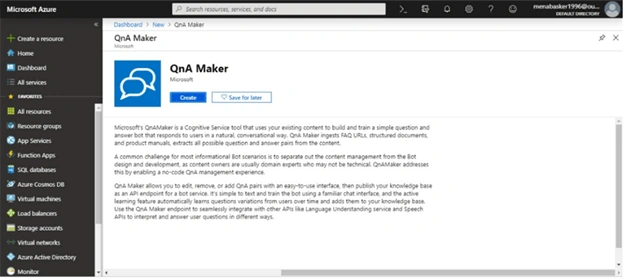
Step 2
Sign in to myQnA portal link, this is officially launched by Microsoft for creating a conversational bot. Once you have signed, you will get a screen as given below.
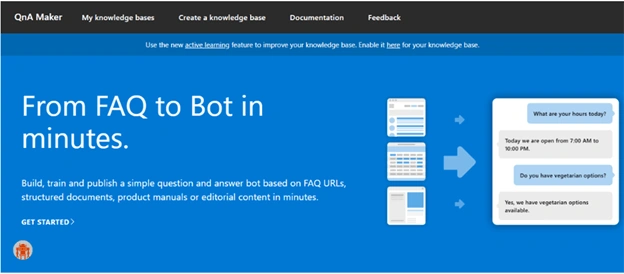
Step 3
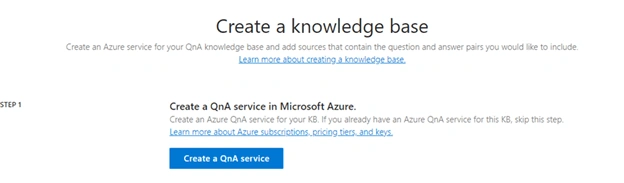
Click "Create a knowledge base" in QnA portal. It will take you to follow five steps.
- Create a QnA Service. It is already done in the Azure portal, so you can skip to the next step.
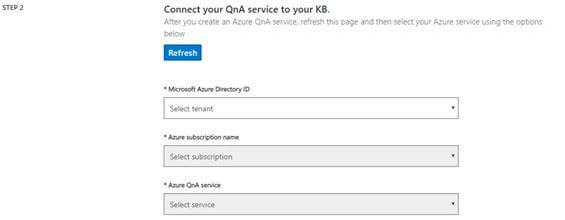
- Connect your QnA service to your KB. In this step, just provide the details of your Azure subscription and Azure service that you created on the Azure portal.
- Name your KB. This is the name of your bot.

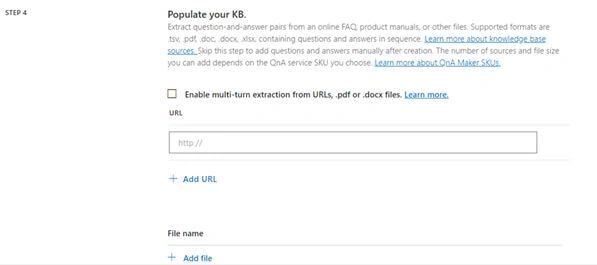
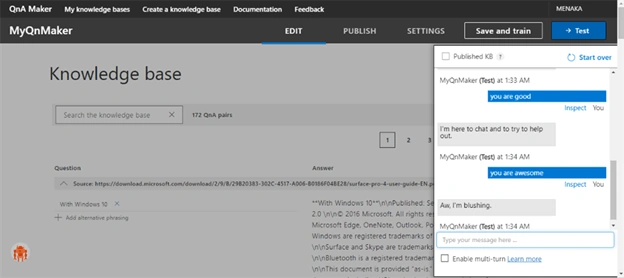
- Populate your KB. You can extract the questions and answers from any of your files. Supported formats are .doc, .docx , .pdf, .xlsx etc. In this example, I have given a URL to extract questions and answer. Add chit-chat by choosing one of the five pre-build personalities.
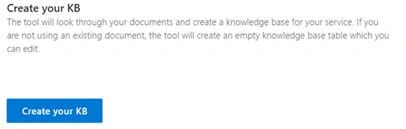
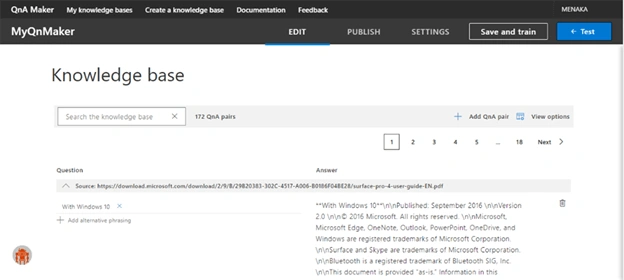
- Create your KB. Once done, click "Create".
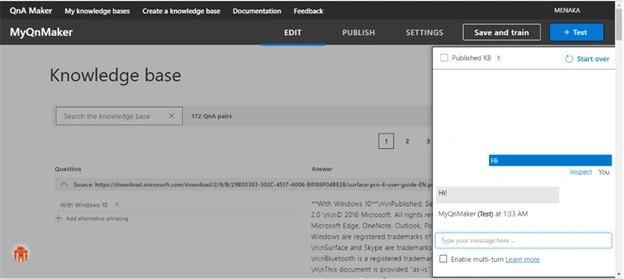
Step 4
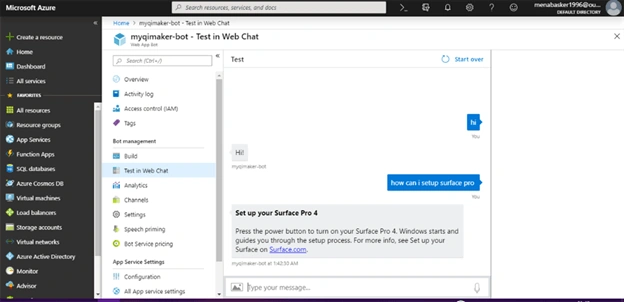
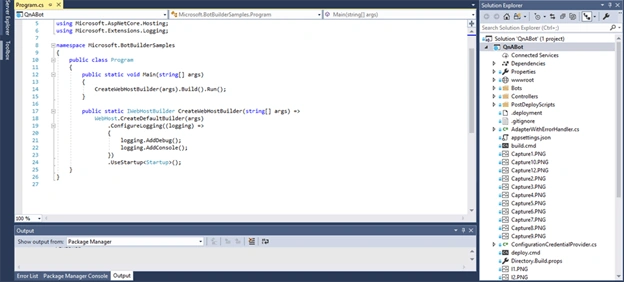
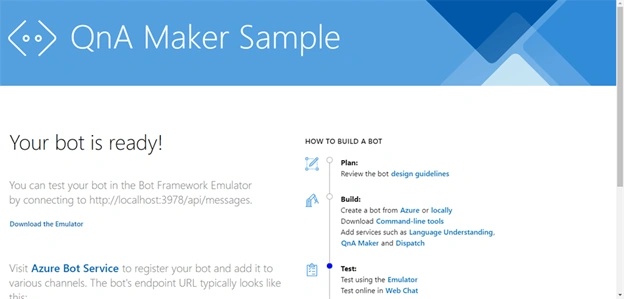
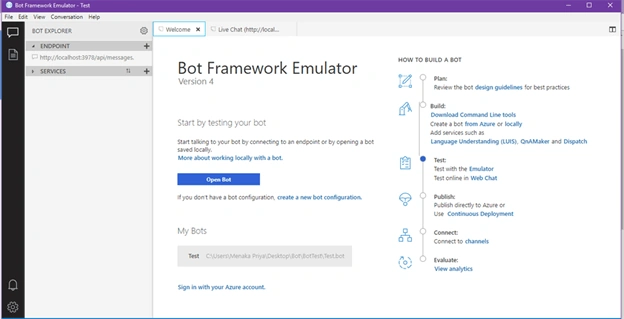
Join the conversation! Your thoughts help the community grow.