

SuperConvert is an open-source lightweight package to convert between JSON, CSV, and Datatables,
It also contains a Hijri date helper (which will be discussed in future articles)
Let's create our project and name it (SuperConvert now is supporting .netcore3.1, .net5, and .net6)
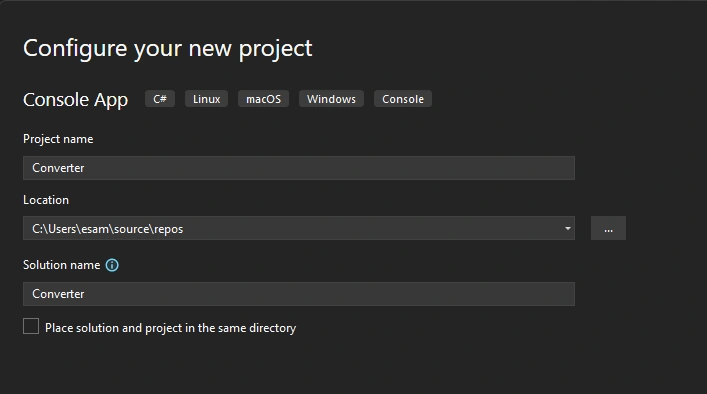
First for converting JSON strings into CSV files we just have to install the SuperConvert package as follows:
- Run the following NuGet command (recommended to install the latest version always)
Install-Package SuperConvert -Version 1.0.3.2 - We can install it from the NuGet package gallery by typing SuperConvert in the search bar and clicking install to the specific project
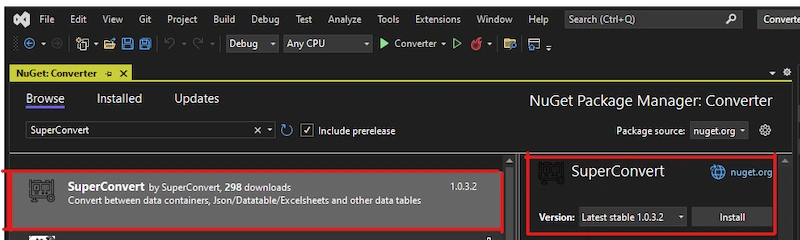
Please Install the latest version always.
After installing SuperConvert let's do some coding.
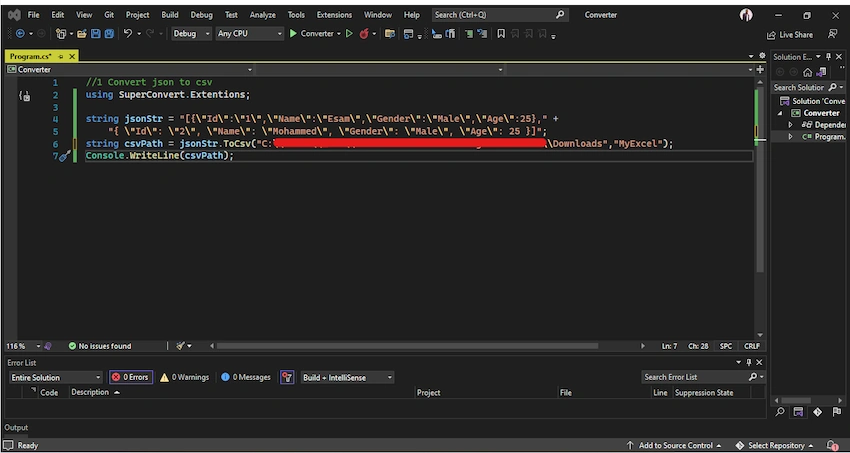
First, we have to type the using statement in order to be able to use the extension methods
//1 Convert json to csv
using SuperConvert.Extentions;
Second, declare the JSON string, we can get it from a file, HTTP, Database .. etc
After getting your JSON List of objects you can use the extension method .ToCsv(), we can pass the path and the file name to the method or we can just call it without parameters (in this case the file will be saved to your application directory)
string jsonStr = "[{\"Id\":\"1\",\"Name\":\"Esam\",\"Gender\":\"Male\",\"Age\":25}," +
    "{ \"Id\": \"2\", \"Name\": \"Mohammed\", \"Gender\": \"Male\", \"Age\": 25 }]";
string csvPath = jsonStr.ToCsv();
Console.WriteLine(csvPath);
Another code
The execution will be like
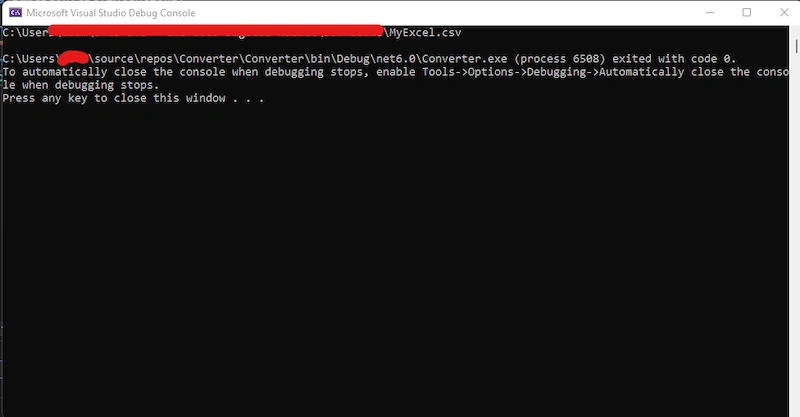
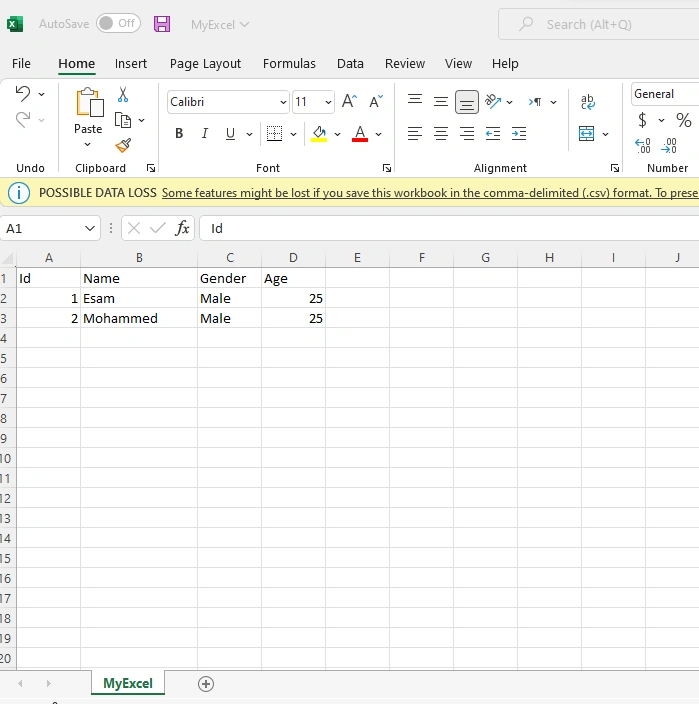
And the excel file saved
Jaydeep SuryawanshiPosted Jul 12, 2023, 11:27 AM
Hi, are you sure 'SuperConvert' is open source library?