

Introduction
This article shows how to create a CSV file in PHP. CSV is a type of file and from this article you can easily create a CSV file. A CSV file is like a Microsoft Excel file but CSV files are saved with a csv extension. A CSV files are very important to us for storing data backups. I will create a CSV file to store a specific table; I will use a "courses" table and include its column names. I will use this table data like that and show in the CSV file.
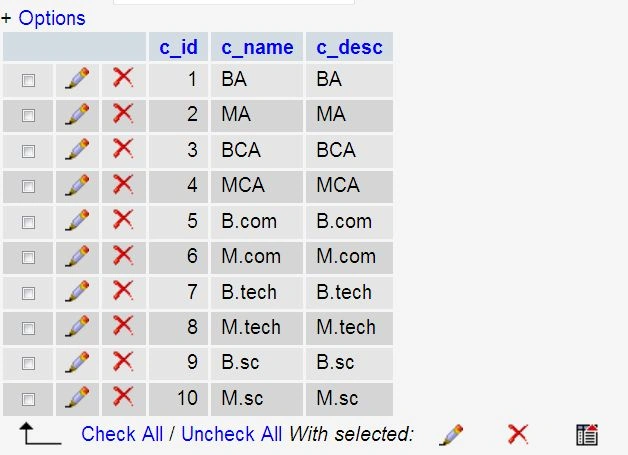
Example
<?php
$T_name = 'courses';
$Str = NULL;
header("Content-Type: application/csv");
header("Content-Disposition: attachment;filename=vinod.csv");
$Con = mysql_Connect("localhost", "root", "");
mysql_select_db("smart",$Con);
$Res = mysql_query("show columns from $T_name",$Con);
while($row = mysql_fetch_array($Res))
{
$Str.= $row['field'].',';
}
$Str = substr($Str, 0, -1)."\n";
$Res = mysql_query("select * from $T_name",$Con);
while ($row = mysql_fetch_assoc($Res))
{
$Str.= join(',', $row)."\n";
}
echo $Str;
mysql_close($Con);
?>
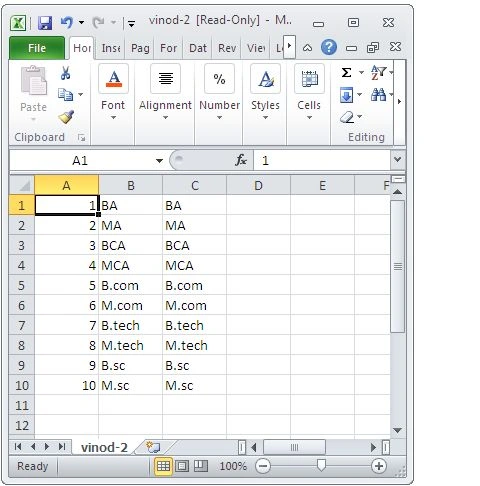
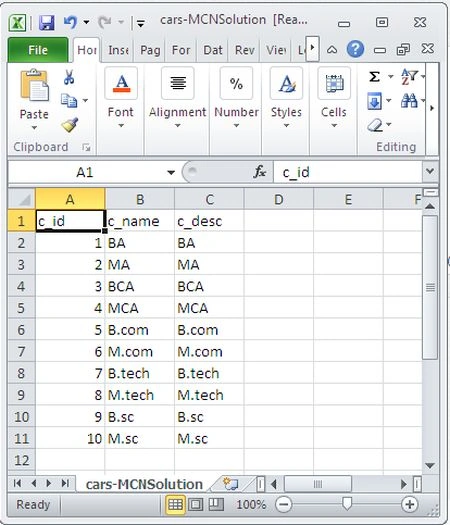
Output
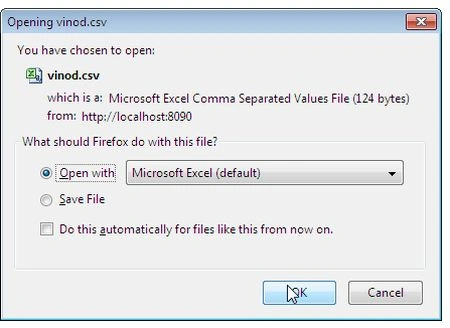
Open your CSV file.
In the next example I will explain creation of a CSV file using fputcsv(). The fputcsv() function formats records as CSV and writes to file pointer.
Example 1
<?php
$list = array(
array('Hello', 'sir', 'how', 'are'),
Sam HobbsPosted May 24, 2013, 3:37 PM
It is interesting that PHP supports the CSV format like this. Note that it is generally considered that the original Basic language (before Visual Basic) was the original use of the CSV format, before Excel existed.