

Introduction
In this article, we will explore the basic steps to create and run the .NET Core Application on Ubuntu/Linux environment.
Install .NET Core on Ubuntu
For the installation steps, please visit: https://www.microsoft.com/net/core#ubuntu
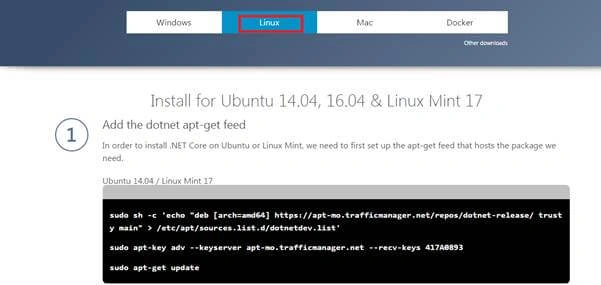
Please refer to this link to setup an Ubuntu Server in Azure.
- How To Create an Ubuntu/Linux Virtual Machine In Azure
Once we create an Ubuntu Server, we can access it through our Windows remote. For this, please refe to this blog. - How To Access Ubuntu Server In Azure From Windows Machine Using Remote Desktop
Sometimes, it (access from Windows) may be slow, the other option you can use is Putti and connect to the Server. Execute the commands, given below:
Once your environment is ready, run the commands, given below, in your terminal.
- sudo sh -c 'echo "deb [arch=amd64] https://apt-mo.trafficmanager.net/repos/dotnet-release/ trusty main" > /etc/apt/sources.list.d/dotnetdev.list'

- sudo apt-key adv --keyserver apt-mo.trafficmanager.net --recv-keys 417A0893.
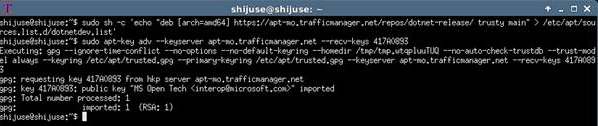
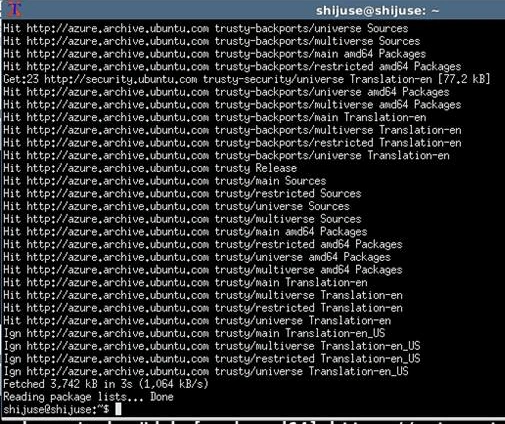
- sudo apt-get update.
Install .NET Core SDK. - sudo apt-get install dotnet-dev-1.0.0-preview2-003121.
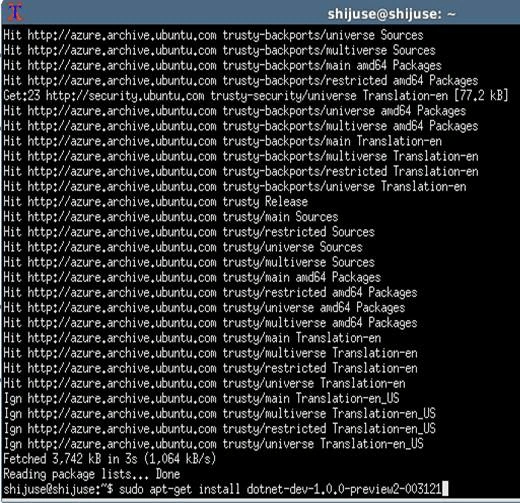
Enter “y” to continue.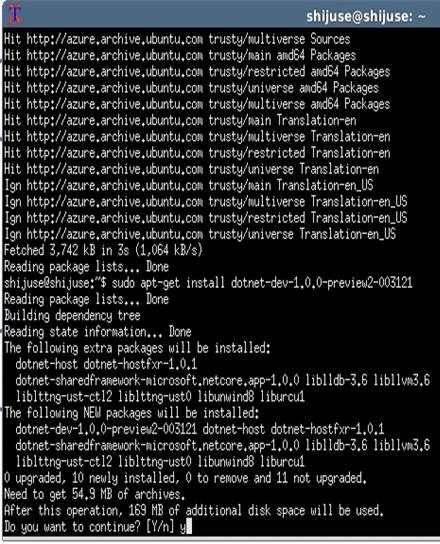
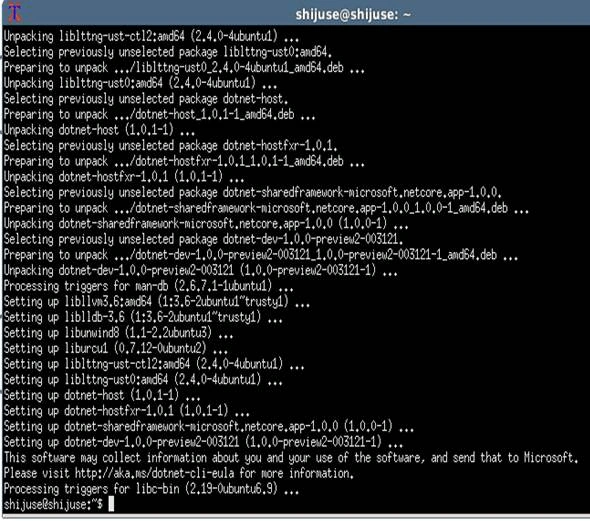
Our installation is completed and we going to create our new Application.
“Mkdir shijuse “ --- Create a new folder.
“cd shijuse”.
“dotnet new” -- Create a new Application, using CLI commands.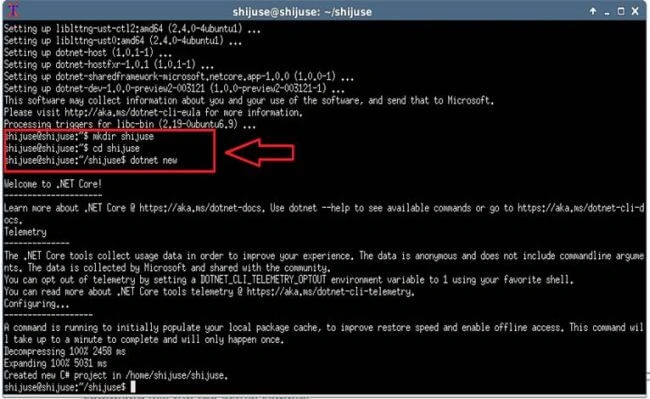
Now, our Application is created and we have to run our Application, using the commands, given below:
“dotnet restore”.
“dotnet run”.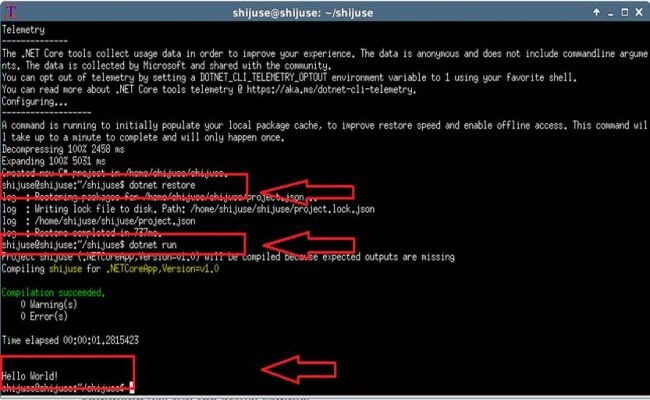
We have successfully run the Application.Have a look at the folder and the Application related items are created.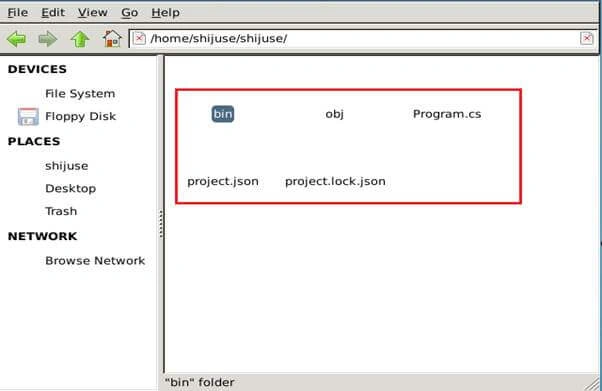
The next step, we are going to create is a Web Application.
“Mkdir shijuseWeb “ --- Create a new folder.
“cd shijuseWeb”.
“dotnet new –t web” -- Create new Web Application, using CLI commands.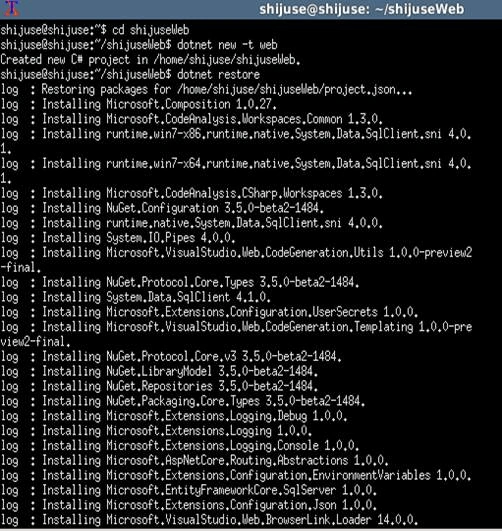
Our new Web Application is created. Next, we have to restore all the dependencies and run, using CLI commands, given below:
“dotnet restore”
“dotnet run”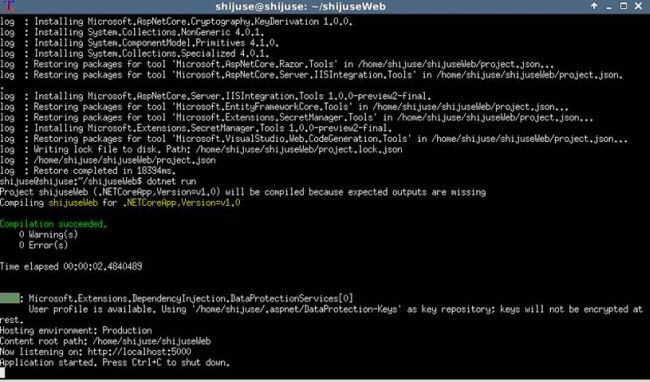
Open the Browser and run http://localhost:5000.
Yes …our new Application is working fine.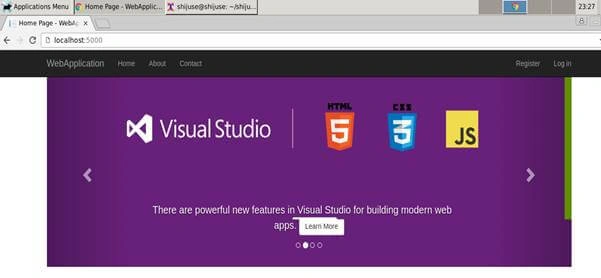
Please have a look at the Application folder.
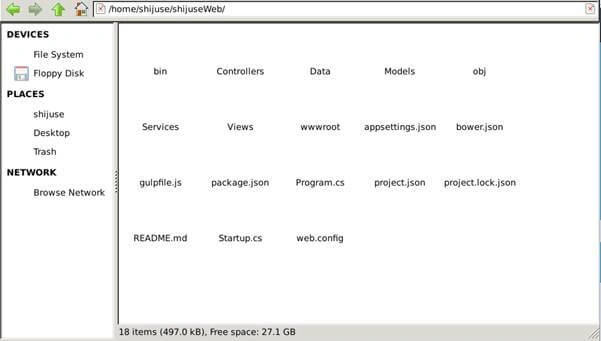
Conclusion: In this article, we learned, how to create and run the .NET Core Application in Ubuntu/Linux Server.
Aleena SaviourPosted Nov 13, 2016, 5:14 AM
Good...no words to tell you...
Ramesh PalaniappanPosted Aug 9, 2016, 9:23 AM
Good Article :)
Vignesh ManiPosted Aug 9, 2016, 8:37 AM
Nice
kalu singh raoPosted Aug 9, 2016, 1:40 AM
Nice share
Bhavik PatelPosted Aug 9, 2016, 1:30 AM
Nice
Bikesh SrivastavaPosted Aug 8, 2016, 10:41 PM
Waooo good..
Prasanna MuraliPosted Aug 8, 2016, 9:05 PM
Nice post sir....