

Procedure
Open Visual Studio 2012 and select "File" -> "New" -> "Project...".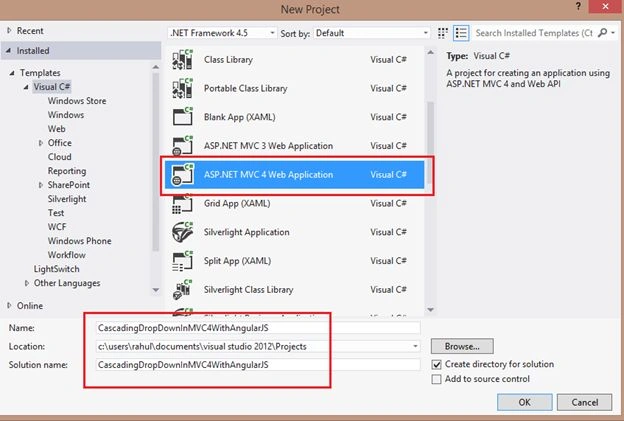

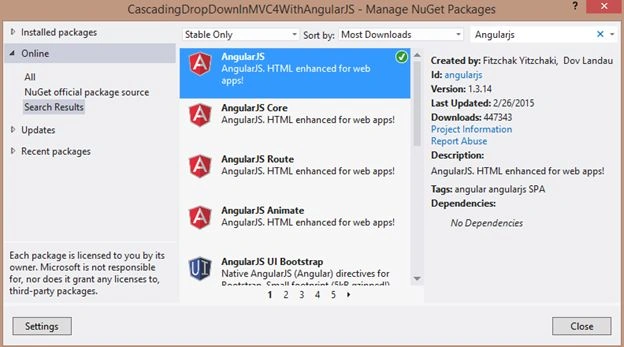
Now add a AngularJS reference. Right-click on the project in the Solution Explorer and select Manage NuGet Packages.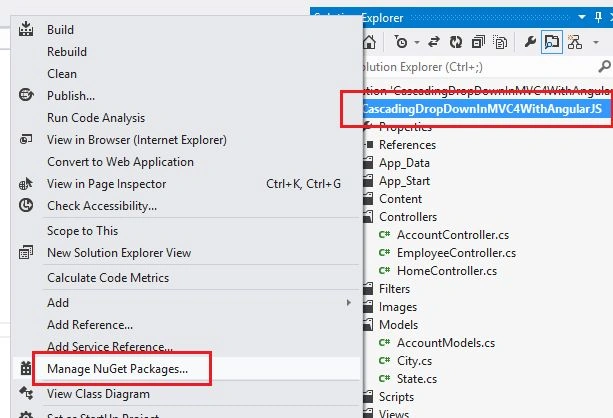
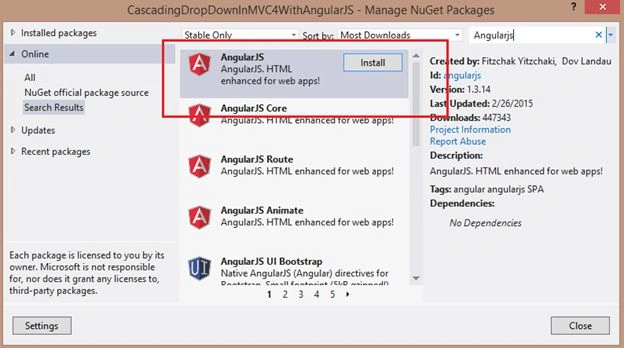
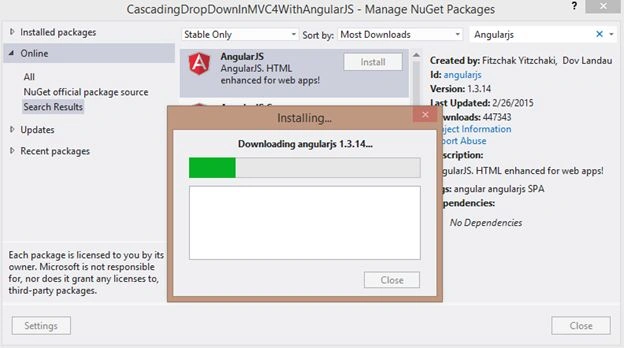
Now add an ADO.NET Entity Data Model.
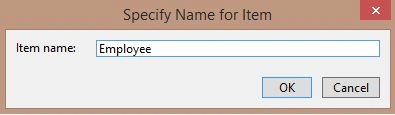
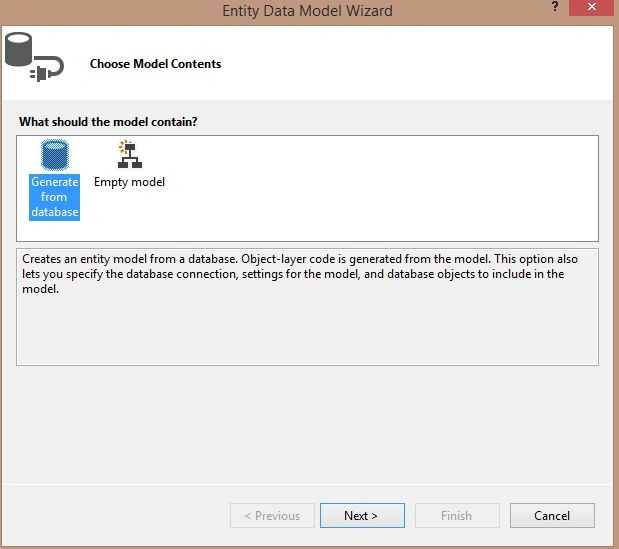
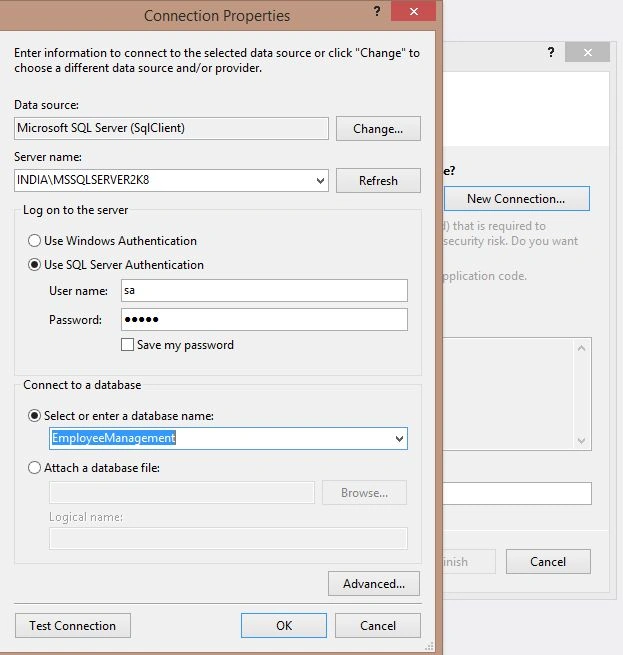
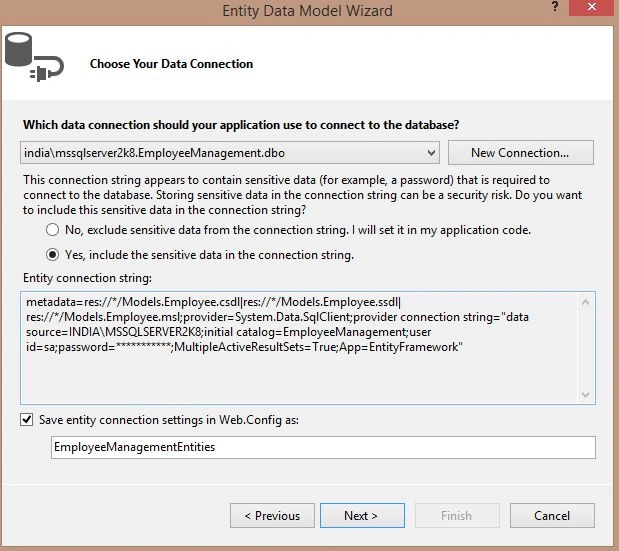
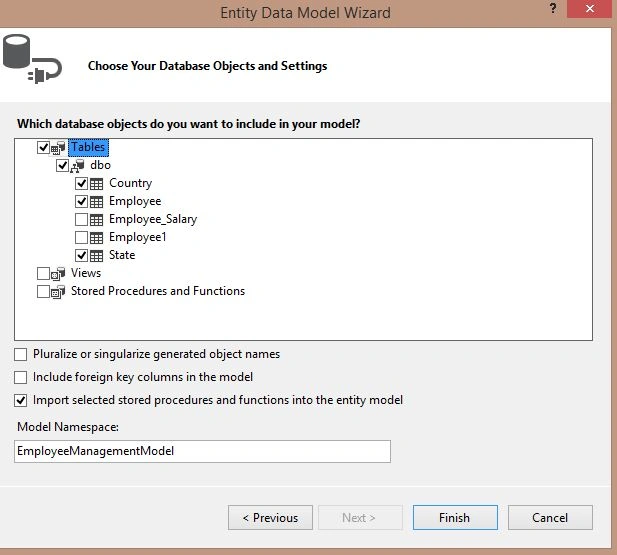
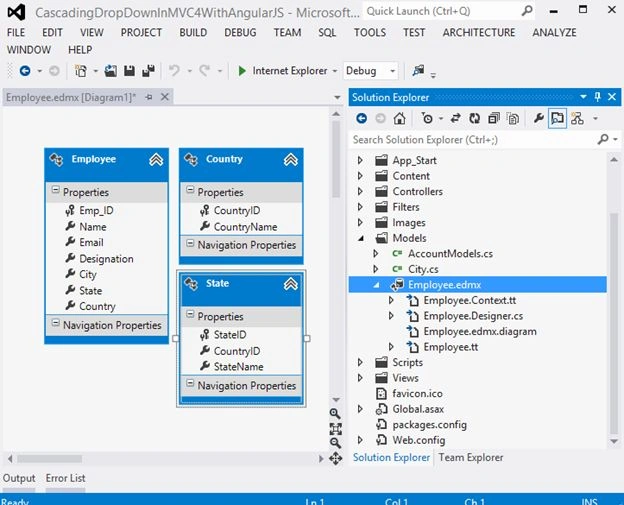
Now add a new Controller Employee and enter the following code:
- using System;
- using System.Collections.Generic;
- using System.Linq;
- using System.Web;
- using System.Web.Mvc;
- using CascadingDropDownInMVC4WithAngularJS.Models;
- namespace CascadingDropDownInMVC4WithAngularJS.Controllers
- {
- public class EmployeeController : Controller
- {
- EmployeeManagementEntities db=new EmployeeManagementEntities();
- public ActionResult Index()
- {
- return View();
- }
- public JsonResult GetCountry()
- {
- var CountryList = db.Country.ToList();
- return this.Json(CountryList, JsonRequestBehavior.AllowGet);
- }
- [HttpPost]
- public JsonResult GetStates(int CountryID)
- {
- var StateList = db.State.Where(m => m.CountryID == CountryID).ToList();
- return this.Json(StateList);
- }
- }
- }
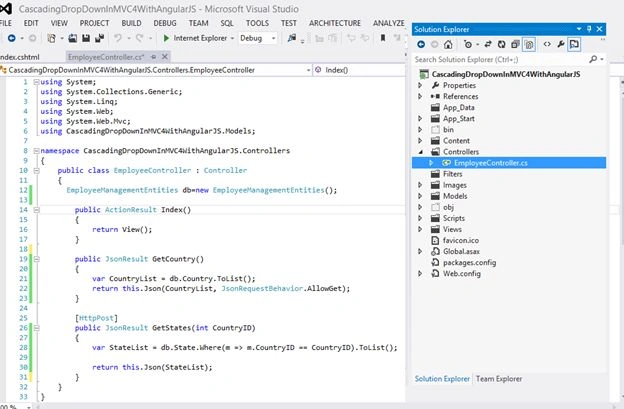
Now add a View on the Index Action method:
- @Scripts.Render("~/Scripts/angular.min.js")
- <script type="text/javascript">
- //Module
- var myApp = angular.module('myApp', []);
- //Controller
- myApp.controller('MainCtrl', ['$scope', '$http',
- function ($scope, $http) {
- //$http service for Getting the Country
- $http({
- method: 'GET',
- url: '/Employee/GetCountry'
- }).
- success(function (data) {
- $scope.country = data;
- });
- //$http service for getting States
- $scope.GetStates = function () {
- if ($scope.countr) {
- $http({
- method: 'POST',
- url: '/Employee/GetStates/',
- data: JSON.stringify({ CountryID: $scope.countr })
- }).
- success(function (data) {
- $scope.states = data;
- });
- }
- else {
- $scope.cities = null;
- }
- }
- }]);
- </script>
- <div data-ng-app="myApp">
- <div data-ng-controller="MainCtrl">
- <div class="editor-label">
- <label>Name</label>
- </div>
- <div class="editor-field">
- @Html.TextBox("Name")
- </div>
- <div class="editor-label">
- <label>Country</label><br />
- </div>
- <div class="editor-field">
- <select data-ng-model="countr"
- data-ng-options="c.CountryID as c.CountryName for c in country"
- data-ng-change="GetStates()">
- <option value="">--Select Country--</option>
- </select><br />
- </div>
- <div class="editor-label"><br />
- <label>State</label><br />
- </div>
- <div class="editor-field">
- <select data-ng-model="state" data-ng-disabled="!states"
- data-ng-options="s.StateID as s.StateName for s in states">
- <option value="">--Select State--</option>
- </select>
- </div>
- </div>
- </div>
Now run you application:
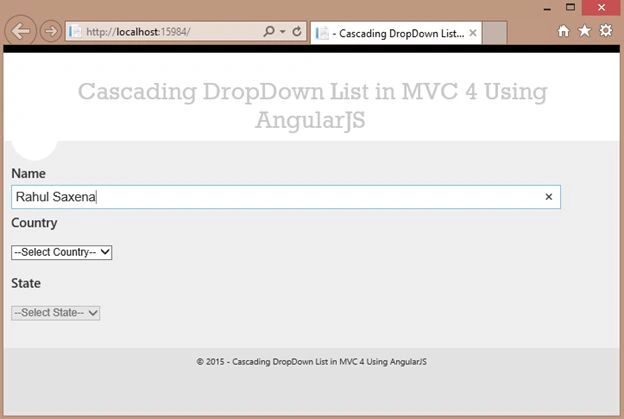
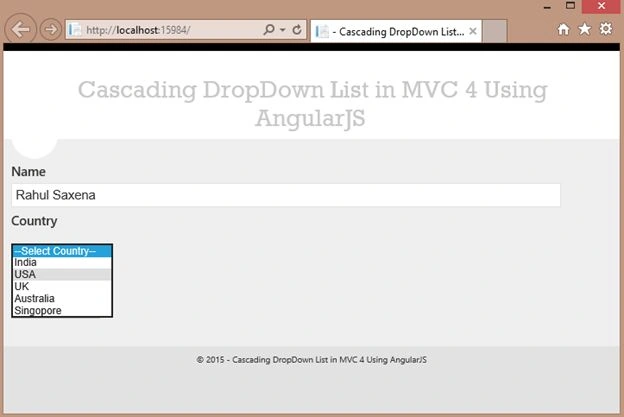
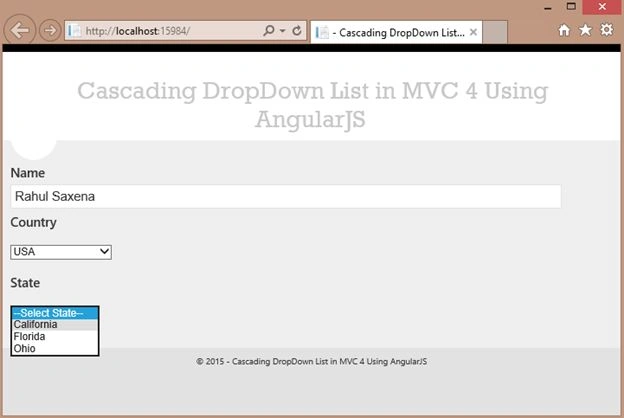
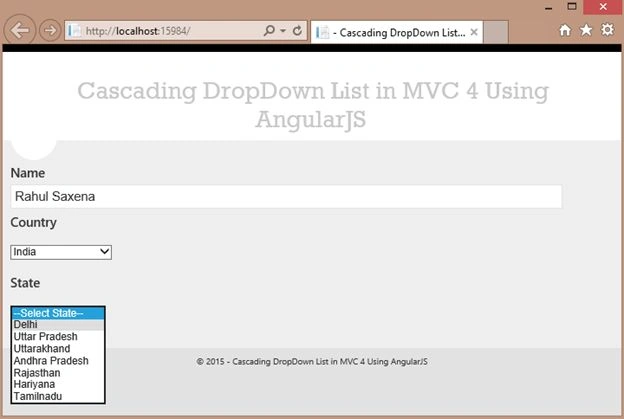
Shaheen KaratelaPosted Oct 14, 2016, 6:08 AM
Thanks for this great article - how can i extend further and have three cascading dropdowns? the obvious addition doesnt seem to work i.e. in JS: data: JSON.stringify({ COLUMN1: $scope.col1, COL2: $scope.col2 }) and in Controller: public JsonResult GetThirdCol(string col1, string col2).........var ret = db.TABLENAME.Where(x => x.COLUMN1 == col1).Where(x => x.COLUMN2 == col2).Select(x => new { x.COLUMN3 }).Distinct().ToList();
Bui Van HuyenPosted Mar 14, 2016, 4:05 AM
Thanks
Rahul Kumar SaxenaPosted May 19, 2015, 12:27 AM
Thanks Gowtham Rajamanickam
Gowtham RajamanickamPosted May 19, 2015, 12:22 AM
good one..
Rahul Kumar SaxenaPosted Mar 15, 2015, 1:07 AM
Thanks 2 All
Rahul Kumar SaxenaPosted Mar 14, 2015, 1:44 AM
Thanks Tom mohan
Rahul Kumar SaxenaPosted Mar 14, 2015, 1:43 AM
Thanks Abhishek
Tom MohanPosted Mar 13, 2015, 11:23 PM
Nice explanation
Abhishek JaiswalPosted Mar 13, 2015, 4:53 PM
Whimsical. One of the best application of Angular.JS. I tried that using Jquery and trust me that was quite complex. :)
Rahul Kumar SaxenaPosted Mar 13, 2015, 1:17 PM
Thank Nitin Tyagi
Rahul Kumar SaxenaPosted Mar 13, 2015, 1:16 PM
Thanks Rohan Pandey
NitinPosted Mar 13, 2015, 5:16 AM
good work
ROHAN PANDEYPosted Mar 13, 2015, 3:32 AM
Nice article god give good health for allthings
Rahul Kumar SaxenaPosted Mar 13, 2015, 1:42 AM
Thanks Manish Kumar Choudhary...
Manish Kumar ChoudharyPosted Mar 13, 2015, 1:36 AM
Nice one.