

Introduction
In this article, I am going to describe the Data Science Virtual Machine (DSVM) and also will demonstrate how to create the DSVM Windows Server 2016 on the Azure portal.
In this article, I am going to describe the Data Science Virtual Machine (DSVM) and also will demonstrate how to create the DSVM Windows Server 2016 on the Azure portal.
What is Data Science Virtual Machine?
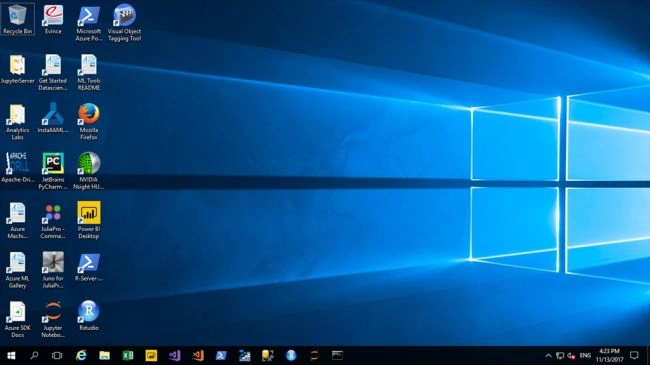
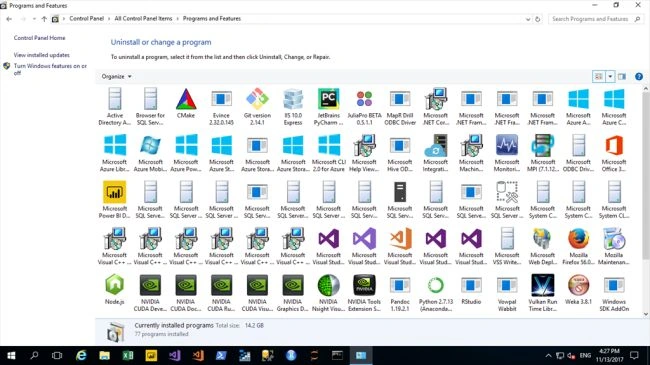
DSVM is a virtual machine that differs from the normal virtual machines. In the normal virtual machines, we want to install all the required software and configuration as per our need but in DSVM, it provides the high-end professional work environment where all the required softwares are pre-installed. With DSVM, we have no need to worry about the configuration and performance because those things are very good in it. For additional information, do refer the following Link.
DSVM is a virtual machine that differs from the normal virtual machines. In the normal virtual machines, we want to install all the required software and configuration as per our need but in DSVM, it provides the high-end professional work environment where all the required softwares are pre-installed. With DSVM, we have no need to worry about the configuration and performance because those things are very good in it. For additional information, do refer the following Link.
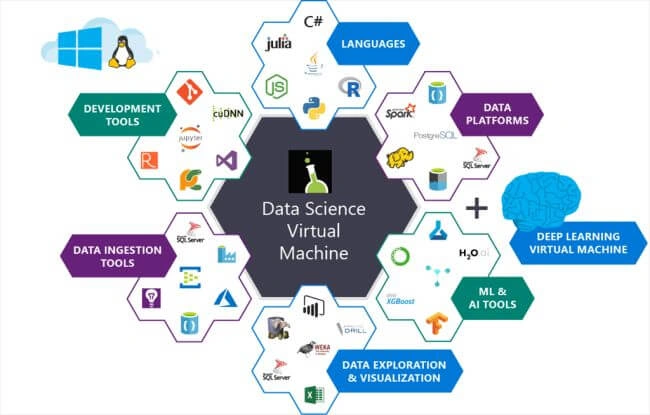
Follow the below steps to create a Data Science Virtual Machine.
Step-1
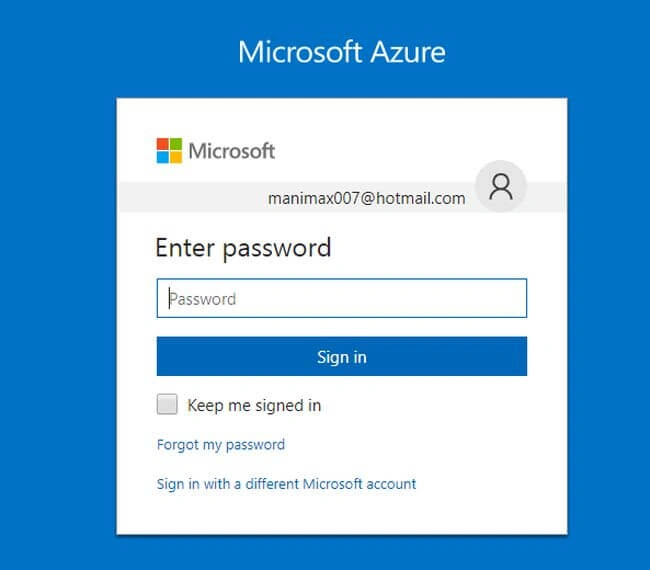
Then Enter the password and click next to sign-in into the portal.
Step-2
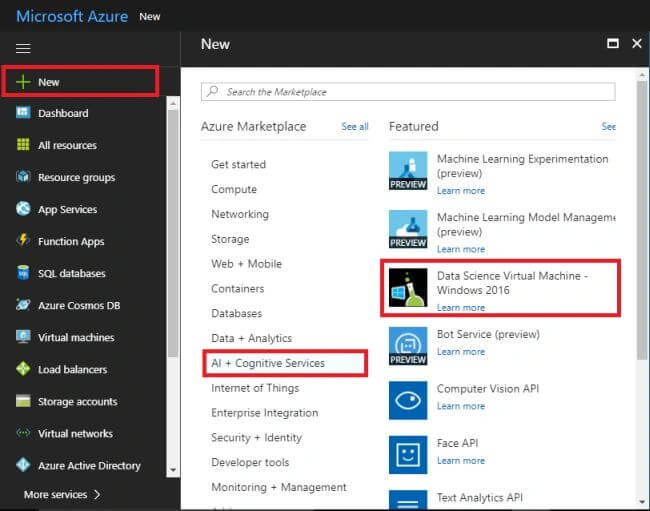
In the Azure portal , then press the "+New" and followed by "AI+Cognitive Services" and then Choose the "Data Science Virtual Machine - windows 2016".
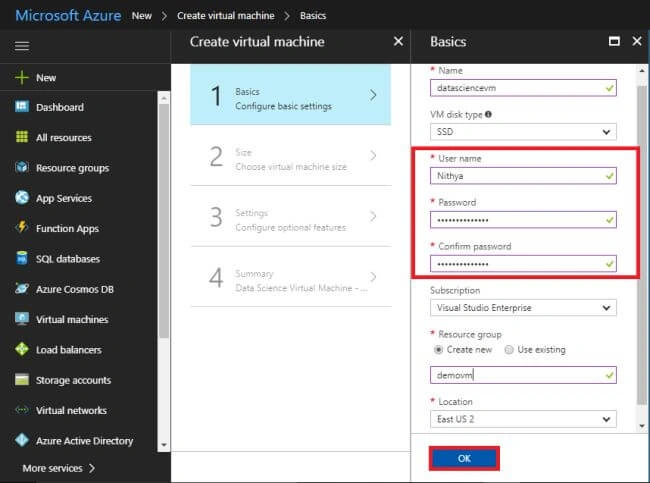
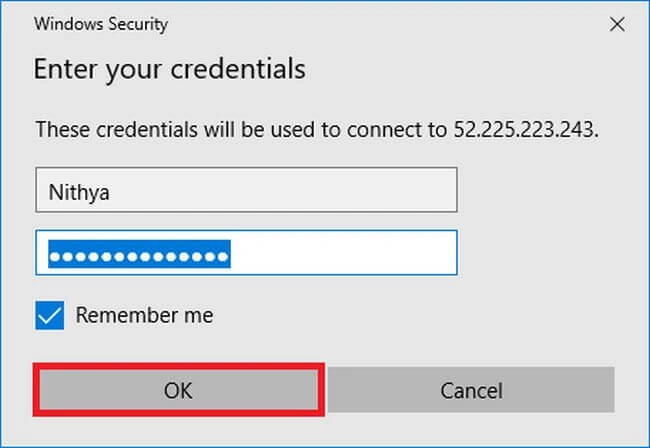
In the Data science VM creation Virtual machine blade opens , then fill all the fileds in this balde .In this you want to remember the Username and password to authorize and connect with our VM.Create the desired resource group to contain all the configurations.Then choose the particular location to eatablish our VM.Press "OK" to continue the VM creation.
Step-3
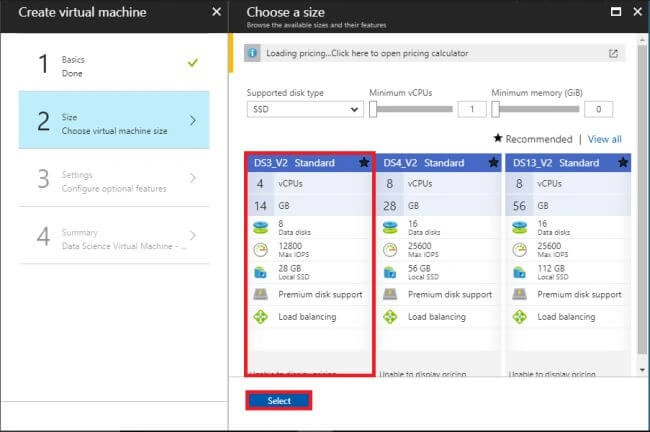
In the Size tab , you choose your desired one to using on our VM.Then press "select" to proceed the next step .
Ansh GwaPosted Aug 9, 2018, 12:20 PM
So DSVM support only 2 RDP and how can we add more users or connections ??