

Introduction
GUI development with Stetic (MonoDevelop's integrated GTK# visual designer). It
will demonstrate how to create the layout of the GUI, how to add interactive
elements to the layout and how to add functionality to the GUI.
Step 1: Create a new project
Open monodevelop-->file menu-->new project then
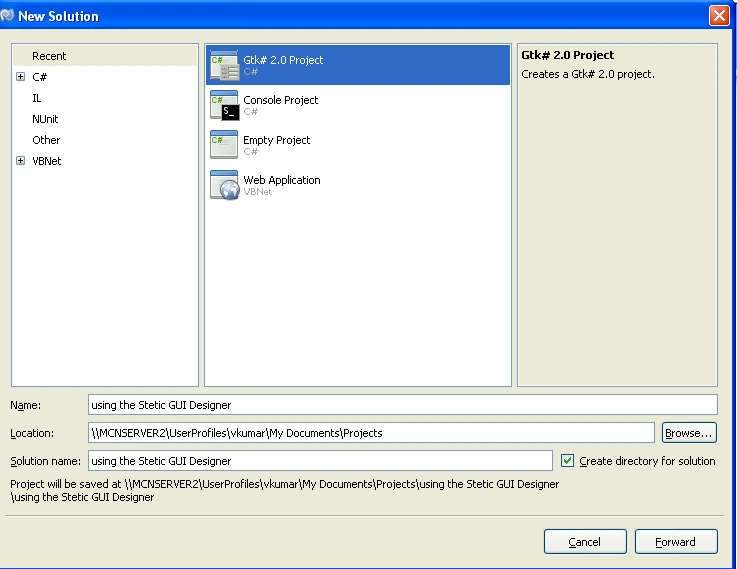
For designer mode click right on solution
MainWindow from the
Solution Pad and select
Open
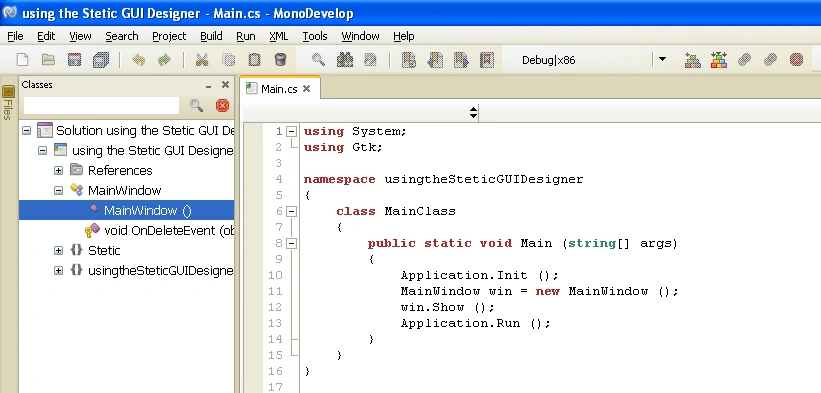
Step 2: Creating the GUI
To the Designer by pressing the "Designer" button located at the bottom
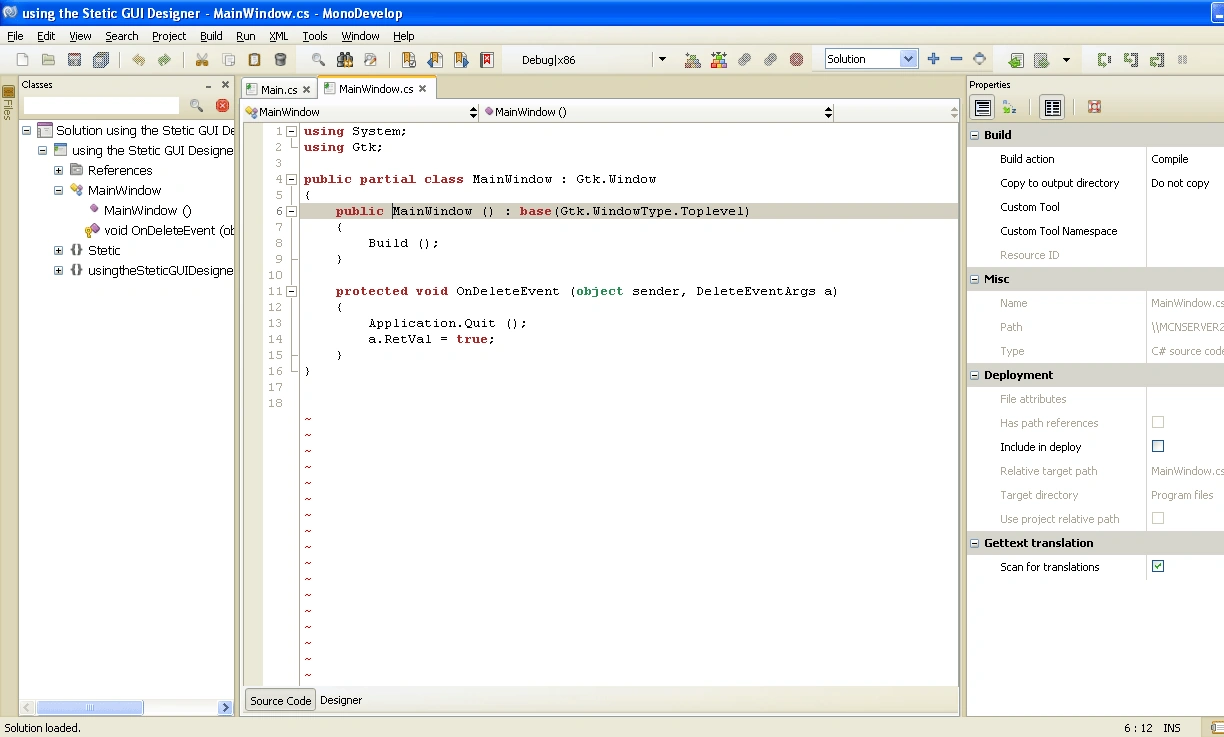
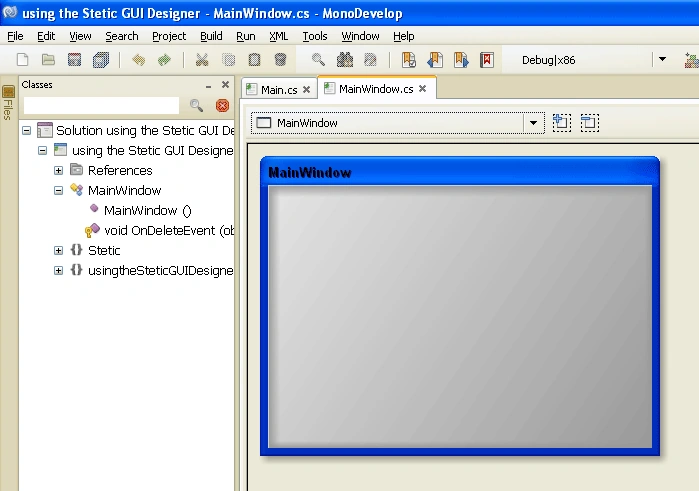
a) Adding containers empty Main window design
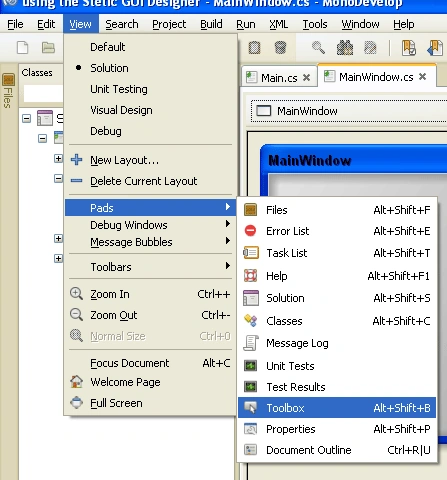
Click to the view menu open Pads and select ToolBox
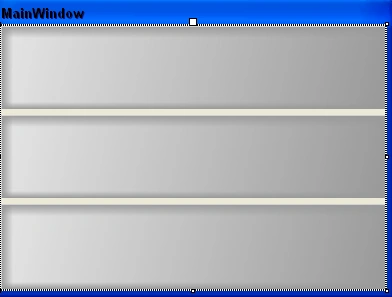
Drag and drop the Vbox from the ToolBox,the main window looks like
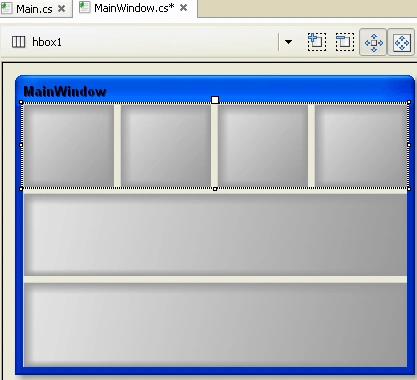
Drag and drop the Hbox from the ToolBox,the main window looks like
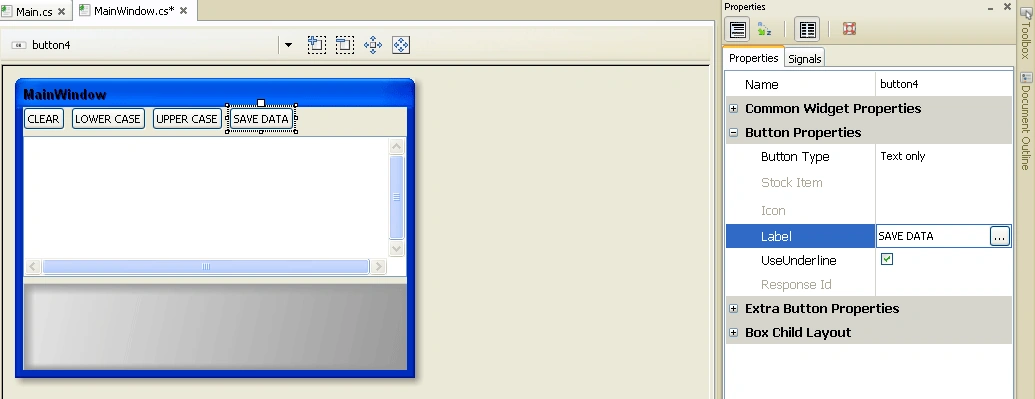
b) Adding Widgets from ToolBox
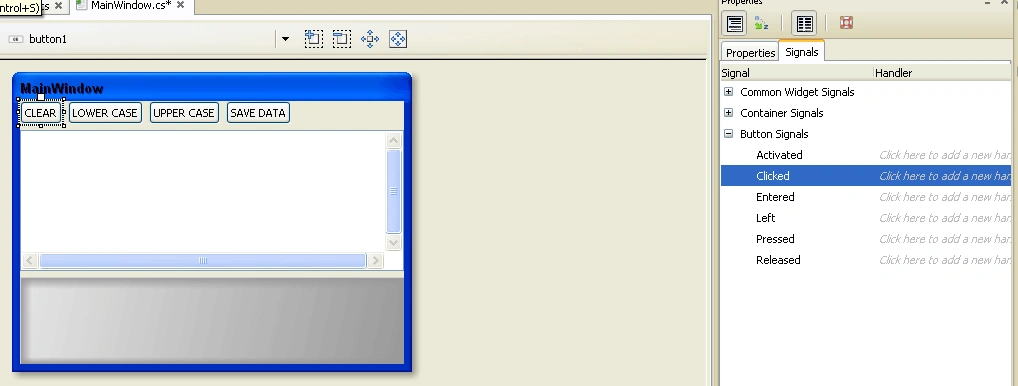
Add four buttons and textView to the Main Window
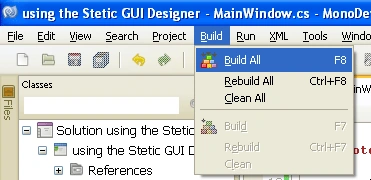
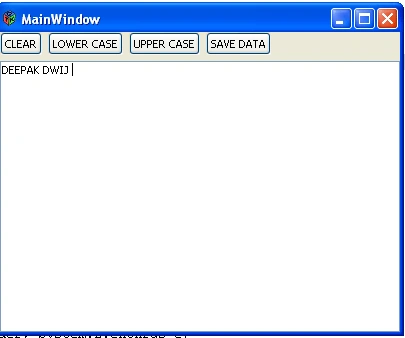
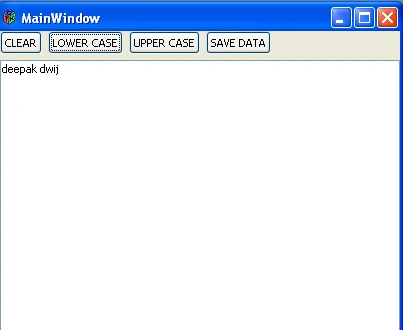
Step 3: Add functionality
mazaharul haquePosted Dec 15, 2012, 1:01 AM
Hi there.......I am new to Monodevelop in ubuntu 11.04.I could not find widgets(Toolbox in visual studio) when i am creating Gtk application. I am facing one more problem missing assemmbly or library when i am creating Gtk application which is manually designed and created. Please help me out of this problem.waiting for your reply. regards mazaharul haque