

Hi guys in this article I will demonstrate how to create forms in Expression Blend. This article also shows how to implement validation to fields.
It is quite easy here as compared to that in asp.net so hope you will enjoy creating the application in Expression Blend.
You have to follow the following steps :
Step 1 : First of all create a WPF application and name it as "MCN Employee Record Form ".
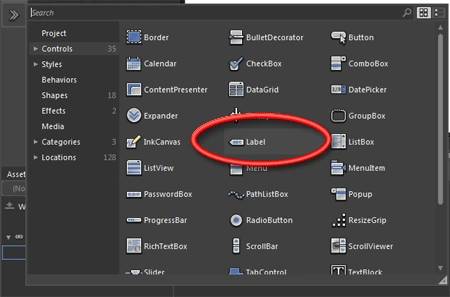
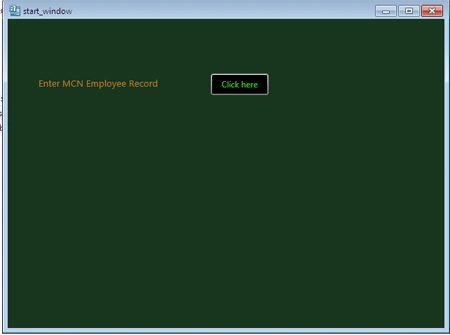
Step 2 : Now add a label to show the instruction for directing the user to goto to next form for adding record. Type the following text to the label "Enter MCN Employee Record"
Step 3 : Now add a button to create an event for next form navigation. Type "Click here" on the content of the button.
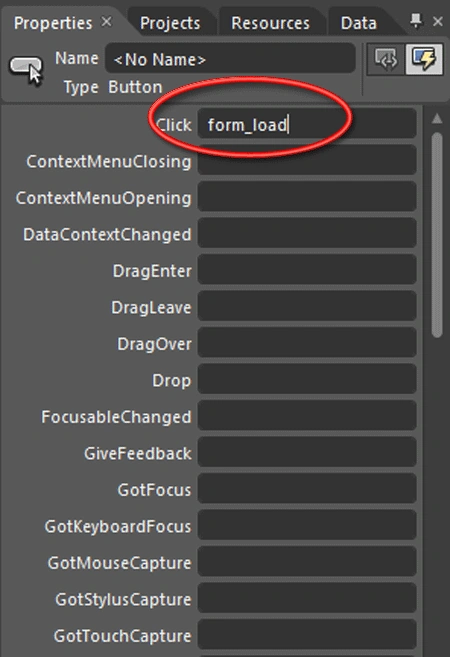
Step 4 : Now to generate event on button click. Select the button and goto event palette and on Click event type the name of the event, here I have used Form_Load " as a name for the click event. Press enter.
Step 5 : As soon as you press Enter, the code behind window opens up just write the following lines in the event method.
private
void
form_load(object
sender, System.Windows.RoutedEventArgs e)
{
// TODO: Add event handler
implementation here.
MainWindow MainWindow =
new
MainWindow();
MainWindow.Show();
this.Visibility
= System.Windows.Visibility.Hidden;
}
Also dont forget to add the namespace below as this provides form to form navigation:
using System.Windows.Navigation ;

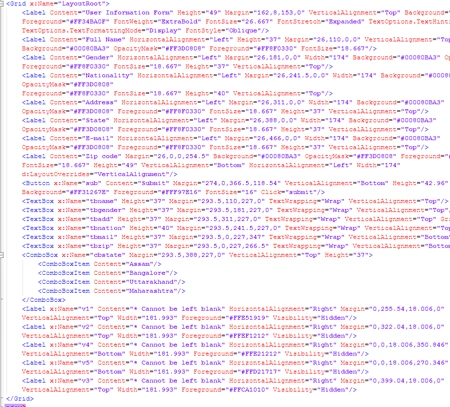
The XAML code for the start window is :
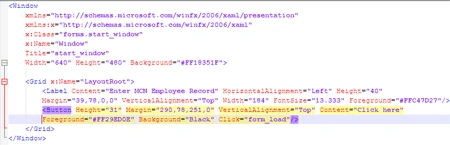
Step 6 : Now create a new window for this goto File--> Add new item. and add a new window named "MainWindow" (note this is the same name as you have written in the code lines above).
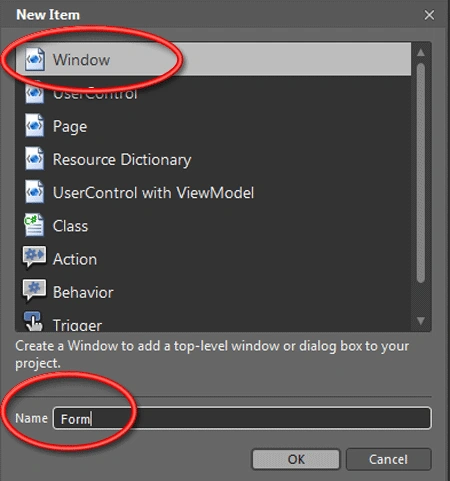
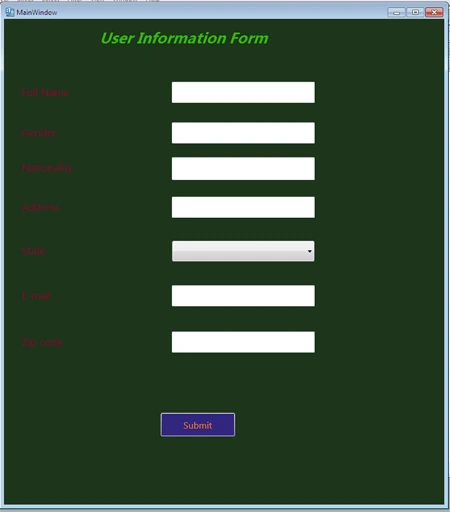
Now in the new window add labels and textboxes. Labels to type the name of the field and textboxes to receive user input. Also use combobox for the State field to show a list of items to the user. Here I have used following fields :
- Full Name
- Gender
- Nationality
- Address
- State
- Zip
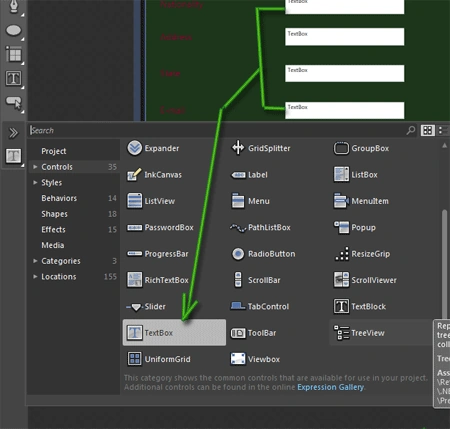
Step 7 : Also add a button named "Submit" to generate an event for checking the validation of the input fields.
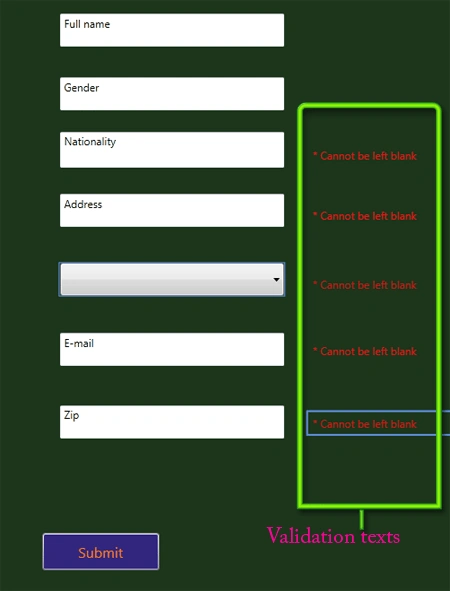
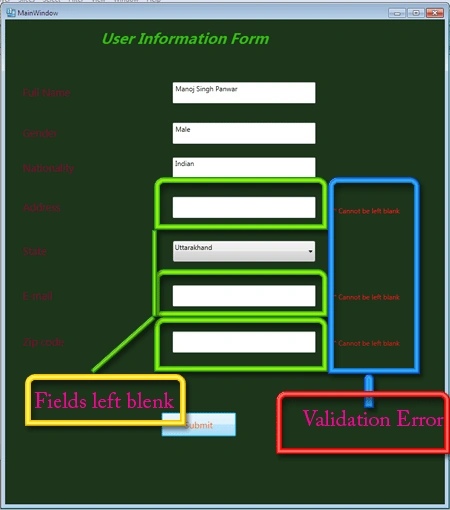
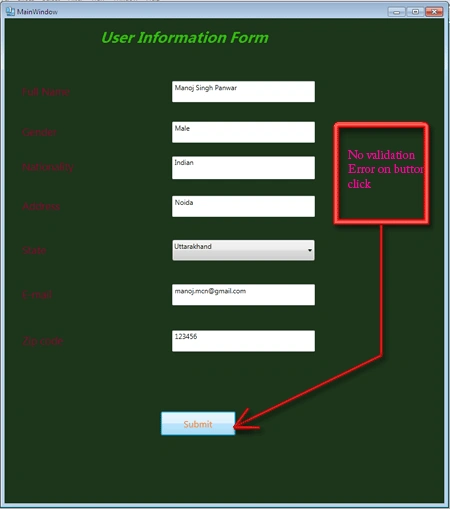
Step 8 : To implement validation Property in the form you have to add Labels as much in number as much fields you wish to validate. Here I have used Five labels to validate the following fields:
- Nationality
- Address
- State
- Zip

Join the conversation! Your thoughts help the community grow.