Step 1 :- Create New Service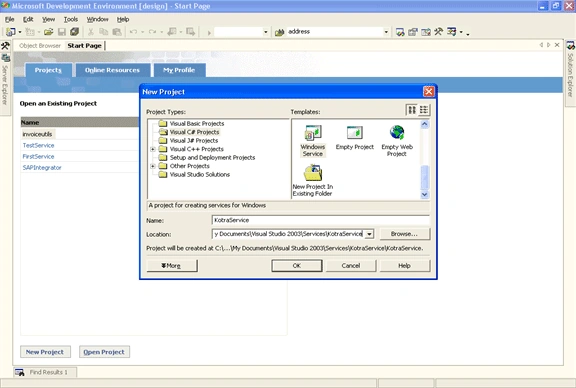
Step 2 :- Rename the Service.cs to given name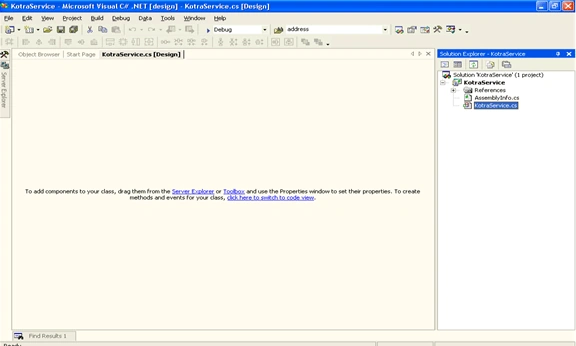
Step 3 :-
Write the relevant code in separate entities. Always ensure to have single entry and exit of the code. For better handling and thread security, put the code in "Lock" blocks.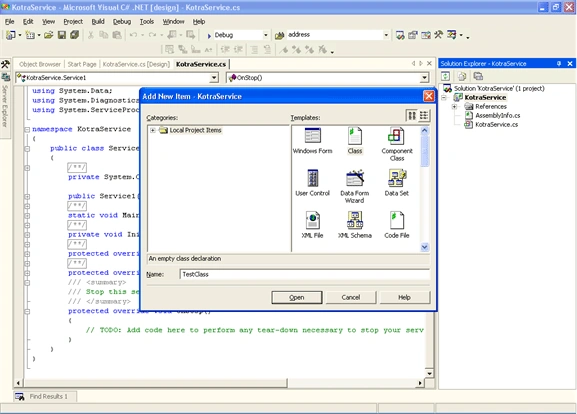
Step 4 :-
After developing the entities, call the entry method in Service "OnStart" method. 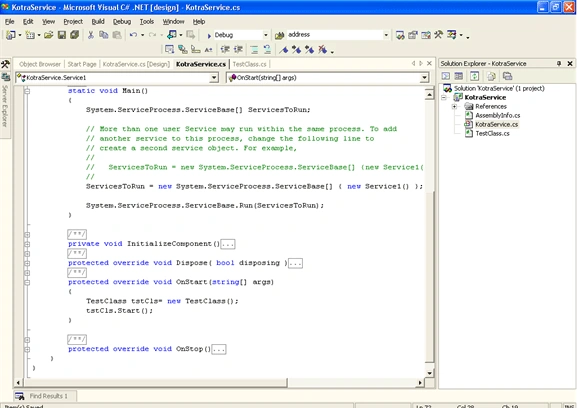
Step 5 :-
Include System Timer in the service. Make sure to configure the Time Interval settings in Appconfig file. Set the Time interval in "OnStart" Method. Call the appropriate Entry point in the TimeEvent.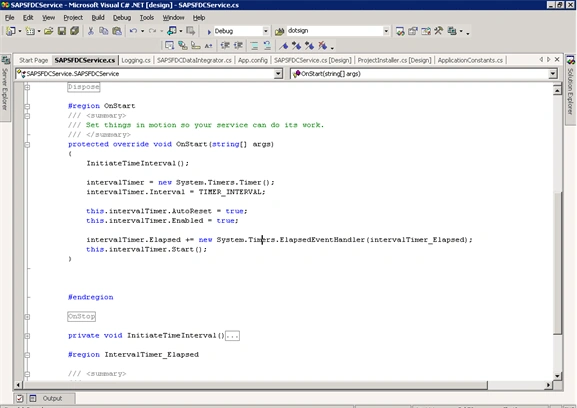
Step 6 : - After completing the development, build the application
Step 7 :- Add Installer to the service. After adding the Installer, edit the properties of the ProcessInstaller and Service Installer.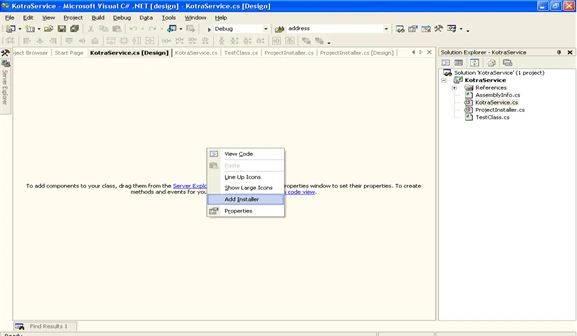
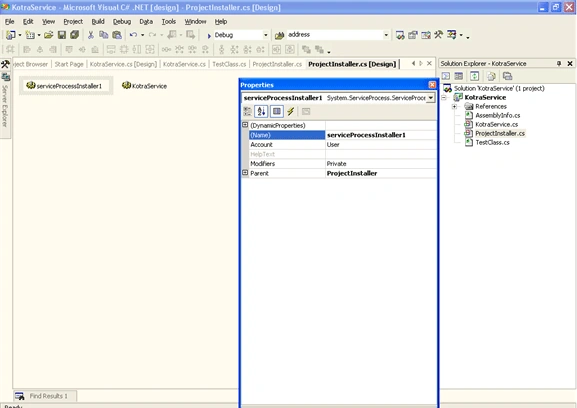
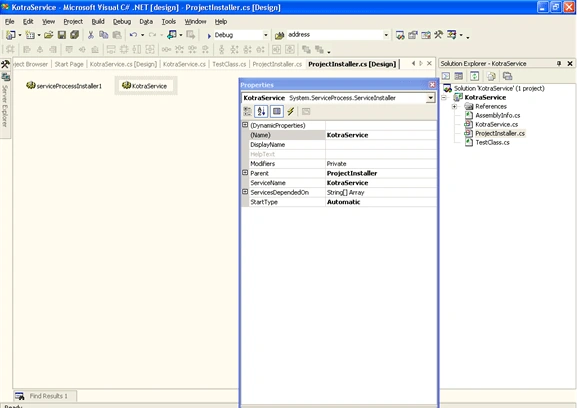
Modify the settings as per needed, so that service runs smoothly.
Step 8 :- Deployment Details
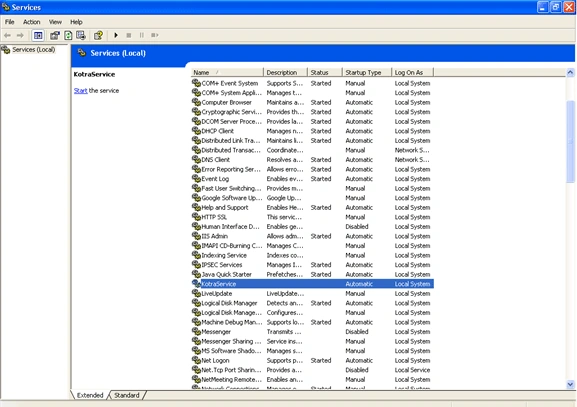
Start the service when it is needed. Then onwards the service will get executed for the specified Time Interval.

Creating Window Service in ASP.NET 1.1
Join the conversation! Your thoughts help the community grow.
Sign in to leave a comment
It is the same account you read, post and publish with — and you will come straight back to this page.
Akash KPosted Jan 31, 2018, 5:15 AM
How to install and uninstall the service from asp.net mvc application..thanks in advance