

Purpose of Article
This article explains how to install the Tortoise SVN and VisualSVN Server (VSS) and how to create our development environment in WLAN.
We (myself and my friends) were working on a small project from home and at that time we needed to do check-in and check-out of that project. This is way I configured our development environment so that we can easily manage a single copy of the project.
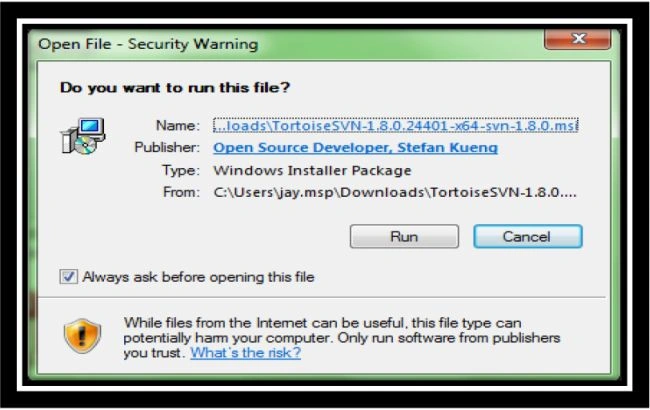
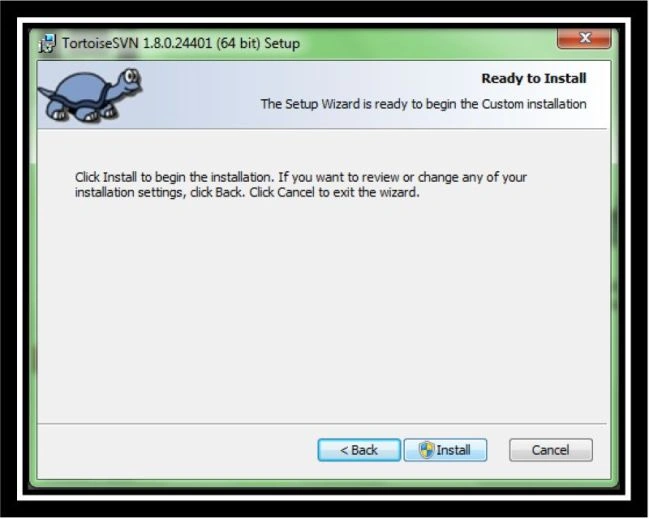
We need to install the VisualSVN Server on the server and install the Tortoise SVN un each of the client computers and provide the repository link from the VisualSVN Server to the Tortoise SVN URL.
What is Tortoise SVN?
Tortoise SVN is an Apache™ Subversion (SVN) client, implemented as a Windows Shell Extension. It's intuitive and easy to use, since it doesn't require the Subversion command line client to run. Simply the coolest interface to the (Sub) Version Control! We can find more information about Tortoise SVN and the features of Tortoise SVN.
What is VisualSVN Server (VSS)?
VisualSVN Server allows you to easily install and manage a fully-functional Subversion server on the Windows platform. Thanks to its robustness, unbeatable usability and unique enterprise-grade features, VisualSVN Server is affordable both for small business and corporate users.
We can find more information about the VisualSVN Server and Features of the VisualSVN Server.
To download:
- Tortoise SVN
- VisualSVN Server (Standard Edition)
The following are the resaons why I use these:
- Both are easy to install.
- No licensing required.
- Both are free.
- Both are easily manageable and easy to use.


Bhuvanesh MohankumarPosted May 23, 2016, 1:15 PM
Good one
MaskPosted Apr 27, 2015, 12:38 AM
Good work..Crystal Clear