

Introduction
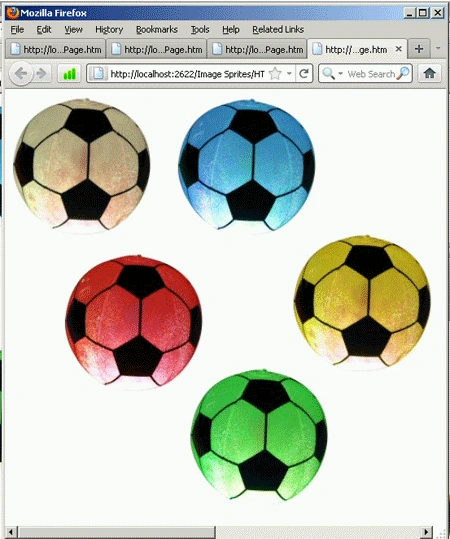
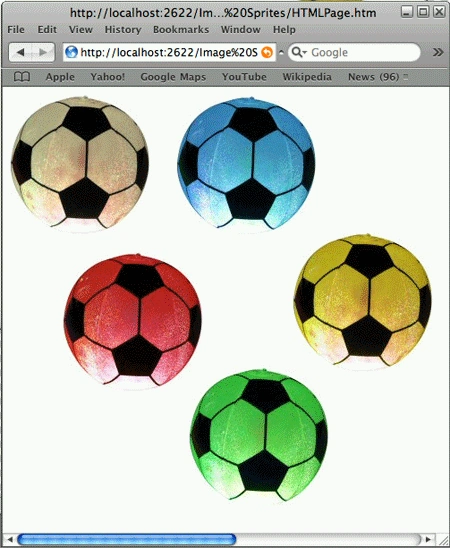
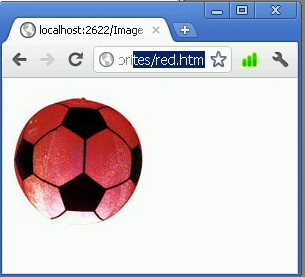
Using image sprites you can divide the portion of one image into other small images. Every single image works standalone. In simple terms, you can say one image is a collection of other small images.
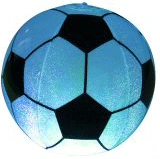
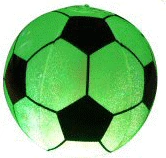
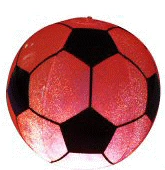
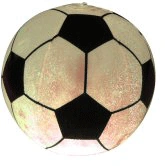
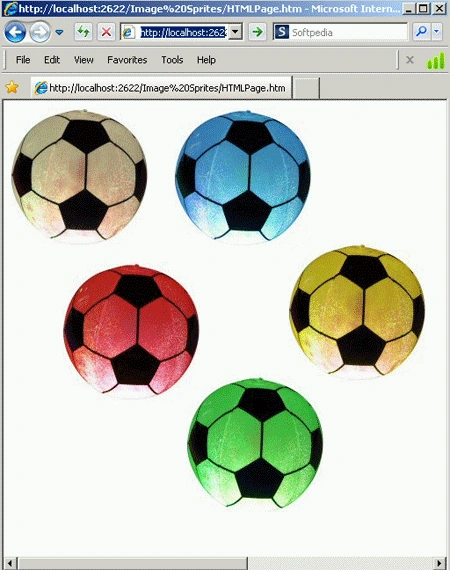
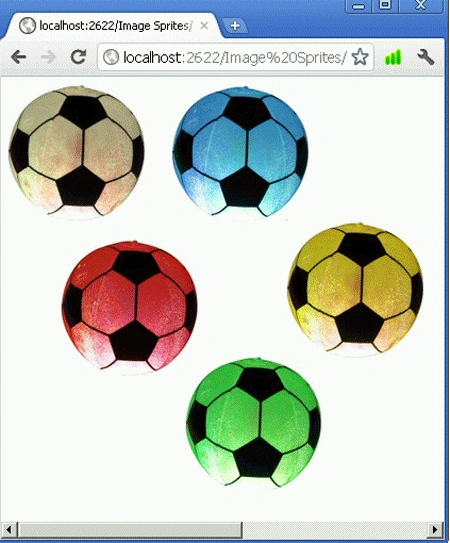
The main benefit of using image sprites is that it reduces the HTTP request and size of an image (see the following figures).
 |
 |
 |
|
 |
|
 |
|
 |
 |
 |
- <!DOCTYPE html>
- <html>
- <head>
- <link href="StyleSheet.css" rel="stylesheet" type="text/css" />
- <title></title>
- </head>
- <body>
- <div class="firstmain">
- <ul id="FirstUL">
- <li id="first"><a href="white.htm"></a></li>
- <li>
- <div id="second">
- <a href="blue.htm"></a>
- </div>
- </li>
- </ul>
- <ul id="SecondUL">
- <li id="third"><a href="red.htm"></a></li>
- <li id="forth"><a href=yellow.htm></a></li>
- </ul>
- </div>
- <div class="secondmain" >
- <a class="fifth" href="green.htm"></a>
- </div>
- </body>
- </html>
Valon AdemiPosted Jul 25, 2011, 7:02 AM
Helpful Article...