

Introduction
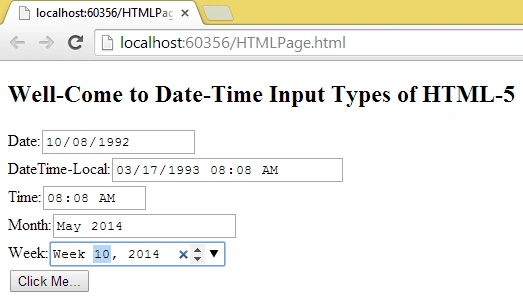
This article explains how to use the HTML 5 Date and Time Input Types. As we know HTML 5 has many features, one of the good features is, that it comes with many new input types date, time, month, and week attributes. You have seen in many ticket booking sites you have come across with a date picker or a date and time picker. Using the date and time picker you can easily and quickly pick the date, before HTML 5 we did this work by using JavaScript, jQuery, or AJAX library. But in HTML 5 we have some new input types for a date, time, date-time, month, week, and so on. These tags are so easy to use and also very pretty and straightforward.
Date Input Type
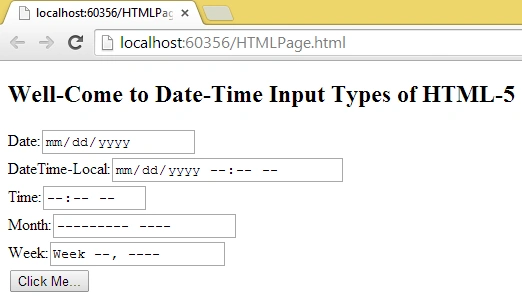
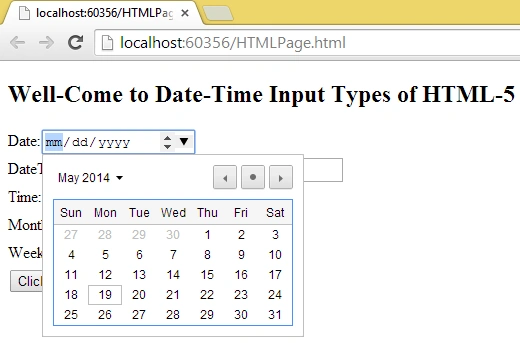
This tag allows users to select the date only. The following shows how to use this input type.
<input type="date" name="date1" id="date1"/>
Example
<!DOCTYPE html>
<html lang="en">
    <body>
        Date:<input type="date" name="date1" id="date1"/> <br/>
    </body>
</html>
DateTime-Local Input Type
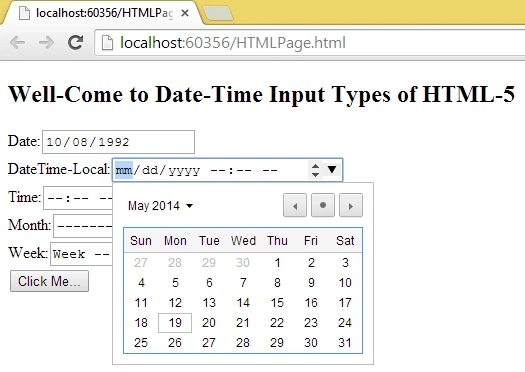
This tag allows users to select a date and time. The following shows how to use this input type.
<input type="datetime-local" name="dateTimeLocal1" id="dateTimeLocal1"/>
Example
<!DOCTYPE html>
<html lang="en">
    <body>
        DateTime-Local:<input type="datetime-local" name="dateTimeLocal1" id="dateTimeLocal1"/> <br/>
    </body>
</html>
Time Input Type
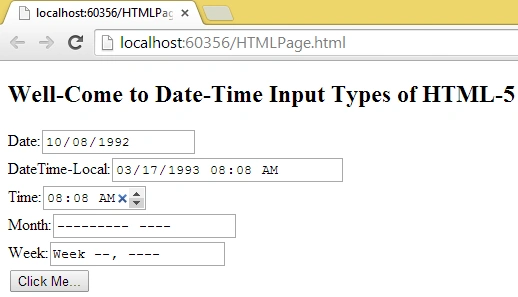
This tag allows the user to select a time only. The following shows how to use this input type:
<input type="time" name="time1" id="time1"/>
Example
<!DOCTYPE html>
<html lang="en">
    <body>
        Time:<input type="time" name="time1" id="time1"/><br/>
    </body>
</html>
Month Input Type
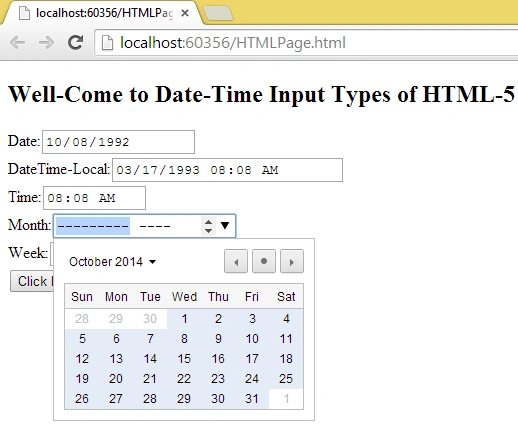
This tag allows the user to select a month and year. The following shows how to use this input type.
<input type="month" name="month1" id="month1"/>
Example
<!DOCTYPE html>
<html lang="en">
    <body>
        Month:<input type="month" name="month1" id="month1"/> <br/>
    </body>
</html>
Week Input Type
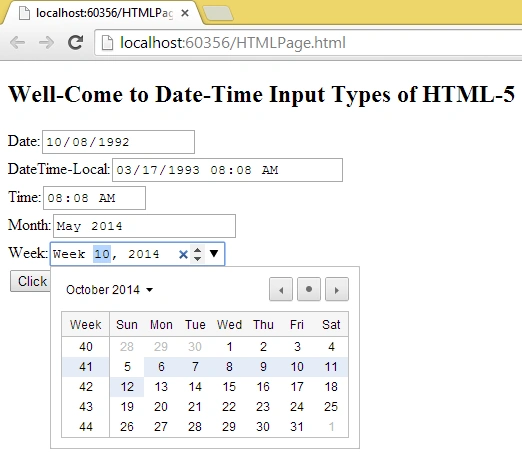
This tag allows the user to select a week with a year. Mainly every year, the week will start in January. It gives us an integer number for a week and a year. The following shows how to use this input type.
Abhijeet GhatagePosted May 24, 2019, 11:51 PM
How to set value to input type date with mssql server date from c#
Rasmiranjan sahooPosted Jul 29, 2015, 8:30 AM
Date data type option is not working in IE and Firefox.Any option to fix this issue?
Gopi ChandPosted May 20, 2014, 3:55 AM
this article content is very helpful for me...thanks for sharing..