

I have divided the deployment process into 5 steps
- Understand and update aws-lambda-tools-defaults.json of our .Net project
- Add a buildspec.yml file to our .Net project
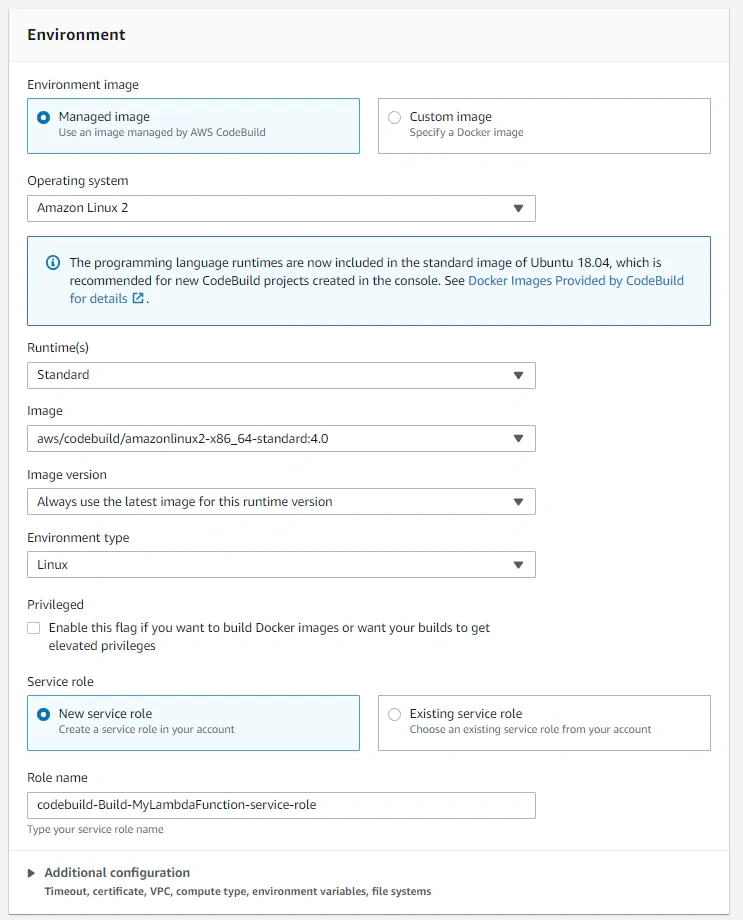
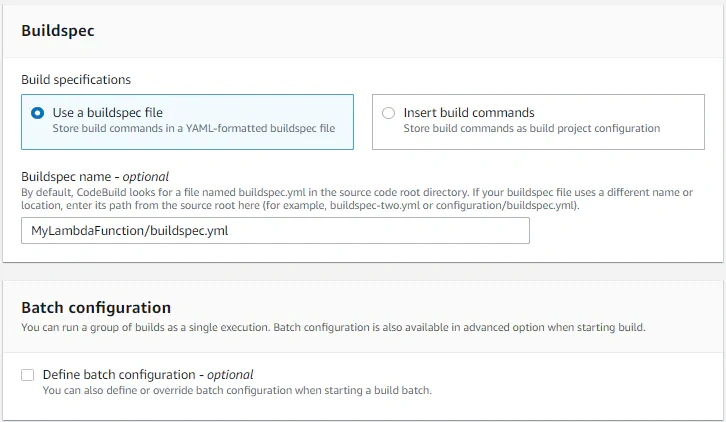
- Create an AWS CodeBuild pipeline
- Permissions required to deploy
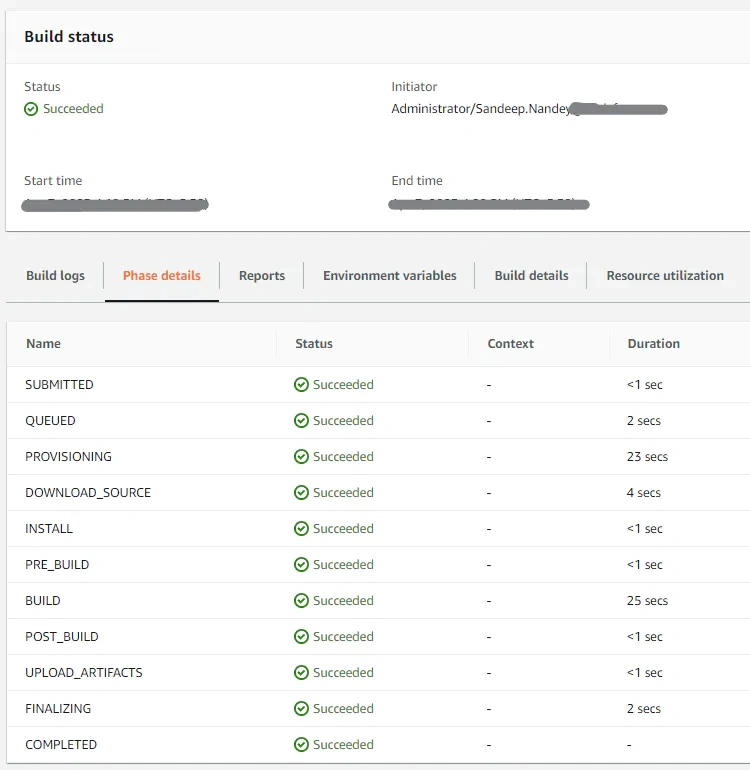
- Run CodeBuild pipeline and deploy our Lambda Function
Let's begin.
Step 1. Understand and update aws-lambda-tools-defaults.json of our .Net project
When we create a new .Net Core Lambda Function Project in Visual Studio, a file name `aws-lambda-tools-defaults.json` gets added to our project. You can set build options using the fields in this file, which the Lambda tooling reads by default.
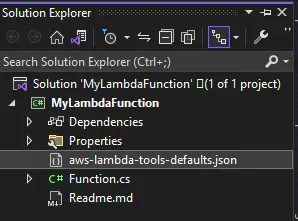
This is a configuration file to deploy our lambda function.
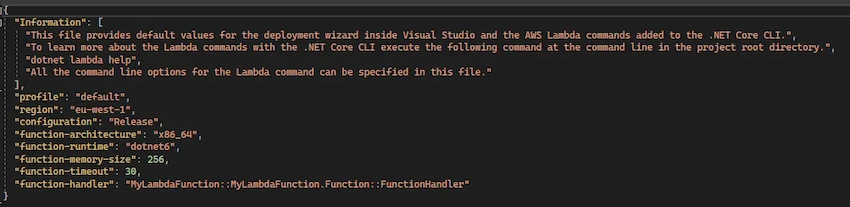
Let's update this file to add a few more configurations we will require for our deployment.
{
  "Information": ["All the command line options for the Lambda command can be specified in this file."],
  "profile": "default",
  "region": "eu-west-1",
  "configuration": "Release",
  "function-architecture": "x86_64",
  "function-runtime": "dotnet6",
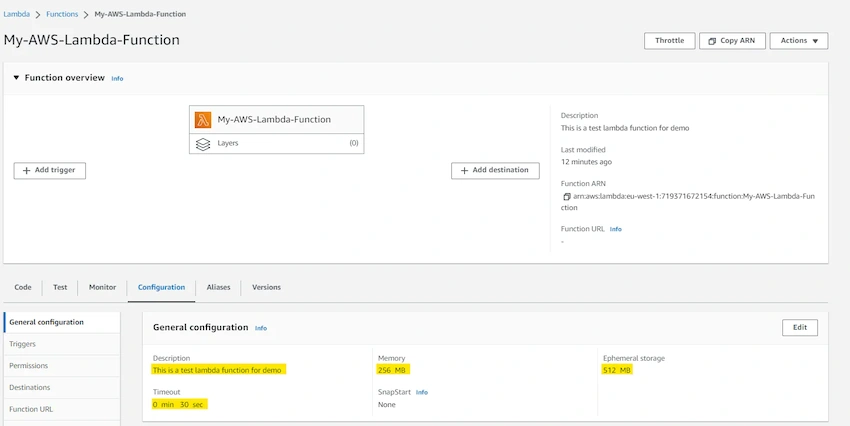
  "function-memory-size": 256,
  "function-timeout": 30,
  "function-handler": "MyLambdaFunction::MyLambdaFunction.Function::FunctionHandler",
  "function-description": "This is a test lambda function for demo",
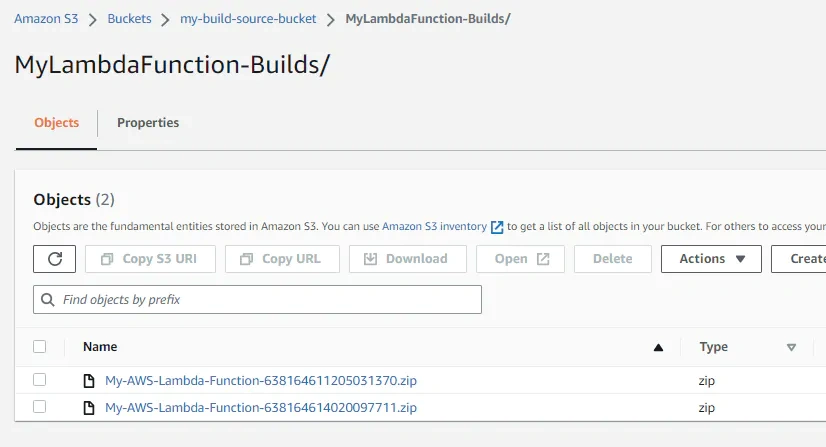
  "s3-bucket": "my-build-source-bucket",
  "s3-prefix": "MyLambdaFunction-Builds/"
}
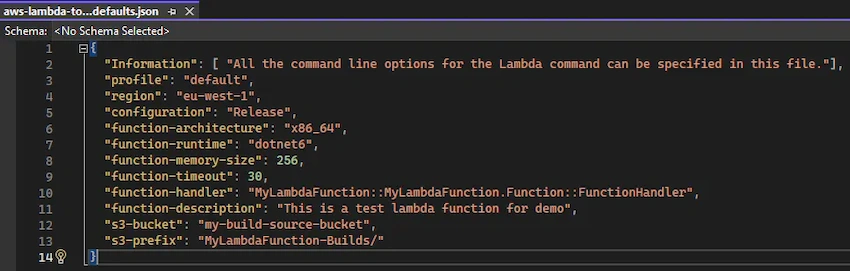
Note: We have added the below 3 configurations:
1. function-description: Description of our lambda function
2. s3-bucket: S3 bucket name to upload the build output
3. s3-prefix: Folder name inside the above mentioned bucket where build output will be uploaded
Step 2. Add a buildspec.yml file to our .Net project
- A buildspec (build specification) is a collection of build commands and related settings, in YAML format, that CodeBuild uses to run a build. If you include a buildspec as part of the source code, by default, the buildspec file must be named buildspec.yml and placed in the root of your source directory.
Right-click on project > Add new item > select a text file > rename to buildspec.yml
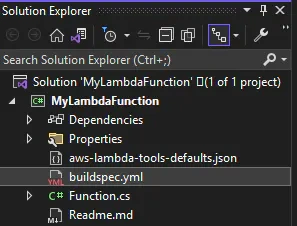
Add the below content to buildspec.yml file
version: 0.2
env:
  variables:
  # Set/Override value for below variables using Enviroment Variables of codebuild pipeline
    LAMBDA_FUNCTION_NAME: "My-AWS-Lambda-Function"
  # Variables specific to this file
    PROJECT_FILE_DIR_PATH: "MyLambdaFunction"
phases:
  install:
    runtime-versions:
      dotnet: 6.0
  build:
    commands:
      - echo Deployment started on `date`for function $LAMBDA_FUNCTION_NAME
      - export PATH="$PATH:/root/.dotnet/tools"
      - dotnet new --install Amazon.Lambda.Templates::*
      - dotnet tool install -g Amazon.Lambda.Tools
      # Change directory to Project(.csproj) file folder
      - cd $PROJECT_FILE_DIR_PATH
      # Build and deploy to lambda function
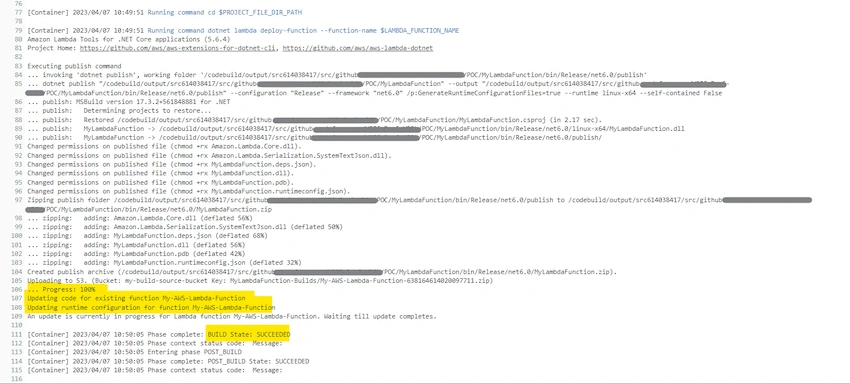
      - dotnet lambda deploy-function --function-name $LAMBDA_FUNCTION_NAME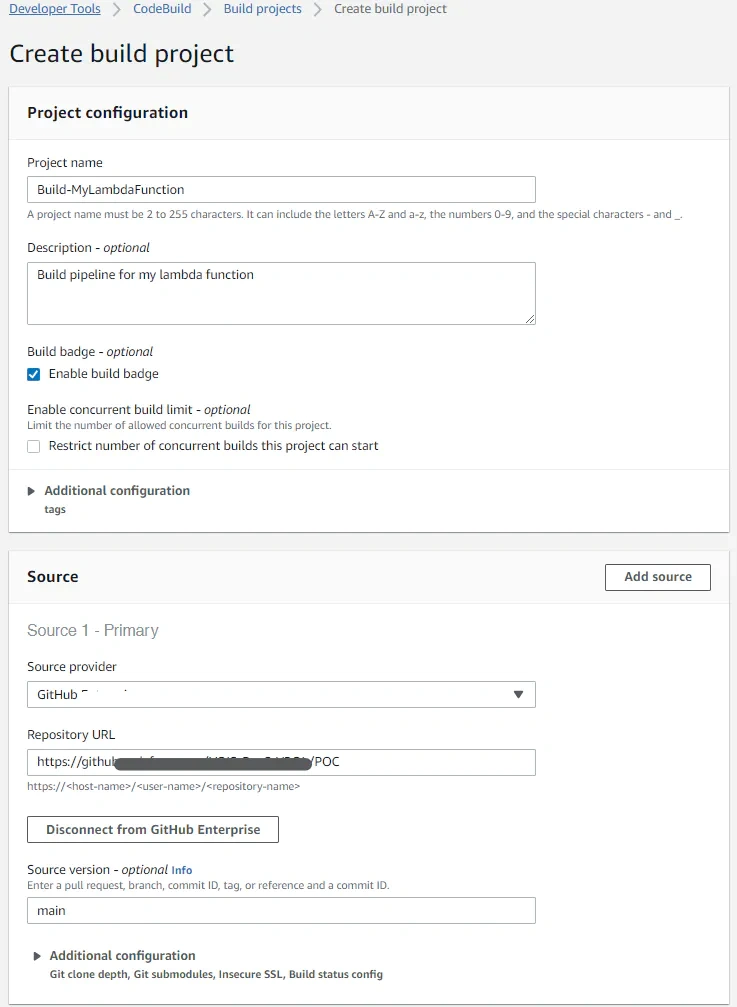

Join the conversation! Your thoughts help the community grow.