

This shows how to develop a desktop application using LINQ To SQL Class.
I am using Visual Studio 2010 and SQL Server 2005. So let's start.
1. First of all open your Visual Studio and go for a new project.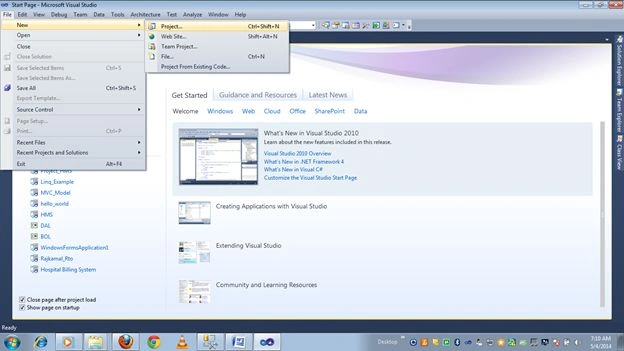
2. Then click on the Windows project.
3. Now right-click on the project and select add new item.
4. And select a LINQ To SQL class file and click on add.
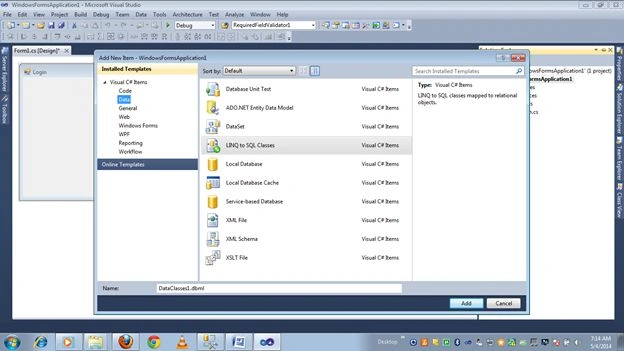
5. When you will click o the add button a dbml file will added to your project.
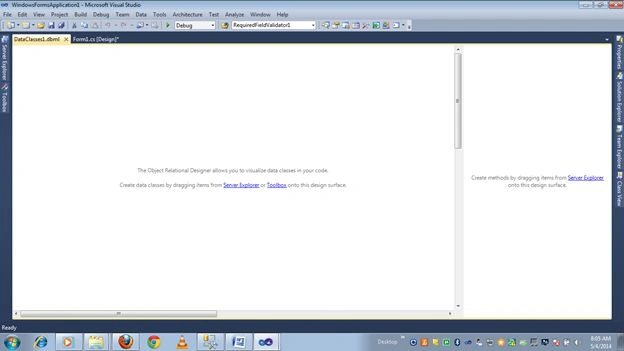
6. Now you need to drag and drop the table from the Server Explorer to the dbml file.
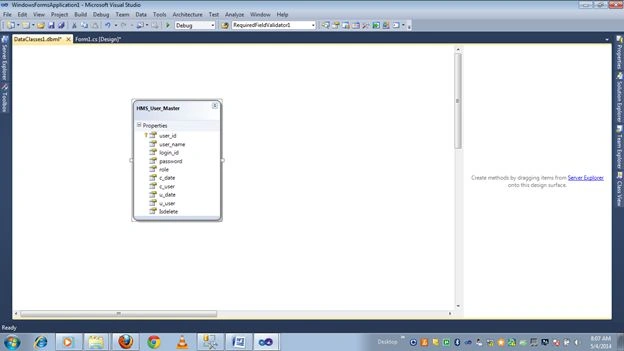
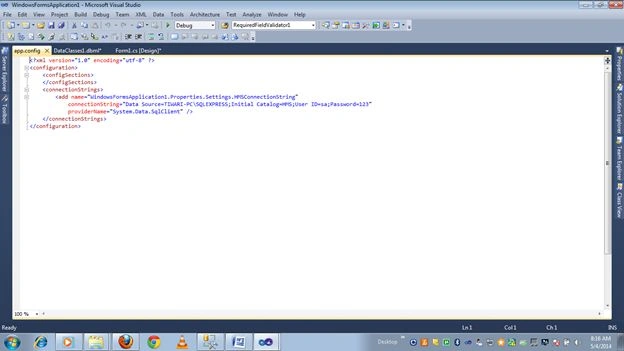
When you drag and drop the first table to the dbml file, connection string will be saved in the app.config file automatically.
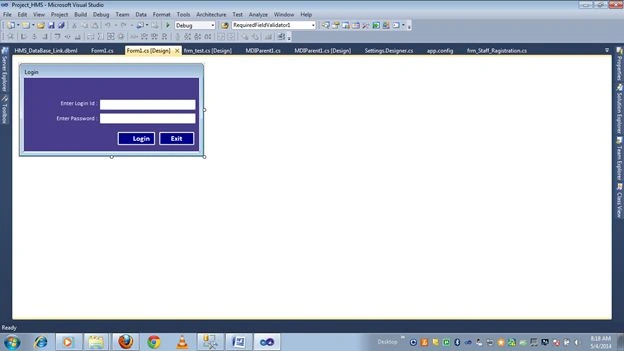
7. Now design the login form.
using System;
using System.Collections.Generic;
using System.ComponentModel;
using System.Data;
using System.Drawing;
using System.Linq;
using System.Text;
using System.Windows.Forms;
namespace Project_HMS
{
public partial class Form1 : Form
{
//Object of dbml file..
HMS_DataBase_LinkDataContext linq = new HMS_DataBase_LinkDataContext();
//Object of user table


Join the conversation! Your thoughts help the community grow.