

Introduction
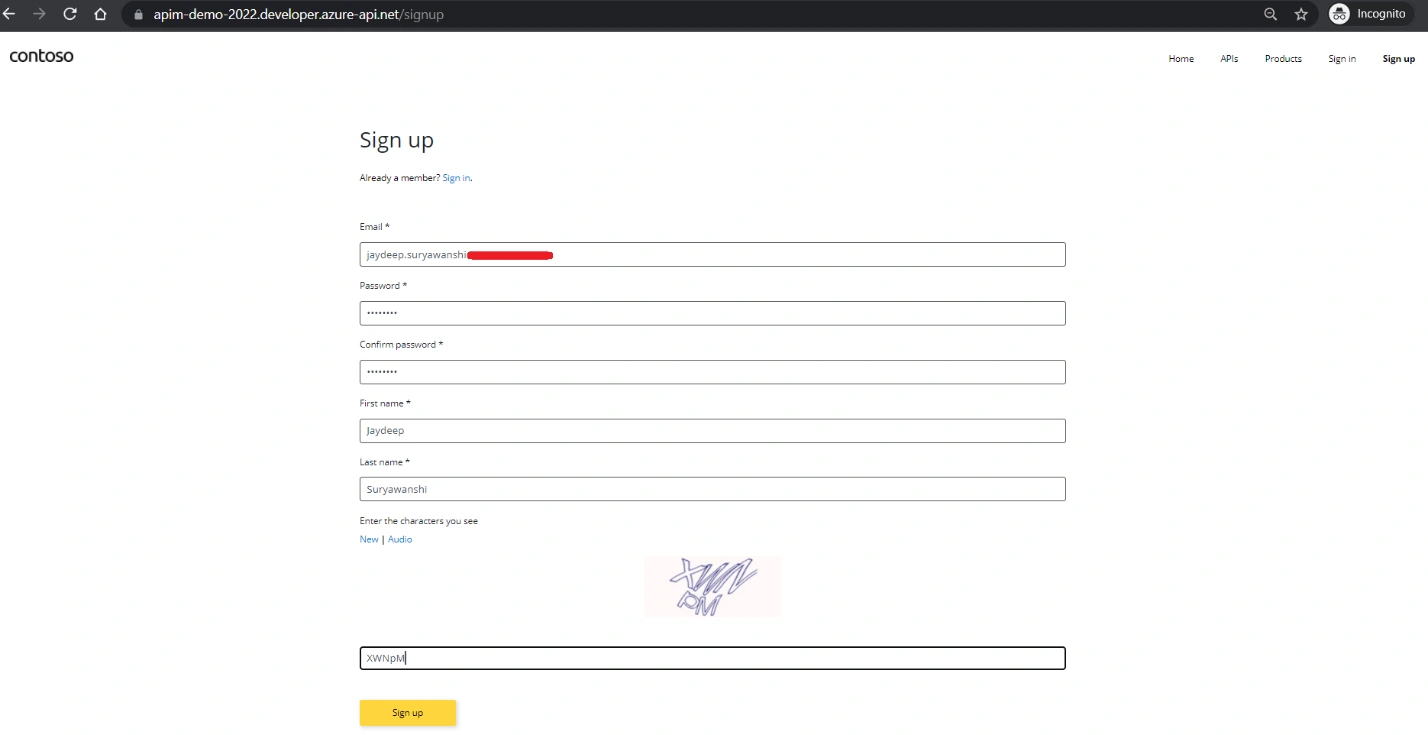
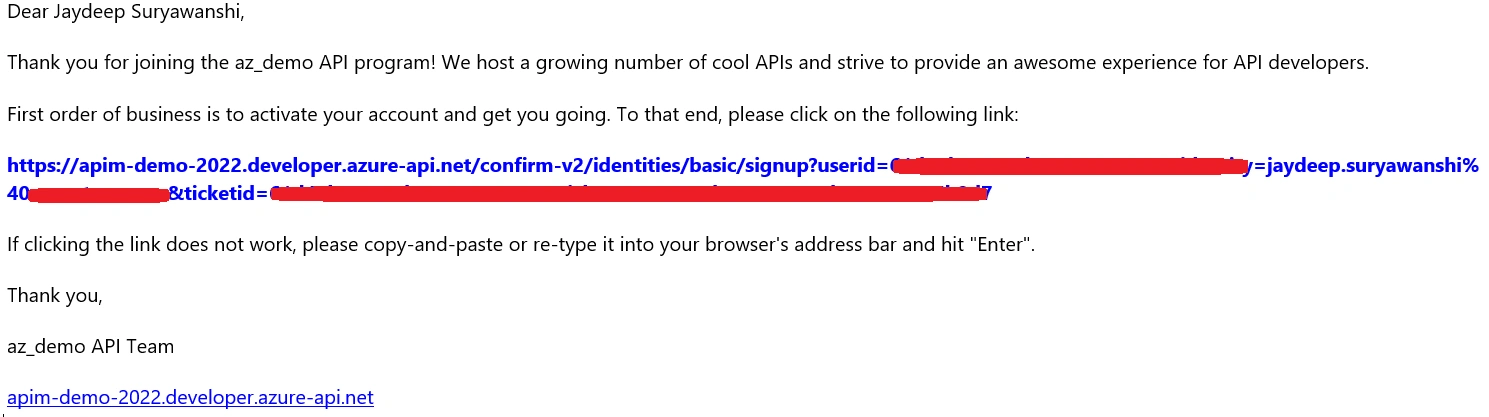
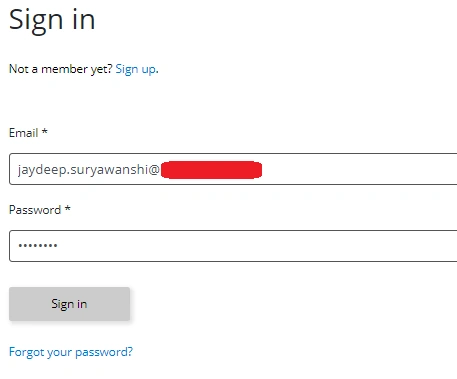
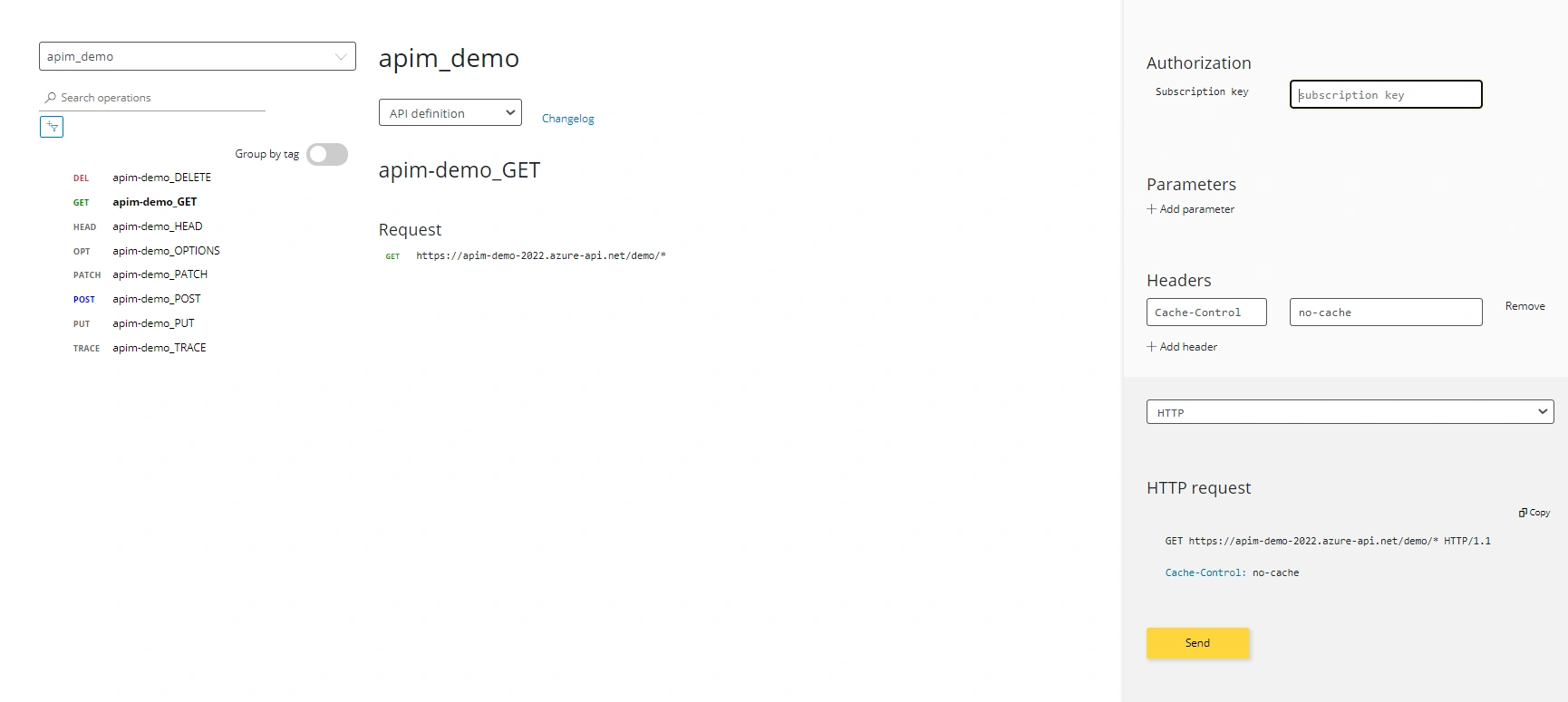
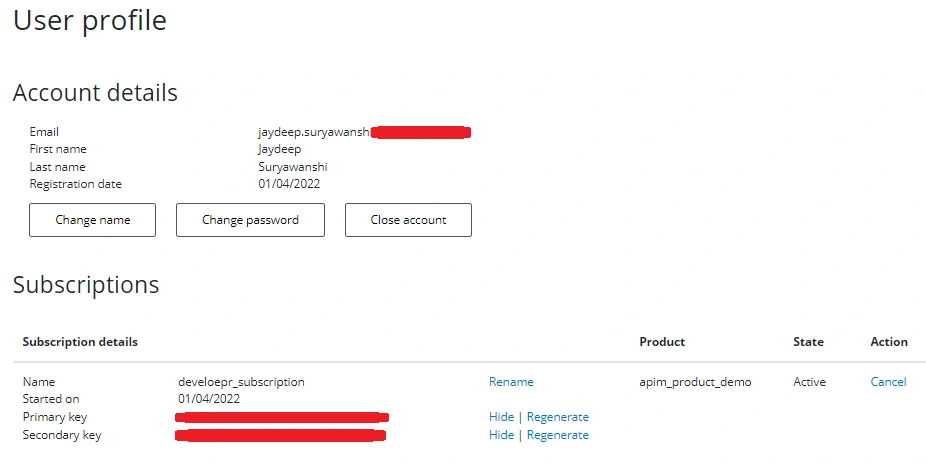
In APIM, Azure provides a set of facility which make better management of APIs project. API Management has 2 portals and 2 types of users. The Azure Portal is used for API Managers (think users who publish APIs, operations, manage policy, etc.). The Developer Portal is used by developers who are using (think customers) your API. To use an API, the user/customer can register with the Developer Portal and get a Subscription to a given API and the associated key. So, you have to authenticate them.
Product
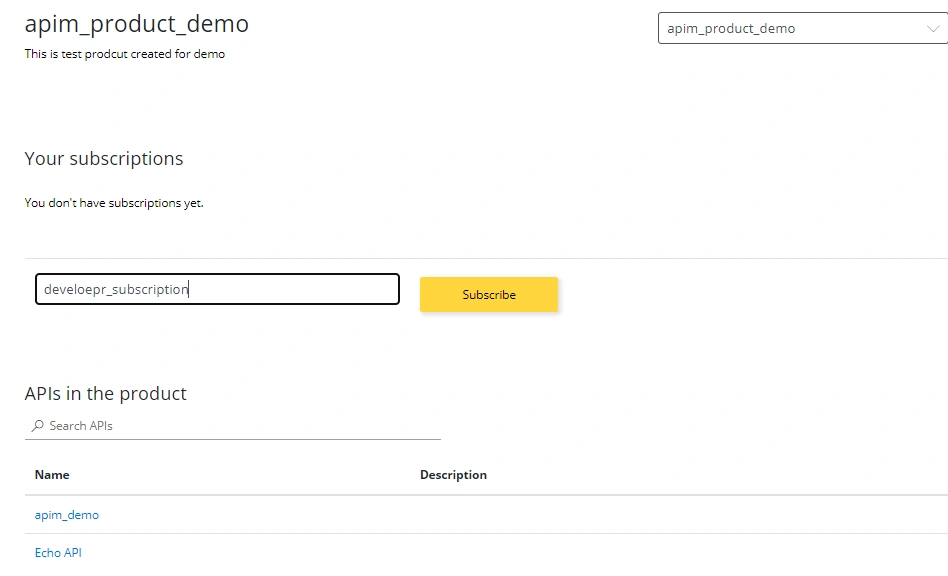
In Azure API Management, a product contains one or more APIs as well as a usage quota and the terms of use. Once a product is published, developers can subscribe to the product and begin to use the product's APIs.
Subscription
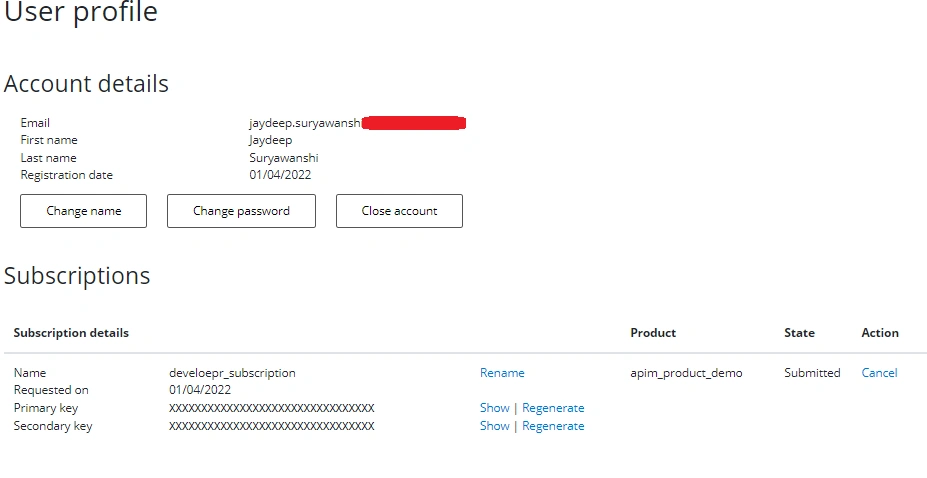
In Azure API Management, subscriptions are the most common way for API consumers to access APIs published through an API Management instance.
Developer Portal In APIM
Let’s do a quick hands-on
As a part of my previous article, we created APIM service with test APIs. We will be using same APIM service for this hands-on.
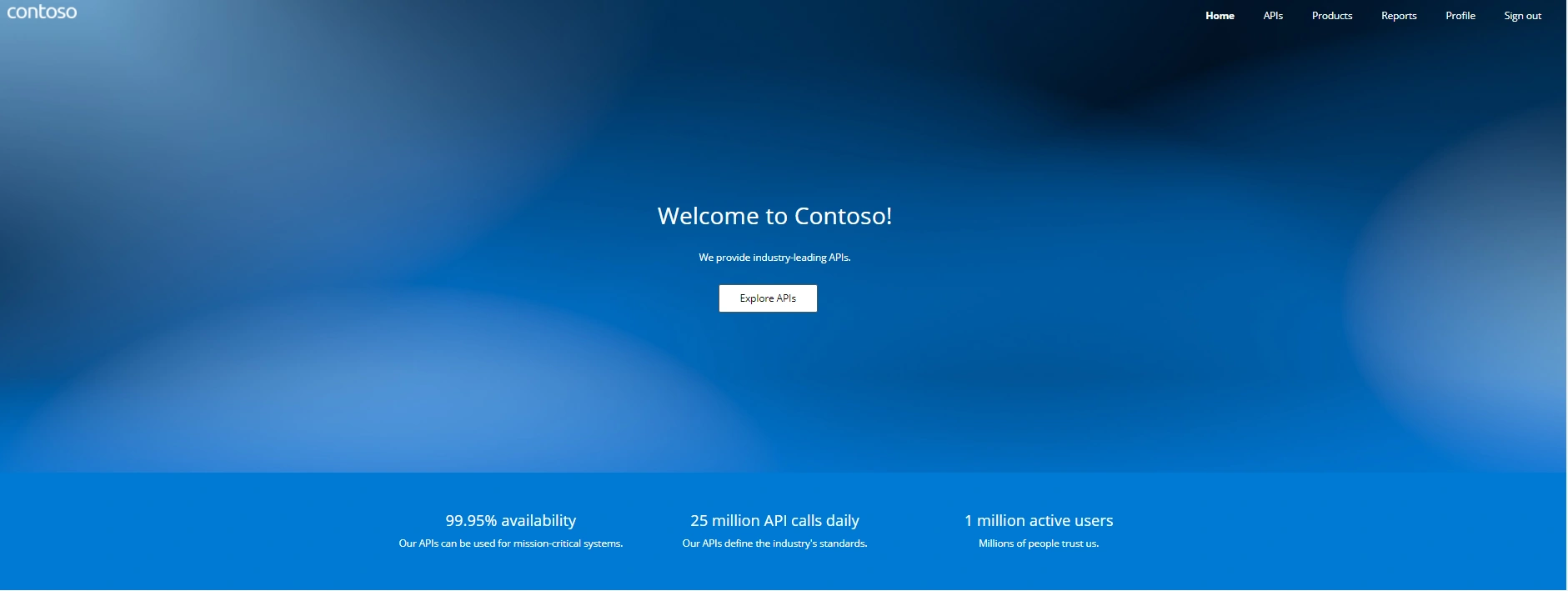
To start with developer portal, first we will need to publish developer portal.
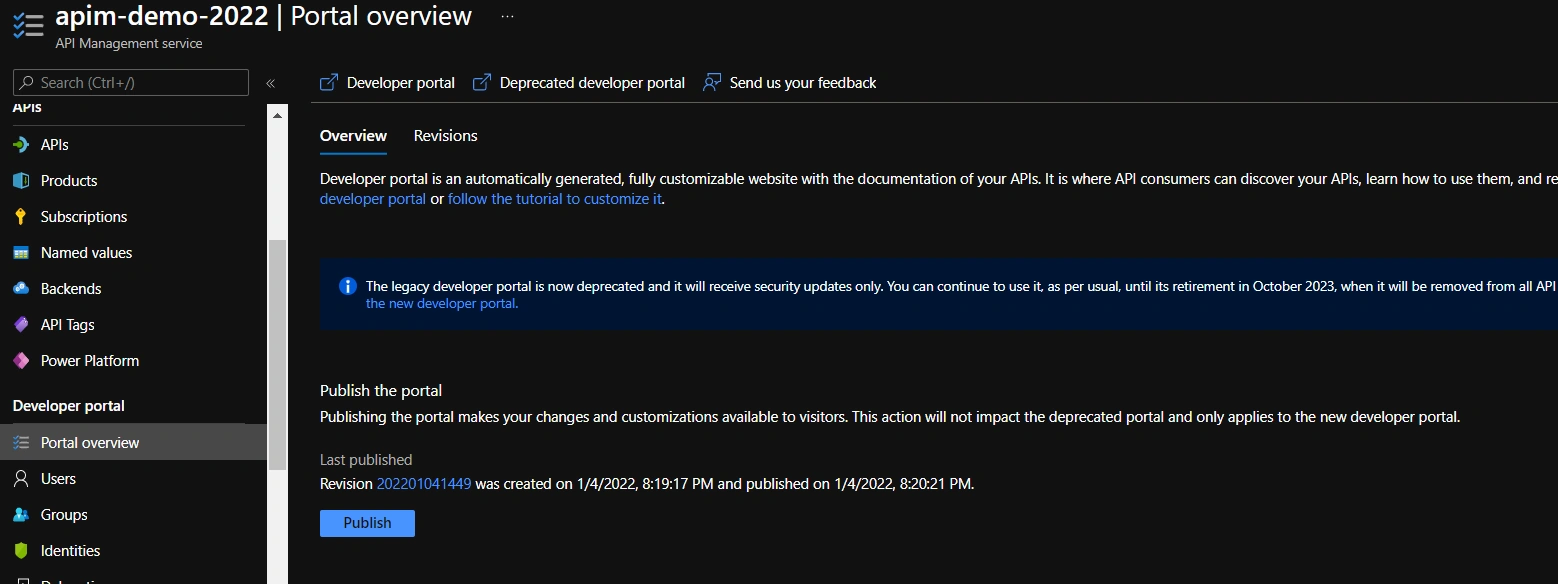
Here, I have already published a developer portal app.
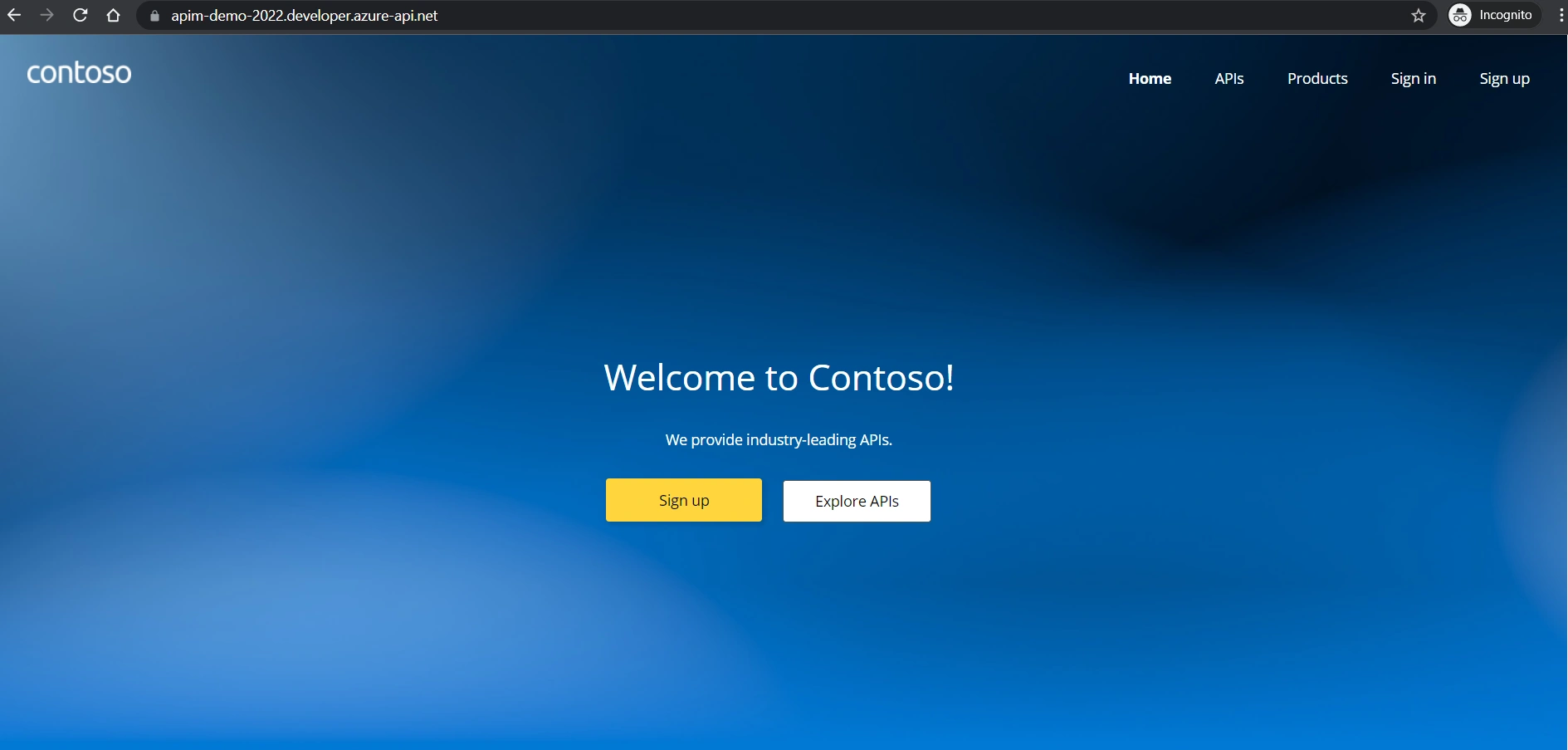
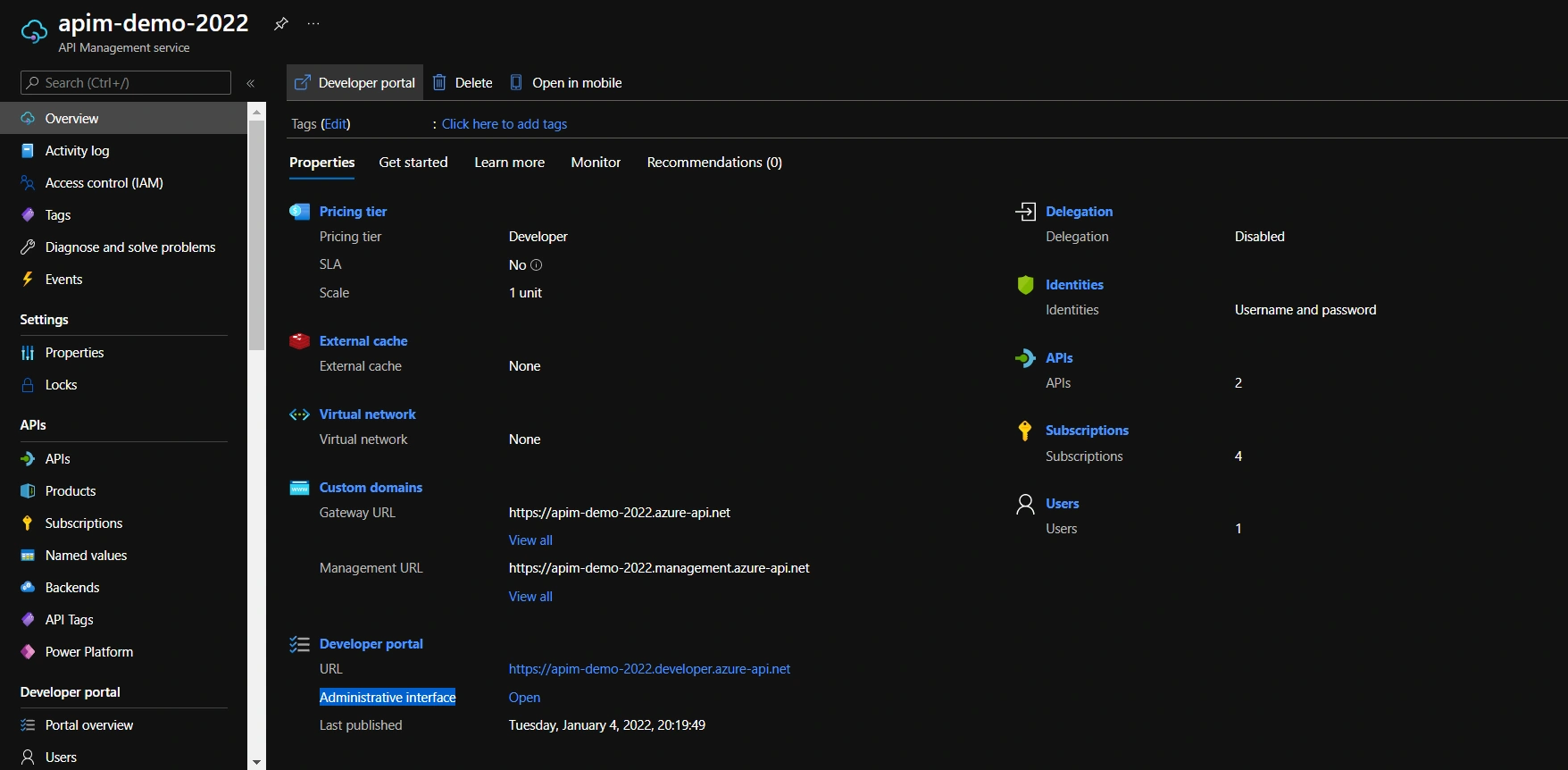
APIM provides provision to customize this portal through azure portal. We can open ‘Administrative interface’ through overview of APIM as below.
We have one product created ‘apim-product-demo’. In settings option, there are two checkboxes i.e., ‘Requires subscription’ & ‘Requires approval’, this means that to access this product, it requires subscription and approval for any new user.
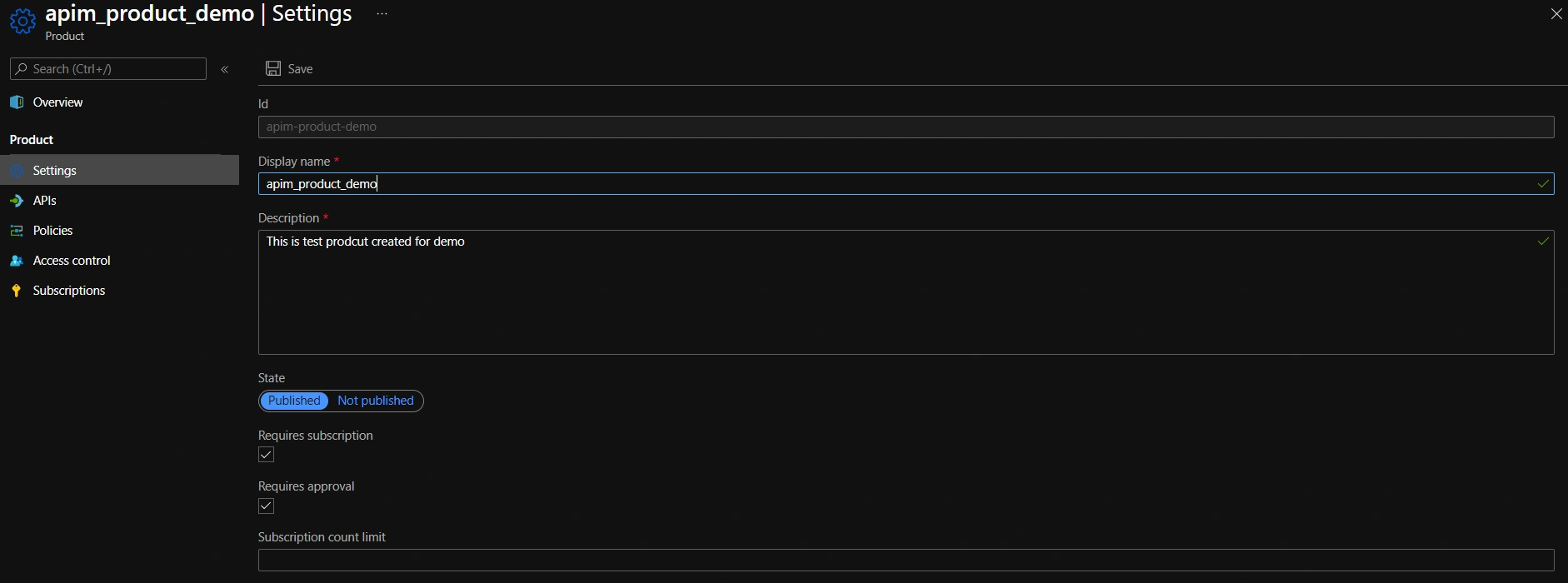
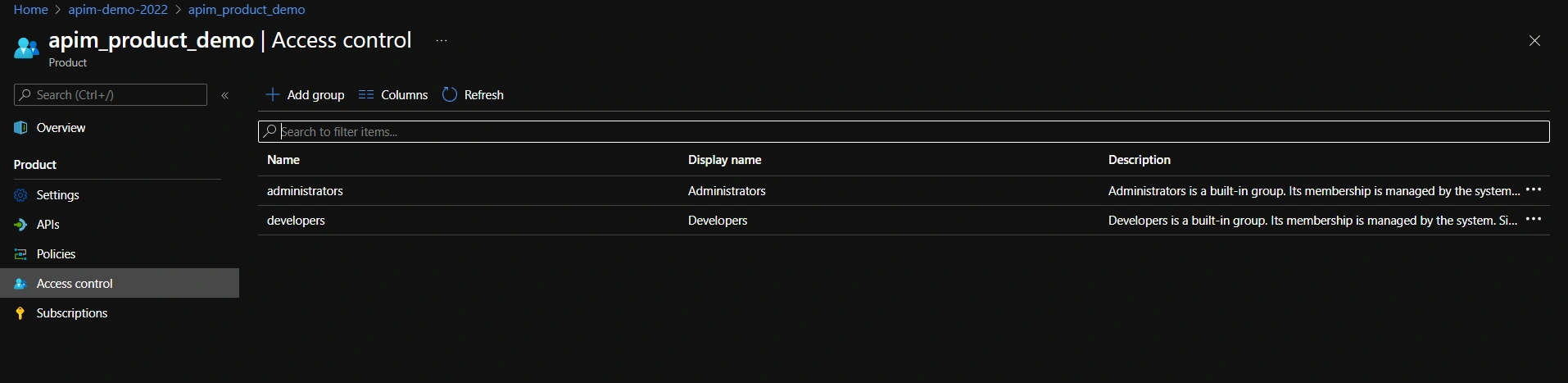
To make this Product visible to developer, we need to publish this product and also need to add ‘Developer’ role in the ‘Access Control’.


Chandrabhan BhardwajPosted May 5, 2023, 8:46 AM
Hi Jaydeep, I went through this article and I was helpful but I am facing issue with azure developer portal, the issue is when user logged in into the developer portal with its credentials Sign in and sign out button buttons are visible, but technically Sign out button should be visible when user logged in into the developer portal and sign in button should be hidden, please guide me how I can resolve it. thank you in advance.