

Introduction:
In this article we are going to see how to develop an application using Windows Azure tools and host the application in the cloud. There are many blogs showing a basic idea of the steps to create an application and host it online in the Azure portal. I am giving my steps of how to do it my way of putting things together.Overview:
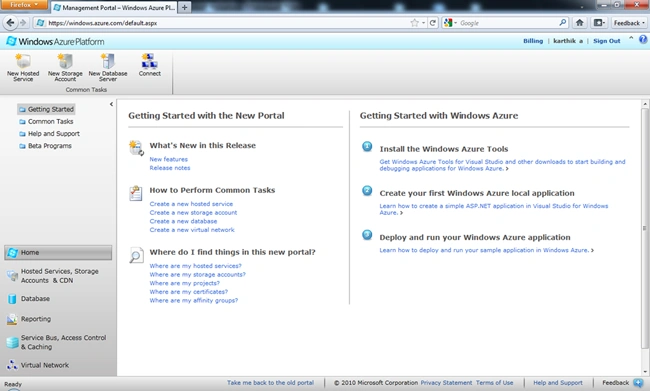
Before we start developing the Azure application we need to check some pre-requisites in order to develop the application. We need to have an Azure pass for the management portal; we can request the pass using the following link:http://windowsazurepass.com/
Once we get access to the Management portal we need to download the SDK for Azure using the following link:
http://www.microsoft.com/windowsazure/sdk/
Once we have downloaded and installed the required SDK and have access to the management portal we are set to start with our development of the first Azure sample.
Steps:
Now open Visual Studio 2010 in administrator mode (right click and select Run as Administrator) to open the IDE. Once the IDE is opened now navigate to File -> New Project -> and select the Cloud tab in the left side menu. You can see the Windows Azure project template as shown in the following screen: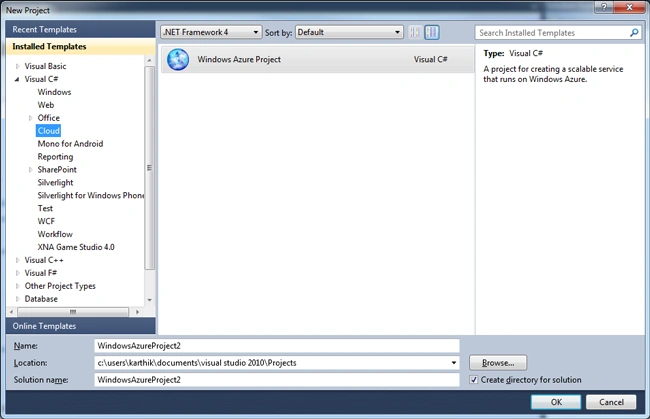
Now give the application name and select the desired location and click ok. It will open a windows as shown in the following screen:
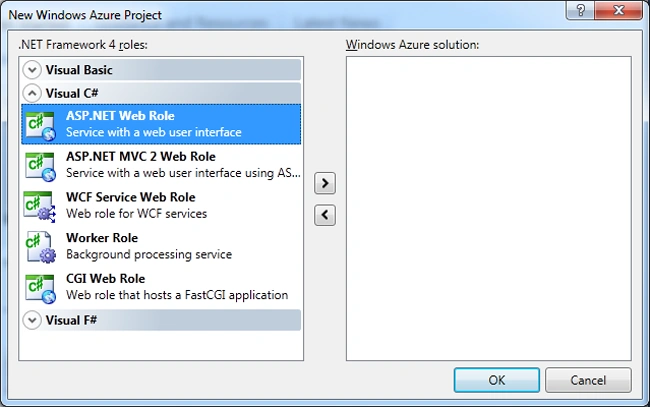
Here we can see some various roles provided by the Azure templates. These are the roles available and used as needed. The most frequently used are as follows:
- Web Role - Basically a web application like an ASP.NET application.
- Worker Role -Similar in behavior to a traditional Windows service application, that it runs behind the scenes.
- VM Role - To get some configuration and maintenance related stuff from the OS in the cloud.
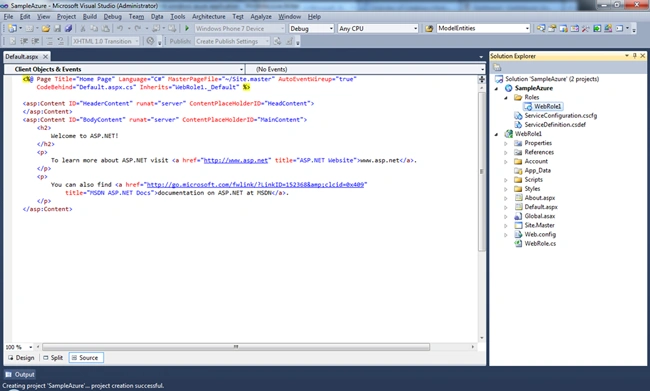
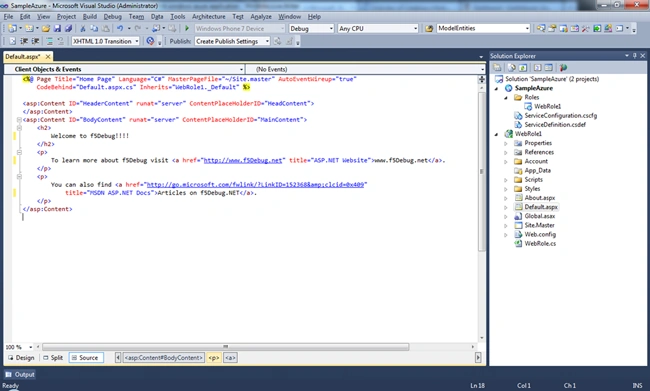

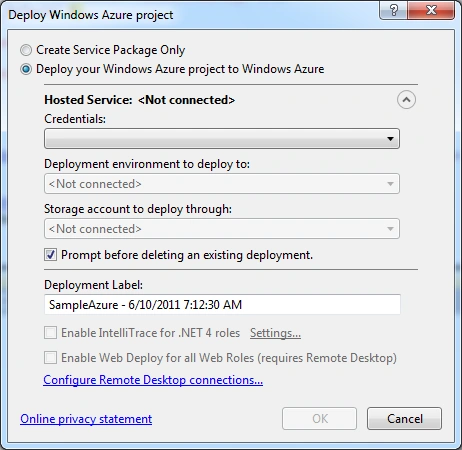
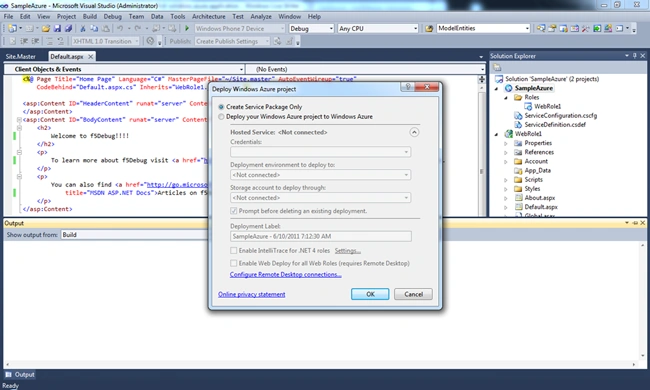
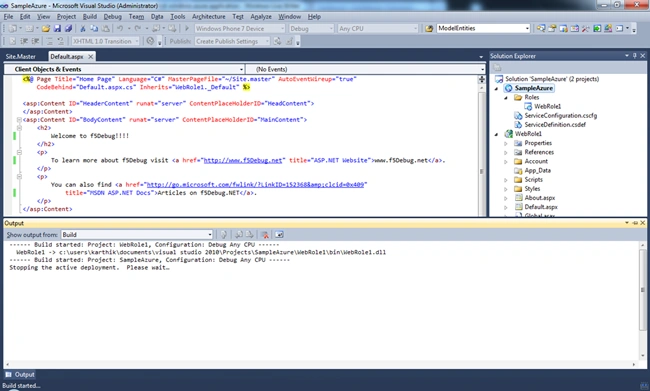
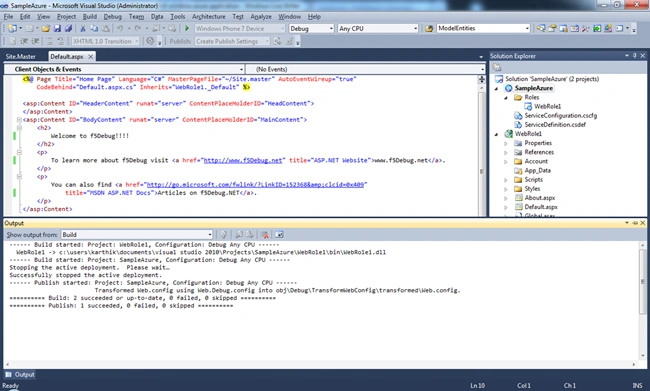

Karthikeyan AnbarasanPosted Jun 10, 2011, 8:51 PM
Thanks Dinesh, Shirsendu and Marcus...
MarcusPosted Jun 10, 2011, 5:51 AM
Step by step explain....thanks
Shirsendu NandiPosted Jun 10, 2011, 2:46 AM
yes very good article
Dinesh BeniwalPosted Jun 10, 2011, 2:36 AM
Good start on windows Azure.