

Introduction
In this article, I'll let you know how to use DHT11 Sensor with the Arduino Uno to find humidity and temperature
Requirements
- Arduino Uno
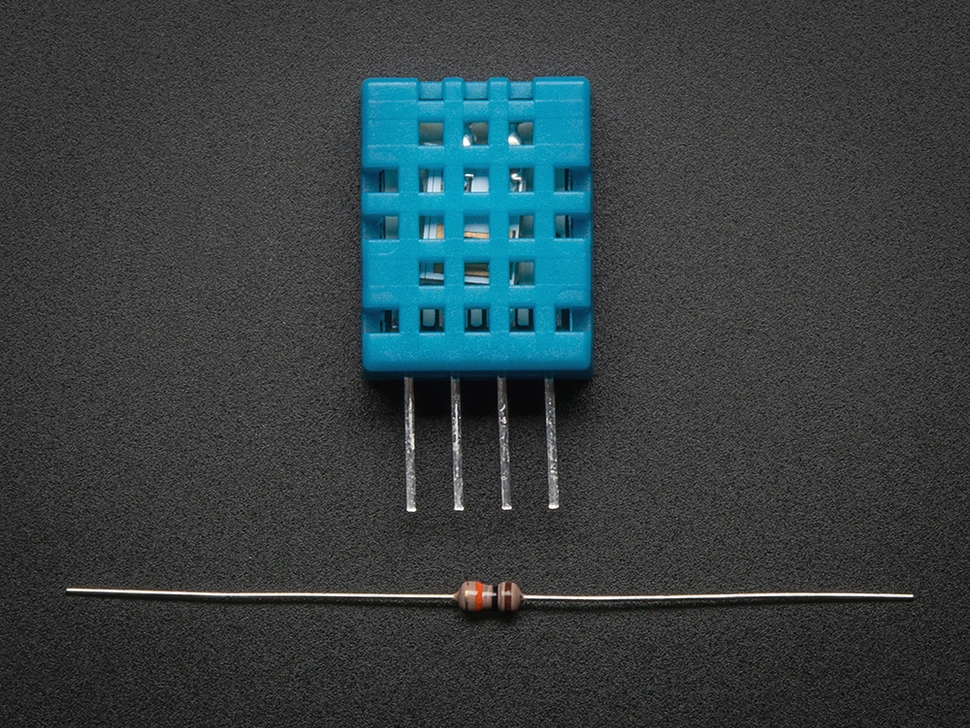
- DHT11 Sensor
- Bread Board
- Led
- Jumper Wires
Connection
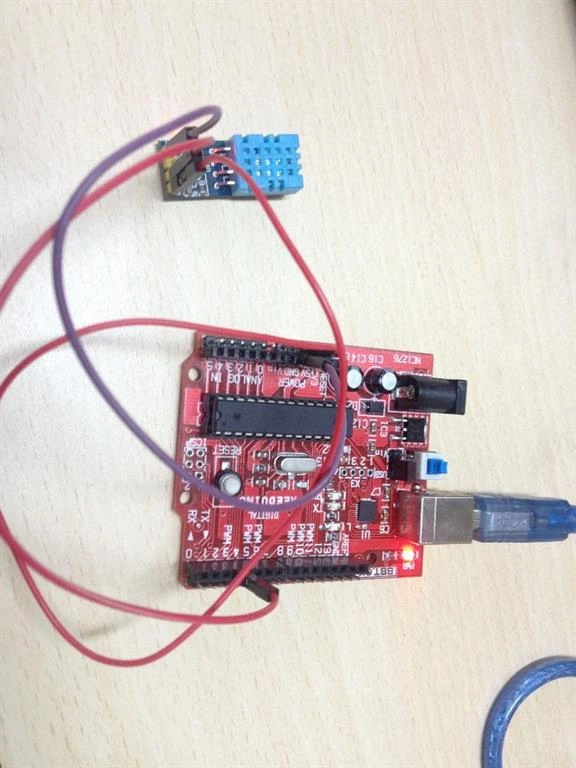
- Vcc to Arduino 5v
- Data Out to Arduino Digital Pin 7
- Gnd to Arduino Gnd
Led
- Anode pin to the Arduino digital pin 13
- Cathode pin to the Arduino Gnd
Programming
- #include<dht.h>
- dht DHT;
- #define DHT11_PIN 7
- int led=13;
- int temperature;
- void setup()
- {
- Serial.begin(9600);
- pinMode(led,OUTPUT);
- Serial.println("TESTER PROGRAM HUMIDITY SENSOR");
- }
- void loop()
- {
- int chk=DHT.read7(DHT11_PIN);
- Serial.println("Humidity");
- Serial.println(DHT.humidity,1);
- Serial.println("Temperature");
- if(temperature>20)
- {
- digitalWrite(led,HIGH);
- }
- else{
- digitalWrite(led,LOW);
- }
- Serial.println(DHT.temperature,1);
- delay(1000);
- }
Explanation
- Include the library first before you code set DHT11 sensor PIN as 7 and led as 13.
- In the setup, function set the pinMode led as OUTPUT and set the baud rate like 9600.
- In the loop function, we want to give the condition for DHT11 sensor DHT. Read the sensor value from the Arduino board.
- And print the value in the serial monitor for humidity and temperature.
- The led is HIGH if the temperature is greater than 20, else the led is LOW.
Output
Read more articles on Arduino:
Sonu ChaudharyPosted Feb 25, 2016, 6:16 AM
good artical
Sibeesh VenuPosted Feb 25, 2016, 12:45 AM
Nice Share
Sr KarthigaPosted Feb 24, 2016, 7:51 PM
Nice share
Mohammed IbrahimPosted Feb 24, 2016, 3:58 PM
nice
Shubham KumarPosted Feb 24, 2016, 7:32 AM
nice one
Raja TPosted Feb 24, 2016, 6:12 AM
Good, Thanks for sharing