

Introduction
In Windows 8 there is no Start Menu on the desktop as in Windows 7. Microsoft has removed the Start Menu from Windows 8. But some users do want to display a Start Menu on the desktop screen like in Windows 7.
In Windows 8 you can show all Start Menu programs by creating a new toolbar in the taskbar when clicked. But you want to display a Start Menu like in Windows 7. To do that you have to use the ViStart Menu program. You need to download the ViStart Menu program that gets the functionality of a Start Menu on the Windows 8 desktop screen like in Windows 7.
You can download ViStart Menu program from this link:
Step to make Start Menu using ViStart program
Step 1
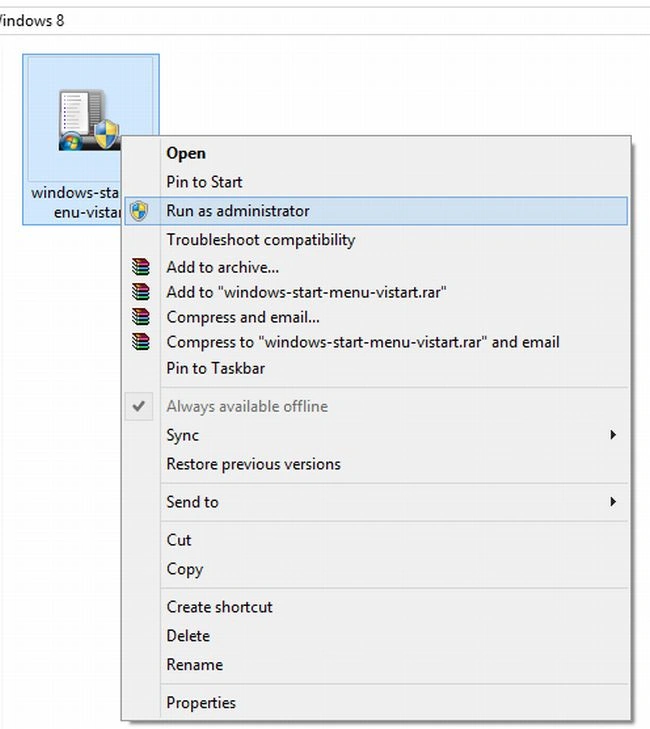
Download the Vistart menu software and Run this program as Administrator to install, as in.
Step 2
Follow the instructions that appear during installation.
Step 3
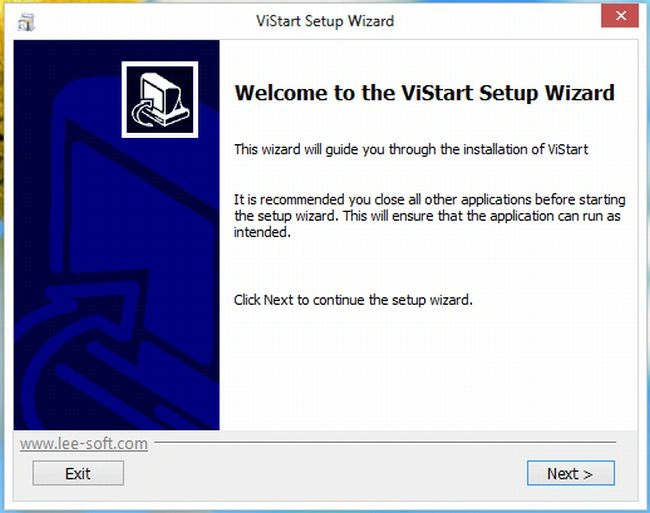
In the ViStart Setup Wizard click on "Next", as in:
Step 4
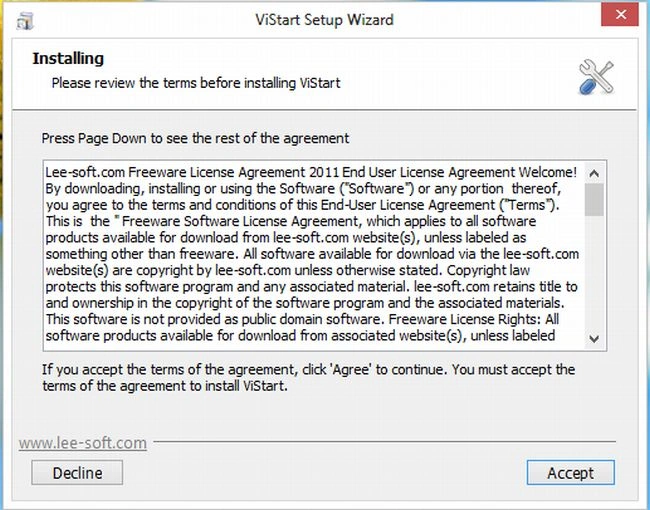
In this Step Click on "Accept".
Step 5
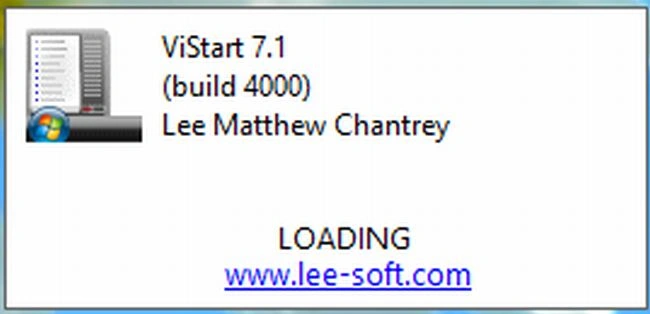
Then a window saying "Loading" will appear; wait a few seconds.
Step 6
A Start Menu will be displayed on the desktop.

Summary
In this article, we learned about Display Start Menu in Windows 8.
Join the conversation! Your thoughts help the community grow.