Introduction
I am waiting with my hands thrown up over the keyboard for shortcuts when working with a Command Prompt with the introduction of Windows 10.
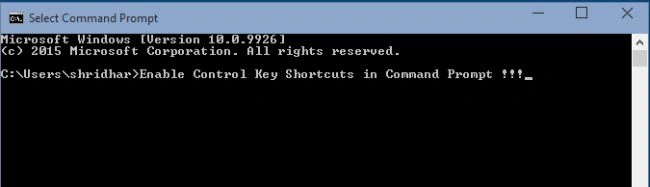
Now in Windows 10, we can play with keyboard shortcuts (like Ctrl + C and Ctrl + V) in a Command Prompt. It was one of the new features in Windows 10's announcement press conference.
To enable the keyboard shortcuts manually you need to wait a few seconds for it to be done.
Step 1
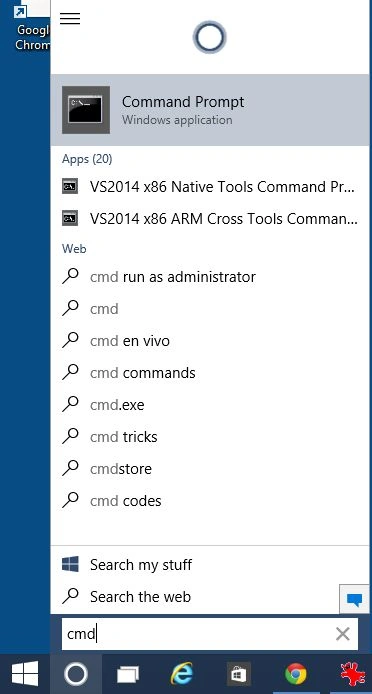
Open Command Prompt.
Step 2
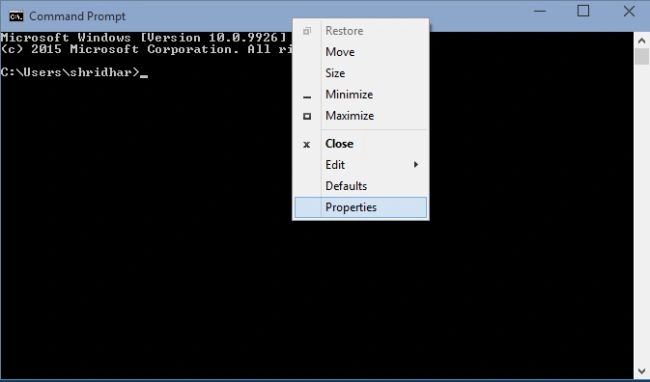
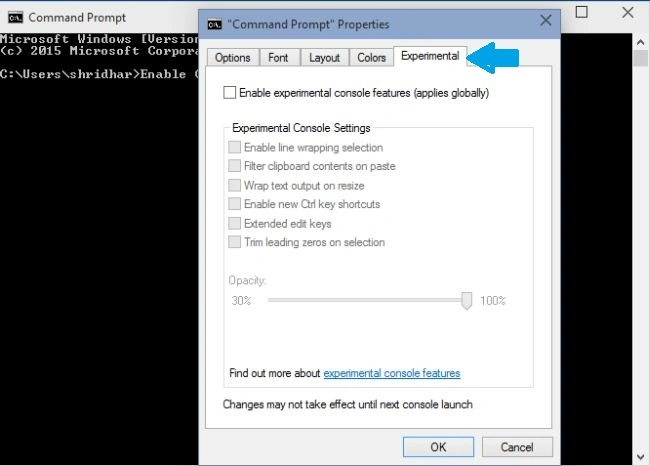
Right-click on the title bar of the Command Prompt Window and Click Properties.
Step 3
Move your cursor to the Experimental tab and open that tab, you will find experimental console features, you will have various shortcut key options under Experimental Control Settings.
Step 4
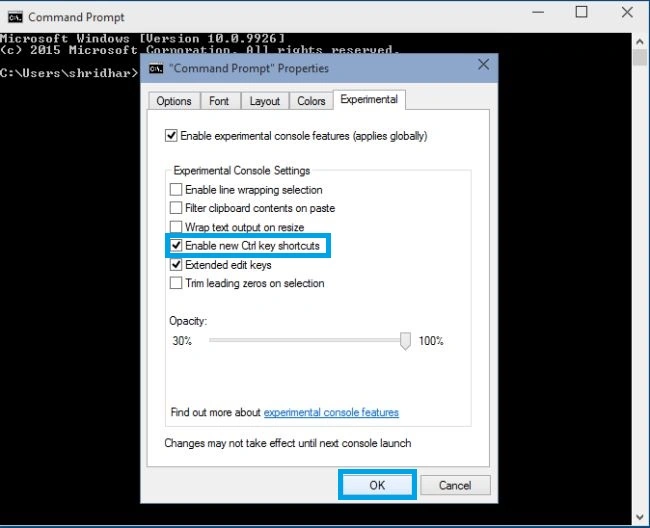
Check Enabled experimental console features (applies globally) and then ensure that Enable new Ctrl keys shortcuts is checked. Click Ok.
Let's look at an example.
select some text in the Command Prompt that you want to copy and then press Ctrl + C (shortcut for a copy).
Paste it using the shortcut Ctrl + V.
After waiting decades and a few seconds, you finally have shortcuts enabled in the Command Prompt windows. It may be by the default in Windows 10, if not then what you can do is just follow this simple procedure to do it.
I hope you enjoyed.
Summary
In this article, we learned about Enable Control Key Shortcuts in Command Prompt: Windows 10.


Shridhar SharmaPosted Feb 26, 2015, 11:12 PM
thank you Vithal Wadje sir .
Vithal WadjePosted Feb 26, 2015, 11:26 AM
good work ,keep it up
Nimit JoshiPosted Feb 26, 2015, 12:23 AM
I like this new feature...
Shridhar SharmaPosted Feb 25, 2015, 11:58 PM
Yeah Sam Hobbs Sir and Rahul Saxena sir :)
Rahul Kumar SaxenaPosted Feb 25, 2015, 11:37 PM
Enjoy W10...
Sam HobbsPosted Feb 25, 2015, 11:12 PM
Finally there is something worth getting a new version of Windows for. Yes, they should have done it 20 years ago.